



PCIe 5.0 vs PCIe 4.0 for Video editing in 4k in SA
PCIe 5.0 vs PCIe 4.0 for video editing in 4k is mainly about fit, features, compatibility, cost, and upgrade path, not one automatic winner. SA buyers should match the choice to the setup.
Read moreIs motherboards worth the money in 2026? Honest verdict on real performance gains, where it makes sense, and when a cheaper alternative delivers the same outcome.
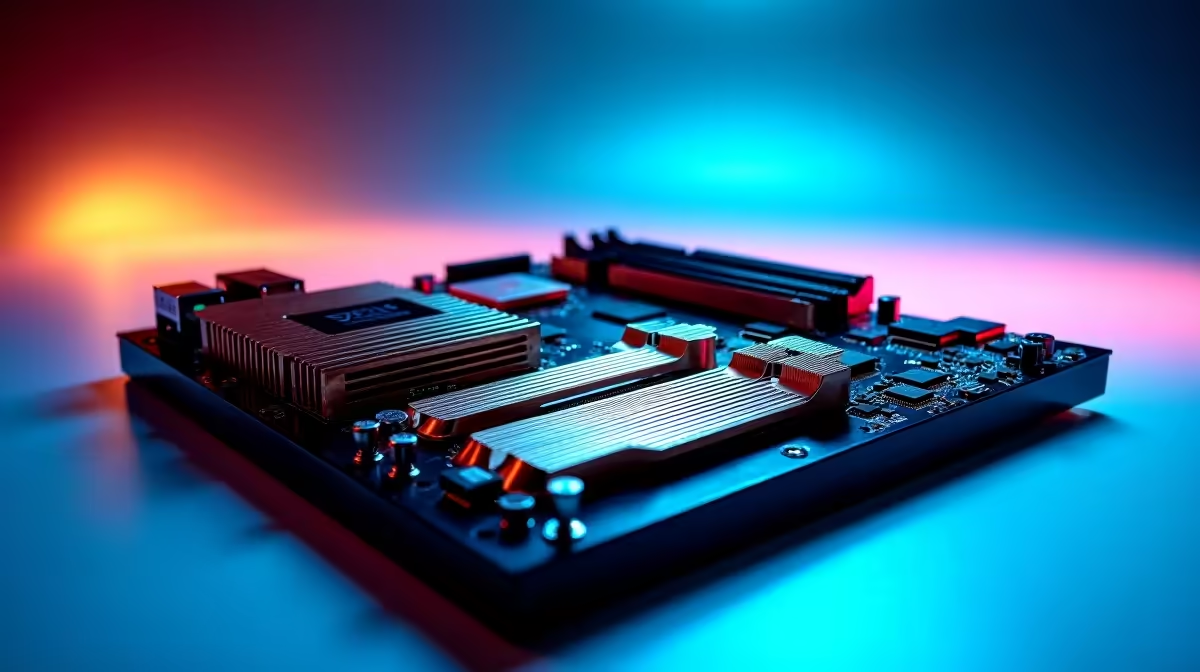
Pushing your rig to the absolute limit is a thrill. When chasing frames in competitive lobbies, your hardware needs rock-solid stability. You have probably seen the jargon: 14+1+2+1 power stages. Is a 14+1+2+1 power stage design worth it for overclocking on modern Intel motherboards, or just expensive marketing? Let us break down what this means for your ZAR.
When you browse top-tier motherboards, those numbers represent the Voltage Regulator Module. We usually just call it the VRM. Think of the VRM as a highly trained bouncer for your motherboard. It takes raw 12V power from your power supply. Then, it carefully filters it down to the exact, tiny voltage your CPU needs.
The large "14" handles the main processor cores. The smaller numbers manage integrated graphics, memory controllers, and vital PCIe lanes. Spreading the load across more stages means less heat per component. It also means significantly cleaner, more reliable power delivery under heavy load.
Recent chips are absolute beasts when it comes to power draw. They devour massive amounts of watts to hit those advertised boost clocks. If you want to push a high-end CPU beyond its factory limits, a weak VRM will overheat very quickly. This causes severe thermal throttling... completely ruining your frame rates mid-game.
Upgrading to premium ASUS Intel motherboards with a 14+1+2+1 layout solves this thermal issue. It ensures your CPU gets a steady, ice-cool supply of electricity. It is the ultimate foundation of a stable, long-term overclock that will not degrade your silicon over time.
Overclocking is not just about pushing the main processor. You want your RAM running at blistering speeds too. The secondary power stages in a 14+1+2+1 design specifically stabilise the system agent and memory controller.
Pairing a robust board with blazing fast memory kits means you can tweak XMP profiles with total confidence. You get noticeably tighter timings for better latency. You also get zero blue screens during your crucial late-night gaming sessions. Clean power completely eliminates the random system crashes that frustrate so many amateur PC builders.
Always ensure your PC case has excellent airflow over the VRM heatsinks. Even a massive 14-stage VRM needs fresh, cool air to dissipate heat effectively during heavy overclocking sessions.
If you only play casual games at stock settings, a massive VRM might be slight overkill. You might even prefer exploring ASUS AMD motherboards for a completely different upgrade path and architecture.
However... if you are spending serious ZAR on an unlocked Intel "K" series processor, skimping on the board is a massive mistake. A robust 14+1+2+1 power stage design is absolutely worth it for overclocking on modern Intel motherboards. It actively protects your expensive hardware from voltage spikes. It also unlocks every single drop of potential performance.
If building from scratch sounds too stressful, you can always grab one of our best gaming PC deals. These pre-configured systems already feature perfectly matched, high-end components to save you the hassle.
Ready to Push Your Hardware to the Limit? A stable overclock starts with an exceptional foundation. Do not let weak power delivery bottleneck your hard-earned frames. Explore our massive range of premium motherboards and build the ultimate gaming rig today.
The motherboards, tools and accessories referenced in this article are stocked at Evetech.co.za with local SA warranty, ZAR pricing and nationwide delivery.
For specific use cases, yes. The article defines exactly who benefits and who gets equivalent real-world performance from a cheaper alternative.
The guide lists the three buyer profiles that see real value, plus the buyers who'd be overspending for features they won't use.
We name the specific mid-range picks in the SA market that deliver 90% of the performance for a much smaller Rand spend.
Platform longevity, upgrade path and driver/BIOS support are all covered so you know how long this purchase will stay current.
PCIe 5.0 vs PCIe 4.0 for video editing in 4k is mainly about fit, features, compatibility, cost, and upgrade path, not one automatic winner. SA buyers should match the choice to the setup.
Read more
Wi-Fi 7 vs Wi-Fi 6e for competitive esports comes down to router support, latency goals, device compatibility, and coverage. SA buyers should match the choice to the real network setup.
Read more
ATX 3.1 vs ATX 3.0 for mMO and live-service games buyers - what changes is mostly about compatibility, budget, upgrade path, and setup fit. SA buyers should check device support and real needs before expecting a clear win from either option.
Read more
LGA 1851 vs LGA 1700 can affect Twitch and YouTube streaming when gaming and encoding share CPU resources. For SA creators, the real-world difference depends on encoder choice, memory support, motherboard cost, thermals, and upgrade plans.
Read more
X870E vs X670E for aaa single-player gaming is mainly about fit, features, compatibility, cost, and upgrade path, not one automatic winner. SA buyers should match the choice to the setup.
Read more
Hall Effect switches vs Mechanical switches for mMO and live-service games is mostly about compatibility, budget, upgrade path, and setup fit. SA buyers should check device support and real needs before expecting a clear win from either option.
Read more
A fake 113GB GTA VI ISO reportedly used empty padding around a small malware payload. SA gamers should delete unofficial builds, keep Windows security active and wait for official channels.

Wi-Fi 6E vs Wi-Fi 6 matters for 4K video editing when files move across a network. The real-world difference between Wi-Fi 6E and Wi-Fi 6 for video editing in 4K depends on NAS access, cloud uploads, router range, and SA creator workflows.

The difference between PCIe 5.0 and PCIe 4.0 for SA gamers is mostly bandwidth headroom. Compare GPU slot needs, NVMe speed, motherboard support, and upgrade timing before paying extra for a newer platform.

Gaming PC stuck pixel checks in South Africa should confirm the monitor fault first. Use colour tests, screenshot comparison, cable swaps, display menu checks, and clear photos before deciding on support.

Shokz OpenFit Air 2 earbuds weigh 7.2g each and use a redesigned dual-driver open-ear layout. SA buyers should choose them for comfort and awareness, not maximum isolation.

AMD's current driver now lists a Radeon RX 9050 4GB, while product coverage details a narrowed memory system. SA buyers should weigh the low VRAM ceiling against current local Radeon options.

Samsung Display has demonstrated a 16-inch 2.5K OLED laptop panel running at 300Hz. SA buyers should wait for a named notebook, full panel specifications and a local price before planning an upgrade.

Microsoft says some Windows 11 game crashes after recent updates are linked to RGB-related drivers. Affected SA gamers should confirm the update and driver before using the published registry workaround.

Minisforum's M2 Pro pairs Core Ultra X7, Arc B390 graphics and 32GB onboard memory in 1.8 litres. SA buyers should weigh its fixed memory and $1,439 launch offer against local mini PCs.

Smart monitors can add apps and convenience, but they also add privacy settings and unwanted-software risk. SA buyers should audit the operating system before paying for extras.

Lenovo says Legion Go failures linked to BIOS N3CN42WW are not user error. Affected SA owners should stop retrying the update, preserve proof and open a support case.

The ROG Gjallar gaming soundbar is now listed in the US at $599.99. SA buyers should compare its 2.1.2 audio, wireless bass and built-in chat controls with simpler local options.