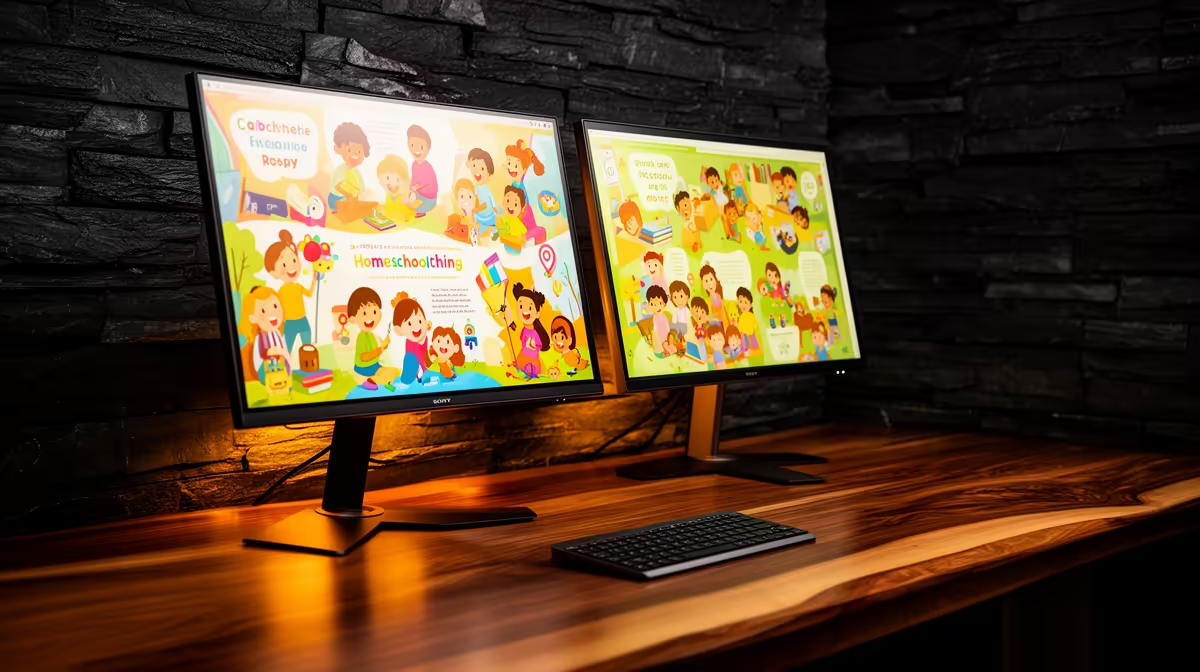
Yes, the Dell SE2726H 27in FHD 144Hz at R1,797 suits a homeschooling family that wants one larger lesson screen plus space for notes, worksheets, or video calls on a second monitor. A dual-screen setup makes sense when more than one child shares a study desk, or when a parent needs to keep lesson material visible while marking work beside it.
Best monitor picks for a shared learning desk
The Dell SE2426H 23.8in FHD at R1,532 is the neatest starting point if desk depth is limited. Its FHD panel is practical for reading PDFs, typing assignments, and keeping a browser window open without forcing younger learners to sit too close.
For a larger main screen, the Dell SE2726H 27in FHD 144Hz at R1,797 gives more visual breathing room for online classes, split windows, and shared viewing. The 144Hz spec is also useful if the same desk becomes a casual gaming or family media spot after schoolwork is done.
The Dahua LM27 100Hz at R1,500 is a strong value option when the goal is two same-size screens without stretching the budget. A 27in display with 100Hz refresh can feel smoother during scrolling, presentations, and everyday browsing.
Homeschooling Desk Setup In South Africa
A practical pairing is one Dell SE2726H 27in FHD 144Hz at R1,797 as the main lesson screen and one Dell SE2426H 23.8in FHD at R1,532 beside it for notes or a parent dashboard. That keeps the setup flexible without making the desk feel like a corporate workstation.
The MSI PRO MP275W at R1,850 also fits a cleaner family study area where the screen may stay visible in a lounge, dining room, or spare room. It is a monitor pick for homes that want a calmer-looking setup while still keeping the 27in class of workspace.
Ready to choose the right monitor?
Use Dell SE2726H 27in FHD 144Hz at R1,797 as the family desk benchmark, then check whether its listed spec matches the space, workload, and upgrade path.