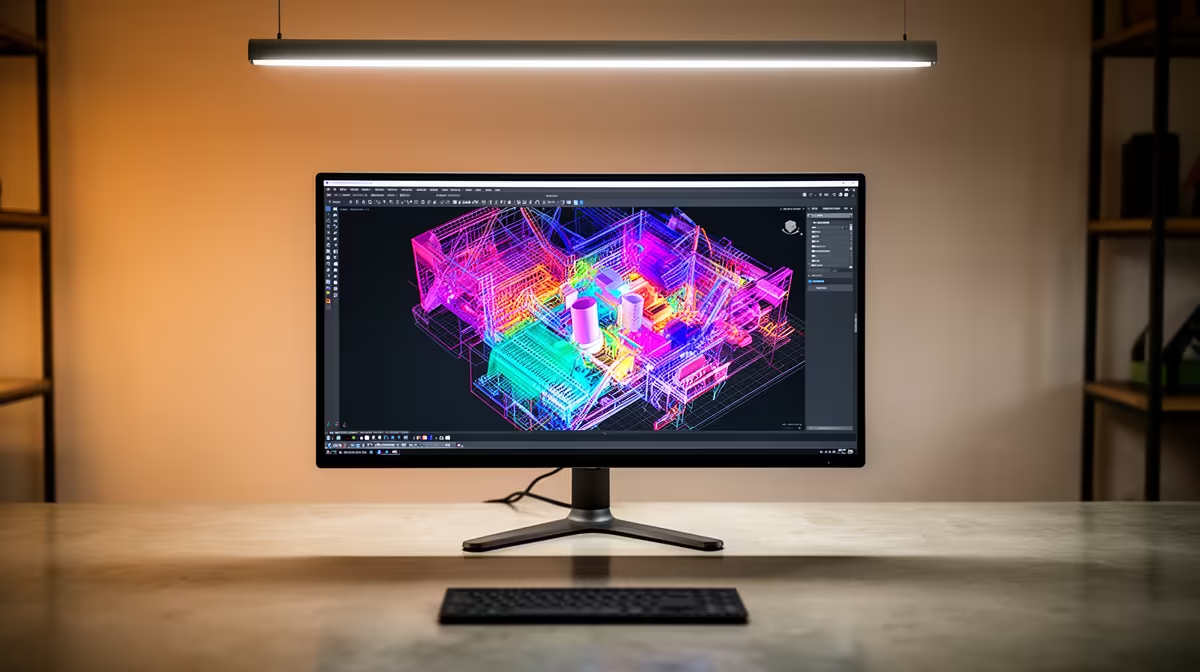
The MSI PRO MP275W at R1,850 suits a creator desk where a clean 27-inch-class work area matters more than chasing a premium USB-C feature. For SketchUp modelling, a monitor is worth buying when it gives you enough space for toolbars, layers, references, and a clear modelling viewport without making the desk feel cramped.
Best monitor value for this modelling setup
The Dell SE2726H 27in FHD 144Hz at R1,797 is the strongest value pick if you want a larger screen and smoother cursor movement while orbiting models. Its 27in FHD panel gives more physical room than a smaller display, while 144Hz is useful when you are panning around drawings, references, and viewports for long sessions.
The Dell SE2426H 23.8in FHD at R1,532 makes sense for a tighter student or home office desk. It keeps the cost lower while still giving you FHD clarity for menus, measurement boxes, and side-by-side notes, especially if the setup is used for coursework or smaller freelance projects.
SA creator desk reality
In a South African home or small office, the smarter choice is often spending on screen size and clarity first. The Dahua LM27 100Hz at R1,500 is a practical budget option because it gives a 27-inch display size with 100Hz, making it easier to work across a model window and reference material without paying extra for features you may not use daily.
Ready to choose the right monitor?
Compare the listed monitor range to match screen size, refresh rate, and budget to your desk setup.