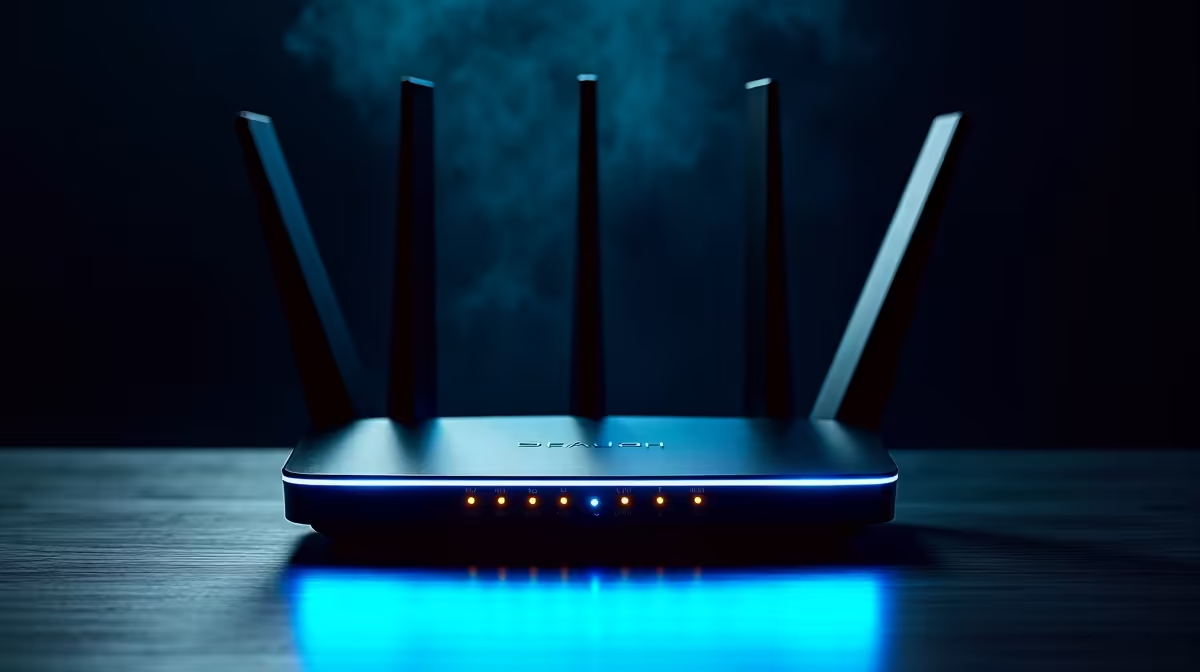
The box your network sends with a 5G plan is built to a price, not to your needs, and it usually arrives locked to one network. That is the heart of the ISP-supplied 5G router question: the free unit gets you online, but a purchased router adds Wi-Fi 6, more ports and an antenna option. In South Africa, though, there is a catch that changes the whole calculation.
Quick Answer
For most homes the supplied 5G router is fine to start, but a purchased CPE wins on Wi-Fi performance, more LAN ports and an external antenna port for weak-signal areas. The catch is whitelisting: Vodacom and similar networks only allow approved routers, and a SIM in a non-approved device gets blocked. Confirm your network's approved-device policy before buying anything.
What the supplied router gives you, and what it holds back
The router bundled with a home 5G plan is chosen to keep the network's costs down across thousands of customers. It works, it connects, and for a small flat or a light-use household it may be all you need. What it tends to lack is headroom: basic Wi-Fi, a handful of devices before it strains, and few or no options to improve reception.
A purchased CPE is where you buy back that headroom. Better units bring Wi-Fi 6 (802.11ax), which the current crop of approved home routers like the Vodacom X25 Max and the H155 already support, handling dozens to over a hundred connected devices with steadier performance in a busy house full of streamers and gamers. You also gain more LAN ports for wired gear and, on some models, an external antenna port that genuinely matters at the edge of coverage.
The whitelisting catch that South Africans must check first
This is the part that trips up buyers, and it is specific to how local networks operate. Vodacom, for example, will only work on approved, whitelisted home routers. Put a home-internet SIM into a device the network has not approved and the SIM gets blocked, leaving you with no internet at all. That is not a soft compatibility warning; it is a hard cutoff.
So the order of operations matters. Before you spend a cent on a third-party router, check your network's approved-device list and confirm the model you want is on it. The networking gear in the networking range at Evetech covers routers and supporting hardware, but the approved-device policy of your specific 5G plan is the gate you have to clear first. Skip that check and you risk buying a router your SIM will refuse to run in.
Band compatibility is just as important
Even among approved routers, the 5G bands a device supports must match what your network actually broadcasts in your area. A router that is technically approved but tuned for different bands will underperform. This is why a network-supplied unit, for all its limitations, is guaranteed to speak the right bands out of the box, and any replacement has to clear that bar too.
Wi-Fi 6, ports and antennas: where your money goes
When a purchased router is allowed, the upgrades are real. Wi-Fi 6 brings better efficiency in device-dense homes, so a household running multiple 4K streams, video calls and game downloads at once holds together where a basic router buckles. Extra LAN ports let you wire a desktop, a games console or a NAS directly for lower latency and steadier throughput. An external antenna port, where present, lets you mount a directional antenna toward the nearest tower, which can lift speeds noticeably for homes on the fringe of a coverage area.
What you actually control with your own router
A purchased CPE does more than add features on a spec sheet; it gives you a say in how your home network runs. The supplied unit usually locks down its settings, hiding the controls behind the network's own management. With your own approved router you typically get fuller access to the admin interface: choosing channels to dodge interference, setting up a proper guest network, managing quality-of-service so a big download does not strangle a video call, and updating firmware on your own schedule rather than waiting for the network to push one.
That control matters more in a busy household than people expect. A home with several smart devices, work laptops, consoles and streaming sticks benefits from being able to prioritise traffic and separate guest devices from the main network. The supplied router rarely lets you do either with any depth, so a capable replacement is as much about management as raw performance.
Longevity and reuse
There is a practical lifespan angle too. The supplied router is tied to that network and that plan, so if you change provider it may become useless. A router you bought (within the approved-device rules) is yours, and a well-chosen Wi-Fi 6 unit stays relevant for years, handling more devices and faster plans as your needs grow. The catch loops back to whitelisting: any reuse still has to clear the new network's approved-device list, so confirm before assuming a router will carry across.
Who should buy their own, and who should not
Stick with the supplied router if you live in a small space, use the internet lightly, and sit comfortably inside strong coverage. Buy your own (an approved one) if you have a houseful of devices, want wired ports, or live where signal is marginal and an external antenna would help. The accessories best sellers round out either choice with the cabling and small extras that quietly improve a home network. Just remember the sequence: check approval, match the bands, then upgrade.
Frequently Asked Questions
Can I use any 5G router with my South African plan?
No. Networks like Vodacom whitelist approved routers, and a home SIM placed in a non-approved device gets blocked, cutting your internet entirely. Always confirm your network's approved-device list before buying.
What does a purchased 5G router actually add?
Typically Wi-Fi 6 for steadier performance with many devices, more LAN ports for wired gear, and on some models an external antenna port. Those matter most in busy households or areas with weaker signal.
Will an external antenna improve my 5G speed?
It can, if your router has an antenna port and you sit at the edge of coverage. Aiming a directional antenna at the nearest tower often lifts speed and stability where the internal antenna struggles.
Does the supplied router support the right bands automatically?
Yes, that is one of its few guaranteed strengths. The network-supplied unit speaks the bands it broadcasts out of the box, so any replacement must match those same bands to perform properly.
Is buying my own router worth it for a small flat?
Often not. If you use the internet lightly, have few devices, and enjoy strong signal, the supplied router is usually enough. The upgrade pays off in device-heavy homes or marginal-coverage areas.
Thinking of upgrading from the box your network sent? Confirm your plan's approved-device list, then compare options in the networking range at Evetech to match Wi-Fi 6, ports and antenna support to your home.