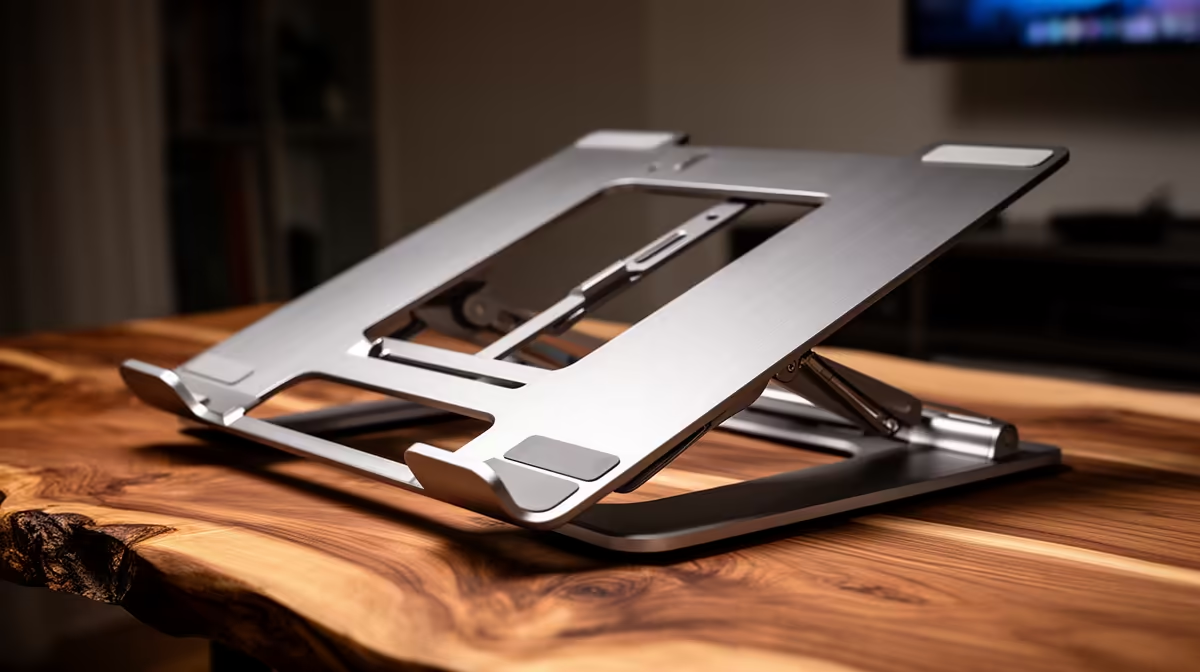
ASUS Vivobook S14 OLED at R10,719 suits a short-form video creator who wants a sharper preview screen and a cleaner desk angle from a laptop setup. A stand is not overkill when the machine is used for filming, caption checks, and quick edits, because lifting the screen helps keep posture, camera framing, and desk space under control.
When a stand makes sense
The ASUS Vivobook S14 OLED at R10,719 is the neat pick if the screen matters most. Its OLED spec is useful when checking colour, thumbnails, and text overlays before posting, especially on a creator desk where the laptop often doubles as both editing screen and reference display.
The Lenovo LOQ RTX3050 at R9,500 is better if the same desk also handles heavier video exports or casual gaming after work. The RTX3050 spec gives it a stronger graphics angle than a basic office-focused option, while the price stays surprisingly close to simpler machines.
The ASUS ExpertBook P1503 i5 at R9,858 makes sense for a creator who mostly scripts, uploads, manages files, and edits lighter clips. Its i5 spec is practical for admin-heavy content work, and a stand helps turn it into a tidier station without needing a bigger screen immediately.
Creator Desk In A Shared SA Home
In a bedroom, res room, or shared home office, a stand is mainly about keeping the camera line, keyboard space, and charging cable from fighting each other. The Lenovo IdeaPad Slim 3 i7 at R13,400 gives a stronger i7 spec for multitasking, while the ASUS Vivobook X1504VA i7 at R13,999 suits someone who wants another i7 option for daily editing and publishing.
Ready to choose the right laptop?
Use ASUS ExpertBook P1503 i5 at R9,858 as the creator desk benchmark, then check whether its listed spec matches the space, workload, and upgrade path.