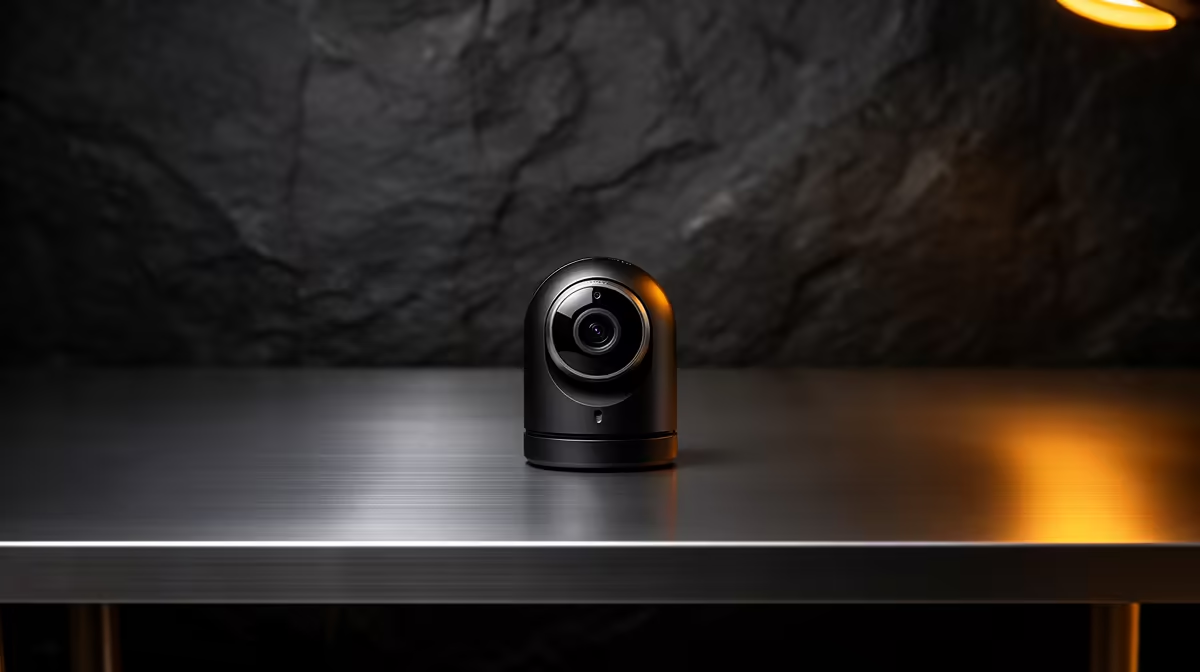
Logitech Brio 100 FHD R458 suits a law student who needs a clear, affordable webcam for streaming tutorials, study group calls, and online moot prep from a student desk.
Best webcam picks for student streaming
For most student streaming, the Logitech Brio 100 FHD R458 is the sensible starting point because its FHD spec gives a sharper picture than basic HD while keeping the price controlled. It is a good fit when your face, notes, and speaking presence matter during recorded presentations or live class discussions.
The Logitech C270 HD R252 is the budget option when the goal is simple, reliable video without overbuying. Its HD spec is enough for straightforward online lectures, consultation calls, and quick study sessions, especially if you already sit near a bright window or desk lamp.
The NearStream V08AF 4K R678 is the stronger choice if streaming quality matters more than the lowest price. Its 4K spec gives extra detail for a creator-style desk, formal interview practice, or any setup where a cleaner image helps you look more prepared on camera.
Student desk setup for legal streaming
A law student should think about framing, light, and consistency before chasing the highest spec. Place the Logitech Brio 100 FHD R458 at eye level, keep case notes below the screen, and use the FHD image for a more polished view during streamed presentations.
Ready to choose the right webcam?
Use Logitech Brio 100 FHD at R458 as the student desk benchmark, then check whether its listed spec matches the space, workload, and upgrade path.