


RTX 4060 Ti Throttling Under Load: SA Temperature Guide
RTX 4060 Ti Throttling Under Load: Temperature. Everything you need to know with SA pricing, step-by-step instructions & expert recommendations.
Read moreLCD display CPU coolers vs standard coolers: do custom screens add practical value or just aesthetics? ✅ Compare temps, noise, compatibility, and cost with clear guidance for buyers. 🧊
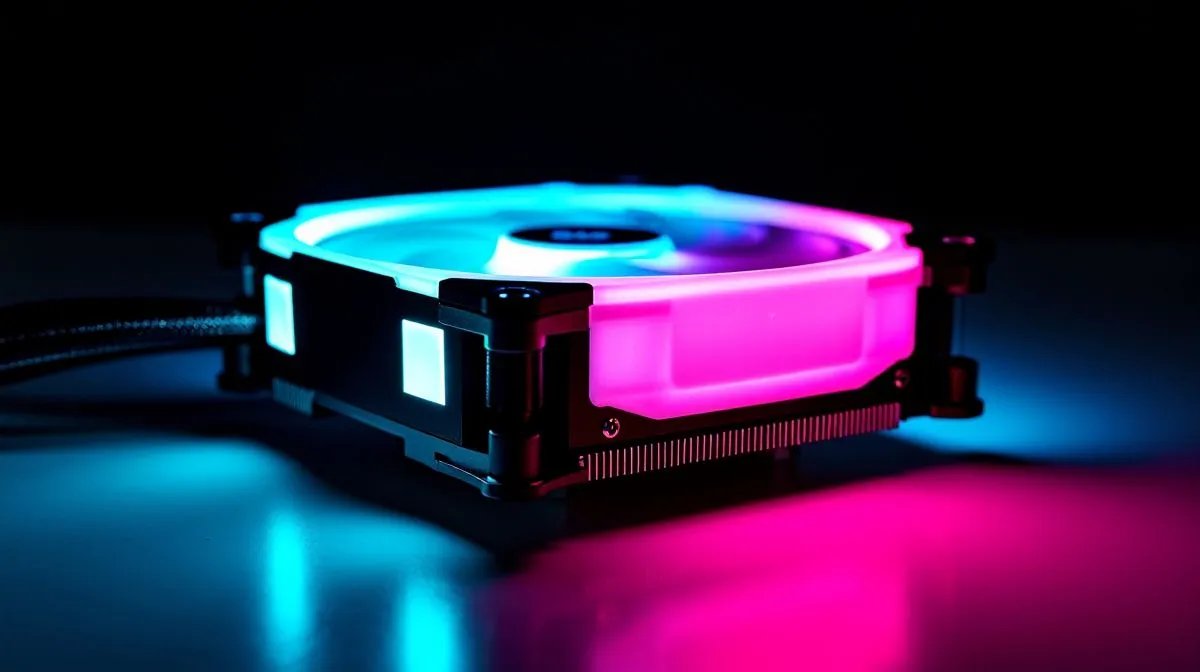
If you’ve priced a new CPU cooler lately, you’ve probably noticed the shiny models with little screens on top. They look slick. They also cost more. For South African gamers balancing FPS dreams with a real-world budget, the big question is simple... does an LCD display CPU cooler actually add value, or is it just premium eye candy? Let’s break it down properly ⚡
At a glance, both cooler types do the same job. They move heat away from your processor so it can keep boosting without throttling. That much is basic thermal management, and it applies whether you are gaming in Apex, editing clips, or just keeping a daily-driver PC quiet.
The difference is in the extras. A standard cooler focuses on performance, noise, and price. An LCD display CPU cooler adds a screen for system stats, logos, animation, or custom images. That screen can look fantastic in a glass-sided build... but it does not automatically make the cooler more effective.
For most buyers, the value question comes down to priorities. If you want maximum cooling per rand, a simpler model usually makes more sense. If your rig is a showpiece, the display may be worth the premium.
Here is the part many people skip... your case airflow matters as much as the cooler itself. A well-ventilated chassis with a decent standard cooler can outperform a flashy setup in a cramped, hot case. That is why it helps to browse the full range of CPU coolers at Evetech before chasing aesthetics.
If you want liquid cooling, an AIO cooler selection gives you a cleaner look and often better heat handling than basic stock cooling. Brand preference matters too. Some builders like the refined style of CORSAIR AIO options, while others prefer the strong value reputation of Deepcool liquid coolers. Both routes can make sense depending on budget and socket support.
A display cooler becomes easier to justify if:
If that sounds like you, a 360mm radiator option can be worth exploring for stronger thermal headroom, especially in hotter rooms or with demanding chips. Check 360mm radiator AIO coolers if your case supports it.
For mid-range gaming PCs, a good 240mm unit or even a quality air cooler can be the sweet spot. You save money, reduce complexity, and often get easier installation. If your case is compact, a 240mm radiator AIO list may fit better than larger hardware anyway.
If your budget is tight, spend first on airflow, then on cooling performance, and only then on visual extras. A prettier cooler is nice... but stable boost clocks and lower noise usually matter more than a tiny screen.
Think of it like this. A standard cooler is the sensible pick. An LCD model is the enthusiast pick. Neither is wrong. The best choice depends on your budget, your case, and how visible your PC will be on your desk.
If you are building in South Africa and watching every rand, buy for performance first. If the PC sits proudly next to your monitor and you love the look, the display can be a satisfying upgrade. Just make sure the rest of the build earns its keep too... especially in our warmer climate ✨
Ready to Find Your Perfect Match?
The Mac vs Windows debate is complex, but for maximum power, choice, and value in South Africa, Windows is hard to beat. Explore our massive range of laptop specials and find the perfect machine to conquer your world. }}
Usually not. Cooling depends on the heatsink and fan design; the LCD screen mostly adds styling and extra control features.
If you want a live temp readout and build flair, they can be worth it. For pure performance, standard models often deliver more value.
The screen itself has minimal impact. Indirect factors like thicker designs, pump/fan tuning, and airflow matter more for temps.
Most LCD coolers read from motherboard/EC sensors via the software or onboard controller, so accuracy is typically comparable to other system sensors.
Check socket compatibility and radiator clearance for AIOs, or height clearance for air coolers. Always verify dimensions and header/controller requirements.
They use a small amount for the display and control, but fan curves and pump settings drive noise. Many remain quiet when tuned properly.
LCDs focus on information and customization, while RGB emphasizes lighting. Choose based on whether you value a temp/status display or visuals.
Prioritize cooling performance, warranty, software quality, display readability, connector requirements, and total cost versus similar non-LCD models.
RTX 4060 Ti Throttling Under Load: Temperature. Everything you need to know with SA pricing, step-by-step instructions & expert recommendations.
Read more
Apex Legends Max Settings on RTX 4080. Tested & verified settings for best FPS and visual quality on SA hardware budgets.
Read more
GPU Buying Guide. Everything you need to know with SA pricing, step-by-step instructions & expert recommendations.
Read more
GPU Terms Guide. Everything you need to know with SA pricing, step-by-step instructions & expert recommendations.
Read more
AMD Adrenalin Download & Setup Guide: GPU. Clear setup instructions with SA-specific considerations, troubleshooting tips & recommended components.
Read more
Back-to-School GPU Buying Guide. Everything you need to know with SA pricing, step-by-step instructions & expert recommendations.
Read more
Snapdragon X2 NPU Explained: How 80 TOPS Changes. Plain-English explanation of what it means, why it matters & how it affects your buying decisions in SA.

HBM? High Bandwidth Memory Used in GPUs and AI. Plain-English explanation of what it means, why it matters & how it affects your buying decisions in SA.

How much should you spend on sim racing accessories in South Africa for a realistic setup? We break down budgets by quality tiers, so you buy smart gear and avoid overspending 🎮💸

G-Sync and FreeSync? Variable Refresh Rate. Plain-English explanation of what it means, why it matters & how it affects your buying decisions in SA.

AMD Laptop: Value. SA-focused analysis with local pricing data, real-world insights & actionable buying advice.

How MacBook Neo Handles 30+ Chrome Tabs with Only. SA-focused analysis with local pricing data, real-world insights & actionable buying advice.

Why Apple Put 8GB RAM in MacBook Neo: The A18 Pro. SA-focused analysis with local pricing data, real-world insights & actionable buying advice.

Upgrade your work laptop with a New Motherboard. Step-by-step instructions with SA-specific tips, common pitfalls to avoid & expert recommendations.

Maintain wired headset — Checklist: • inspect cables • clean earpads • store properly 🔧🎧 Practical steps to preserve sound quality and avoid premature replacements.

Fix crackling headset fast: step-by-step checks for cables, connectors, drivers, and settings to remove static or distorted audio on wired headsets 🎧⚙️

Stereo vs mono headsets: learn which delivers clearer calls, better spatial music, or simpler mono voice performance — pick the right headset for meetings, music, or gaming 🎧💬

- Compare gaming headset vs studio headphones; - Assess comfort, mic and sound; - Recommend best daily picks. Gaming headset vs studio headphones: learn which suits work, music and casual gaming. 🎧⚖️