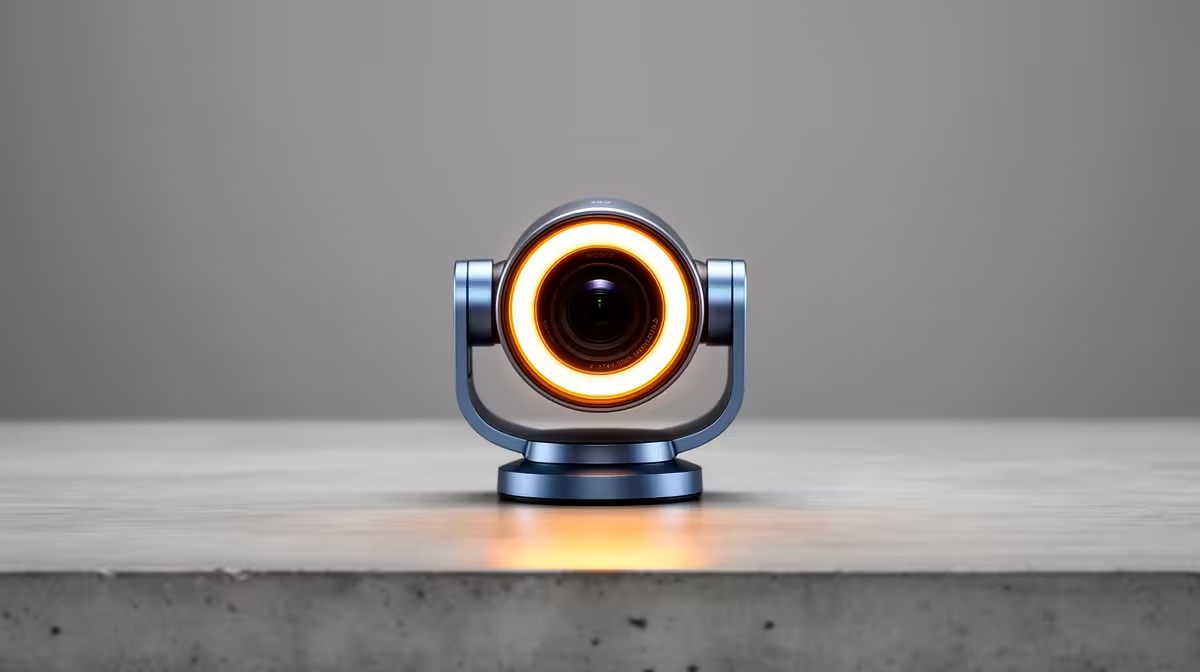
Tired of looking like a grainy silhouette during your late-night Valorant stream or an early morning Teams meeting? We've all been there. Bad lighting, made worse by an unexpected outage, can sabotage your video quality, making you look unprofessional or just plain… blocky. The solution isn't a complicated lighting rig. It's one of the best light-adjusting webcams, a smart piece of tech designed to make you look crisp and clear, no matter the conditions. ✨
Why Your Laptop's Webcam Just Can't Compete
Your built-in laptop camera is a marvel of miniaturisation, but that's also its biggest weakness. It uses a tiny sensor that struggles to capture enough light, resulting in a noisy, dark image the moment your room isn't perfectly lit. It lacks the advanced software needed to intelligently balance shadows and highlights.
This is where a dedicated webcam changes the game. Even an affordable upgrade can provide a massive jump in quality. Many excellent webcams under R1000 feature superior sensors and optics that immediately outperform any integrated camera, giving you the clarity you need for calls and casual streaming.
The Tech Behind Perfect Video Quality 💡
So, what's the secret sauce in the best light-adjusting webcams? It's a combination of hardware and intelligent software working together to optimise your image on the fly.
Key Features to Look For:
- Sensor Size & Aperture: A larger sensor gathers more light, which is the number one factor for better low-light performance. A wider aperture (a lower f-stop number, like f/2.0) also lets more light hit the sensor. More light means a cleaner, brighter image with less grain.
- HDR (High Dynamic Range): Ever sat with a bright window behind you and your face turned into a dark shadow? HDR solves this. It captures multiple exposures simultaneously and blends them to ensure both the bright background and your face are perfectly exposed. It’s a must-have for tricky lighting.
- Smart Autofocus & Exposure: The best webcams use AI-driven software to constantly analyse the scene. They adjust focus, white balance, and exposure in real-time, so you stay sharp and the colours look natural, even if you move around or the lighting changes.
For many South African gamers and professionals, the sweet spot for features like HDR and smooth 1080p resolution can be found in the range of webcams under R2000, delivering pro-level results without breaking the bank.
Pro Lighting Tip
Even the best webcam loves good light. Position your main light source (like a lamp or window) in front of you, not behind. This simple trick eliminates harsh shadows and helps your webcam's auto-adjustment features work their magic even more effectively.
Finding the Right Light-Adjusting Webcam for You 🎥
Choosing the right model depends entirely on your needs. Are you a budding Twitch streamer, a remote worker, or a content creator?
- For Streaming: Prioritise a webcam that offers at least 1080p resolution at 60 frames per second (fps) for ultra-smooth motion. Great low-light performance is non-negotiable for those late-night sessions.
- For Work & Meetings: Crystal-clear 1080p at 30fps is perfect. Look for features like a wide field of view to fit more in the frame and a high-quality microphone for clear audio.
- For Content Creation: If you're recording for YouTube or creating high-quality video content, stepping up to a 4K model is worth it. These premium webcams up to R3000 often come with advanced software suites that give you granular control over your image.
Ultimately, a great automatic light-adjusting webcam ensures you always put your best face forward, giving you the confidence to switch your camera on for any occasion.
Ready to Step Into the Spotlight?
Stop letting bad lighting dictate your video quality. Explore our massive range of webcams at Evetech and find the perfect match for your setup today.