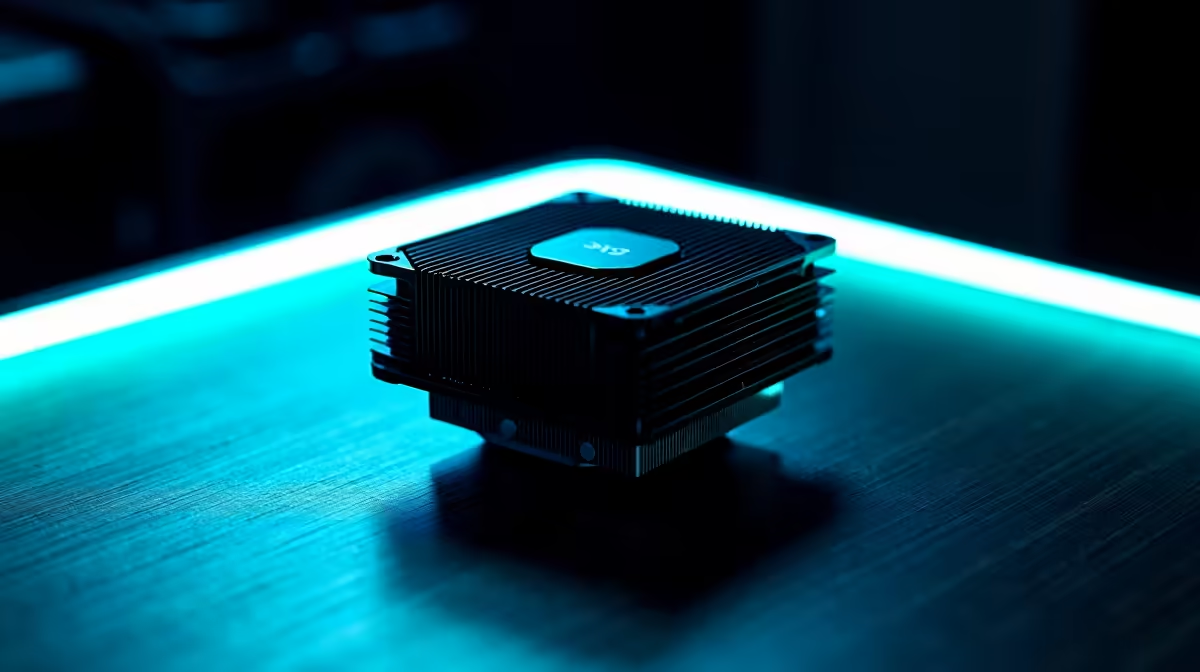
Gamdias Boreas M2-51D R205 suits a child-friendly learning PC where the goal is basic cooling, tidy spending, and fewer bulky parts around a small desk. A low-profile cpu cooler makes sense when the machine is used for homework, browser tabs, school portals, and light creative apps, especially if the case has limited clearance and the setup must stay simple.
Best value cooling picks
The Gamdias Boreas M2-51D at R205 is the sensible starting point because the M2-51D model is positioned as the compact, budget-friendly option in this list. For a learning corner, that matters more than showy cooling hardware, because the PC should be quiet enough for reading, typing, and online lessons without turning the desk into a gaming display zone.
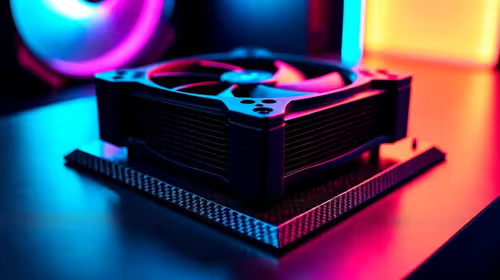
Cooler Master 240L Core ARGB at R749 is the step-up choice if the same PC also handles longer creative sessions or occasional gaming. The 240L spec gives it a larger liquid-cooling class than the small air-cooler option, while still avoiding the higher price of the Deepcool LQ360 at R950.
Deepcool LS520S at R686 is a strong middle option when you want a neater premium-feeling build without jumping to the 360-class Deepcool LQ360. The LS520S name and R686 price make it easy to compare against the Cooler Master 240L Core ARGB at R749 when deciding whether ARGB styling matters in the room.
Kids learning corner in an SA home
For a shared study nook, the best buy is usually the cooler that fits the case, keeps the PC stable, and leaves budget for the parts children actually feel every day, like the screen, keyboard, and storage. If the case can take it, the Cooler Master 240L Core ARGB at R749 is useful for a cleaner, more capable build, but the Gamdias Boreas M2-51D at R205 is enough for a modest schoolwork machine.
Ready to choose the right cpu cooler?
Compare the listed cpu cooler range against your case size, budget, and the way the learning PC will be used.