Why Use a MacBook for Tethered Shooting?
If you’re a South African photographer or content creator, tethered shooting with your MacBook can transform your workflow. Instead of constantly checking your camera screen, tethering lets you see high-resolution images instantly on your MacBook’s vibrant display. This setup drastically cuts retakes and speeds up your shoots — perfect for studio sessions or location work where precision is key 🔥. But how do you hook everything up correctly? Let’s explore the essentials of a MacBook tethered shooting setup.
Essential Gear for MacBook Camera Connection
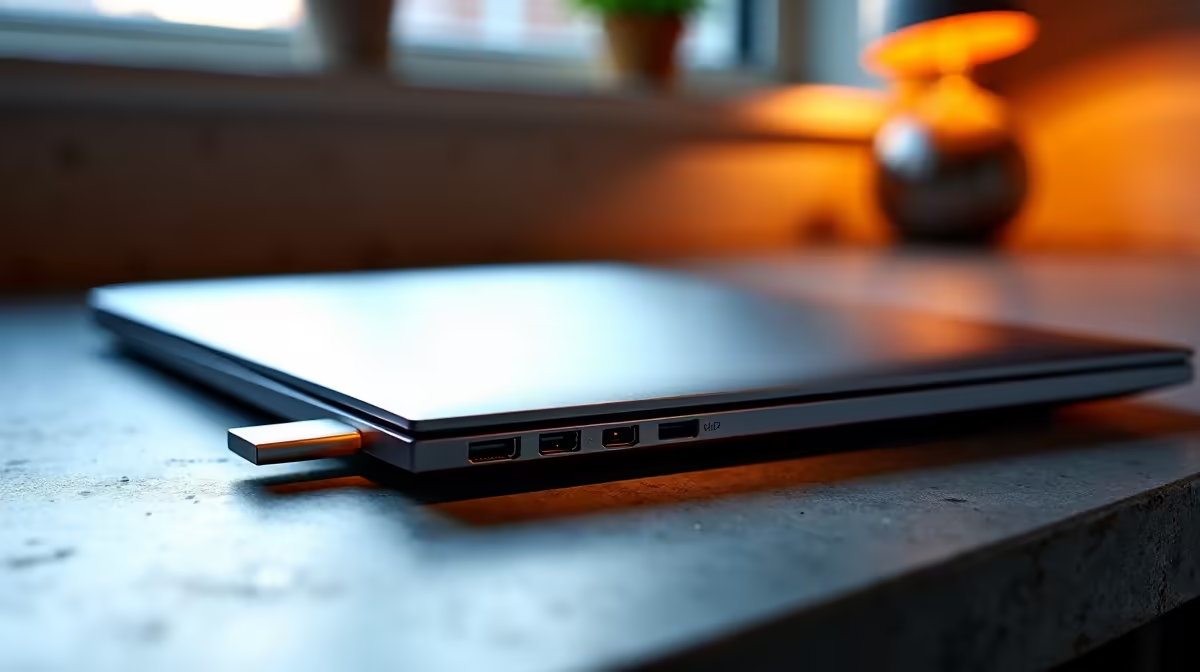
When connecting your camera to a MacBook, compatibility and cable quality matter. Most modern cameras use USB-C or USB-A cables, but Macs often require adaptors like USB-C hubs or Lightning connectors if you’re on an older model. Ensuring your MacBook supports the right input lets you avoid frustrating delays or unstable connections during shoots.
If you’re scouting for a powerful MacBook, you’ll find a range of notebooks for sale in South Africa that cater to creatives and pros alike. Look for models with ample USB-C ports and strong graphics support to handle real-time previews and heavy image processing.
Cabling and Software Setup 🔧
Start by using a certified USB cable or connection that matches both devices. Some photographers use dedicated software like Capture One or Adobe Lightroom Classic for tethered shooting — these apps offer live viewing, instant editing, and backup features.
MacBooks paired with the right cables and software make tethered shooting seamless, letting your creativity flow without technical interruptions.
Tips to Optimise Your Tethered Workflow
Tethered shooting can be a total upgrade — here’s how to get the most out of your MacBook connection:
Maximise Tethering Stability
Always use high-quality, shielded cables to cut signal drops. Also, disable MacBook sleep mode during shoots to avoid disconnections and data loss.
Keep your MacBook’s battery charged or plugged in to avoid power dips mid-shoot. Upgrading your graphics card is less relevant for a MacBook, but if you also switch to PC setups, check Evetech’s range of graphics cards to boost your editing speed.
Combining PCs with Mac Setups for Creators
While MacBooks are great for tethered shooting, many South African studios invest in a hybrid workflow. Use a MacBook on location for its mobility and tethering ease, then process edits on a desktop powerhouse back at base. Evetech offers pre-built PC deals with high-end specs for heavy editing tasks. Plus, gamers looking to switch between passion projects and creative work will appreciate the multi-purpose potential.
For those who prefer building their own editing beast, browsing Evetech’s best gaming PC deals can also yield rigs suited for Adobe suites, blending power with excellent cooling.
Where to Find the Best Deals Locally ⚡
Looking for a great price on MacBooks or hybrid setups? Keep an eye on Evetech’s specials page. Deals on laptops, desktops, and peripherals change frequently, providing South African creatives and gamers excellent value and warranty support.
Local purchases also offer peace of mind when it comes to service and returns – something international retailers can’t always guarantee.
Upgrade Your Creative Setup Today
Whether it’s a sleek MacBook for tethered shooting or a powerful PC build, Shop now at Evetech for performance that leaves lag in the dust.