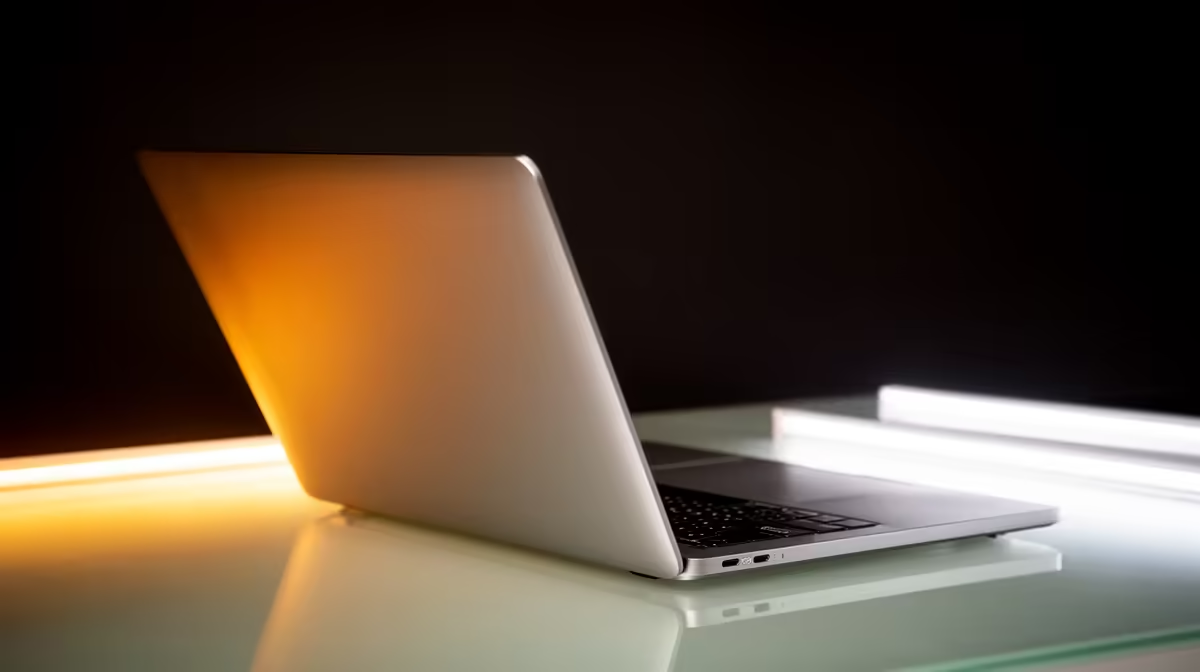
For most South Africans shopping for a Mac, the sweet spot is not the cheapest model and not the pro machines that cost double. The M5 MacBook Air with 16GB of RAM, from around R24,999, is the mainstream Mac that gets the balance right: enough performance for almost everything, all-day battery, Apple Intelligence on board, and a price that does not tip into professional territory.
Quick Answer
The M5 MacBook Air 16GB, from roughly R24,999, is the best mainstream Mac for SA buyers. It pairs the M5 chip and Apple Intelligence with around 18 hours of battery in a fanless, ultra-portable body, covering student work, office tasks, and light creative work with room to spare. For most people it is the right combination of price, performance, and future-proofing.
Why The Air, And Not The Pro
The MacBook Pro exists for sustained heavy lifting: long video exports, large code compiles, and workloads that run the chip hard for hours. It pays for that with active cooling, more weight, and a notably higher price. The vast majority of buyers never push a Mac that hard. They browse, write, run office apps, sit in video calls, edit the odd photo, and maybe dabble in light video.
For that profile, the Air is not a compromise, it is the correct tool. It is fanless, so it runs silently. It is thin and light, so it travels well between home, campus, and the office. And it delivers the same core Apple silicon experience for meaningfully less money. Paying the Pro premium for workloads you will never run is simply spending where it does not help you.
The Case For 16GB Of RAM
The single most important upgrade on a mainstream Mac is memory. Apple silicon uses unified memory shared between the CPU, GPU, and the system, and 16GB is the figure that keeps modern multitasking smooth. With a browser full of tabs, a couple of apps, and a video call all running, 16GB holds it together where a base configuration starts to strain.
It also matters for longevity. Memory cannot be upgraded later on these machines, so the RAM you buy is the RAM you keep for the life of the laptop. Spending a little more upfront for 16GB is what keeps the machine feeling fast three and four years in, and it is the reason the 16GB configuration, not the base model, is the genuine mainstream recommendation.
What The M5 And Apple Intelligence Bring
The M5 chip is the latest generation of Apple silicon in the Air, and it delivers strong everyday performance and excellent efficiency. That efficiency is what produces the roughly 18-hour battery figure, genuinely all-day endurance that survives a full day of lectures or a work day without hunting for a plug.
Apple Intelligence is the other forward-looking piece. The on-device AI features for writing, summarising, image tools, and a smarter assistant are built into the platform, and they are the kind of capability that grows more useful over time as the software expands. Buying an M5 machine with Apple Intelligence is buying into that roadmap rather than a chip already nearing the end of its support curve.
Performance For Real Tasks
In practice the M5 Air handles the mainstream workload effortlessly. Office suites, dozens of browser tabs, video conferencing, photo editing, and light video editing all run smoothly. It is only when you move into sustained professional video work, heavy 3D, or large-scale development that the fanless design and the Air's limits start to show, and that is exactly the line where a buyer should consider stepping up to the Pro instead.
Who This Mac Is For
The M5 Air 16GB suits a wide span of SA buyers. Students get a machine light enough to carry daily, powerful enough for their coursework, and long-lasting enough to survive a campus day on battery. Professionals get a clean, fast machine for documents, email, calls, and presentations. Home users get a premium everyday laptop that stays quiet and quick.
It is less suited to two groups: the budget-focused buyer for whom even the base Air is a stretch, and the genuine professional whose livelihood depends on sustained heavy rendering or compiling, who should look at the Pro line. Everyone in between, which is most people, is best served here. You can compare the full MacBook range to see where the 16GB Air sits against the cheaper and pricier options.
Configuration Advice
If you do customise, prioritise in this order: get the 16GB RAM first, then consider storage. Storage, like memory, cannot be upgraded later, so if you keep large photo or video libraries locally, stepping up from the base SSD is worth it. The chip and RAM, though, are where the experience is made, and the 16GB M5 configuration is the one that ages gracefully.
How It Stacks Up Against Windows Rivals
It is fair to ask whether a Windows laptop at the same price does more. On paper, R25,000 buys a lot of Windows machine, often with a discrete GPU and higher raw specs. What the M5 Air offers in return is a different kind of value: silent fanless operation, class-leading battery life, the polish of the Apple ecosystem, and resale value that tends to hold up well over time. If your work or play depends on a dedicated GPU, gaming, heavy 3D, or specific Windows-only software, a Windows laptop is the rational pick, and it is worth scanning the broader laptop best sellers to weigh the options side by side. But for the mainstream user who values battery, quiet, and a refined experience over raw GPU grunt, the Air's trade-offs land in its favour.
This is the honest framing the mainstream buyer needs. The M5 Air 16GB is not the most powerful laptop you can buy at the price, and it does not try to be. It is the most balanced and the longest-lasting choice for the way most people actually use a laptop, and that is exactly what makes it the SA mainstream Mac to beat.
Frequently Asked Questions
Is 16GB of RAM really necessary on a MacBook Air?
For a mainstream machine you want to keep for years, yes. Apple silicon shares memory across the whole system, and 16GB keeps heavy multitasking smooth. Because memory cannot be upgraded after purchase, buying 16GB upfront is what protects the machine's speed long term.
Why pick the Air over the MacBook Pro?
The Pro is built for sustained heavy workloads like long video exports and big compiles, and it charges a premium for that with extra weight and active cooling. Most buyers never run those workloads, so the silent, lighter, cheaper Air is the better fit and not a compromise.
How long does the M5 MacBook Air battery actually last?
Apple rates it at around 18 hours, which translates to genuine all-day use, a full set of lectures or a work day without reaching for a charger. The M5 chip's efficiency is what makes that endurance possible in such a thin body.
What is Apple Intelligence and does it matter?
Apple Intelligence is the on-device AI feature set for writing, summarising, image tools, and a smarter assistant, built into the platform. It matters because it grows more capable over time through software updates, so an M5 machine that supports it is buying into a roadmap rather than a chip near the end of its life.
Is the M5 Air enough for video editing?
For light video editing, yes, it handles it comfortably. For sustained professional video work, large 3D, or heavy development, the fanless Air will show its limits and a MacBook Pro is the better choice. Match the machine to how hard and how long you will push it.
If you want one Mac that does almost everything well without overpaying for power you will not use, the M5 MacBook Air 16GB is it. Browse the MacBook lineup at Evetech, configure the 16GB model, and get a machine that stays fast and useful for years.