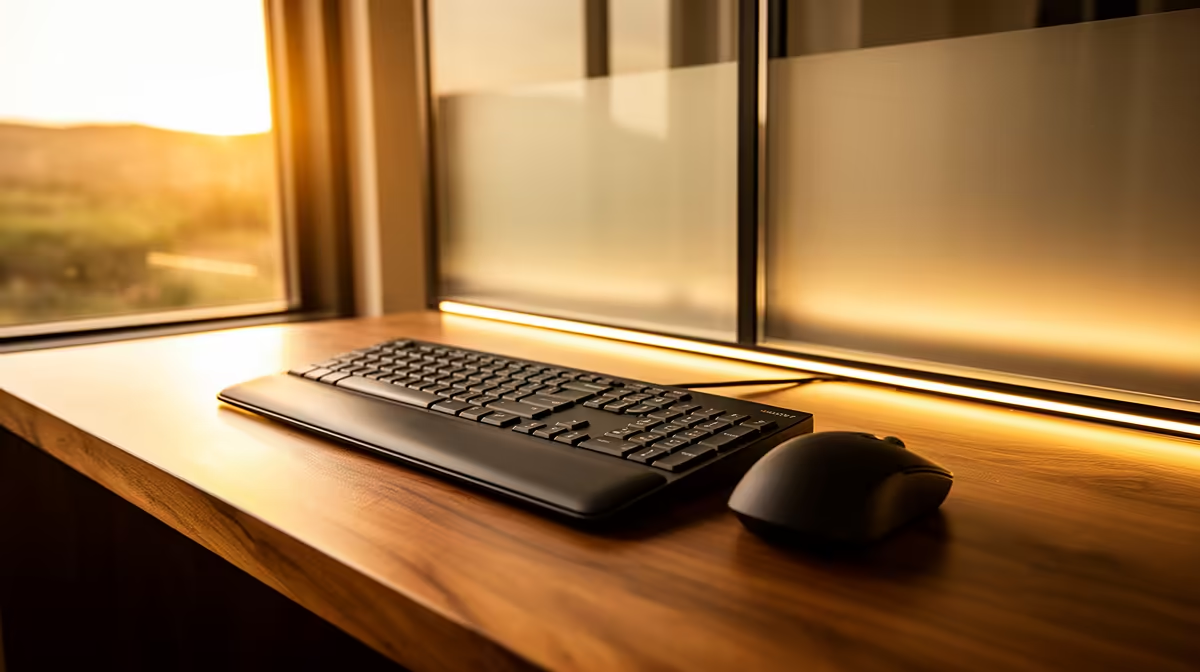
Choose a matte display for most desks facing a large sunny window because its surface diffuses direct reflections and keeps text easier to see. A glossy screen can look richer in controlled light, but bright windows may produce mirror-like glare. Placement and blinds still matter with either finish.
Test the desk through the full day
Use a dark page, white document and video at morning, midday and afternoon. Sit at the normal angle and note reflected window shapes, eye strain and how much brightness is needed. Rotate the desk or screen temporarily, close a blind and compare a matte laptop or monitor if one is available.
Verified display references include the Dell S2725QC 4K USB-C monitor at R6,128, Dell SE2726H 1080p 144Hz at R1,797 and AOC U27G42 4K 160Hz at R4,819. The factpack prices do not specify surface finish here, so check current product specifications, brightness behaviour, ports, stand, warranty and return terms.
Avoid driving brightness unnecessarily high to overpower glare. Position the screen perpendicular to the window where possible, use adjustable blinds and take regular visual breaks. Colour-critical work should use controlled lighting rather than trusting either coating in direct sun.
Pick the surface that wins the real desk test. Often a modest layout change delivers more comfort than replacing an otherwise suitable monitor.
Improving a bright desk? > Compare Evetech monitors after testing angle, blinds and reflections.