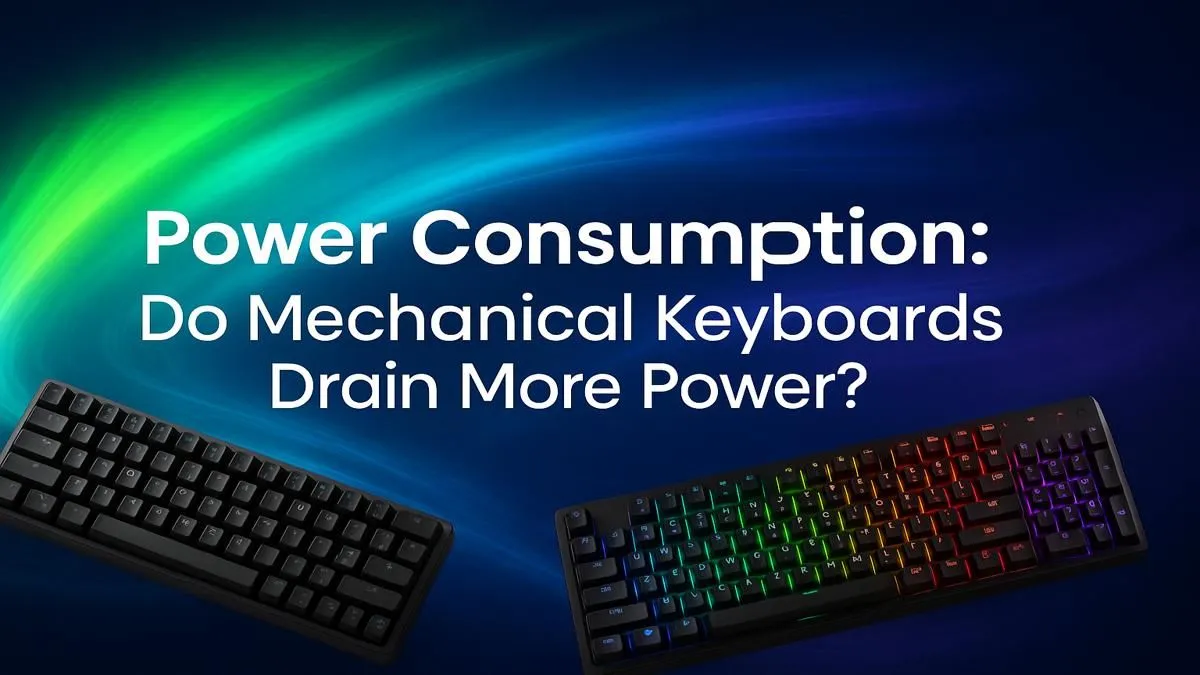
You’ve just unboxed a glorious new mechanical keyboard. The RGB lighting is pulsing in a rainbow wave, and the clicky feedback is pure satisfaction. But as you plug it in, a thought crosses your mind, especially with Eskom’s unpredictable schedule: is this beast draining my power? How much does mechanical keyboard power consumption really add to the electricity bill?
Let's dive in and separate the myths from the milliwatts. The short answer? It's more than a basic keyboard, but probably not for the reason you think.
What Drives Mechanical Keyboard Power Consumption?
When we talk about the power usage of a mechanical keyboard, the switches themselves are barely part of the equation. The actual mechanical action uses a negligible amount of electricity. The real power hogs are the extra features that make modern gaming keyboards so awesome.
The Main Culprit: RGB Lighting 💡
This is, without a doubt, the biggest factor. A keyboard’s worth of bright, animated LEDs requires a steady stream of power.
- Brightness: Cranking your RGB up to 100% can more than double the keyboard's total power draw compared to having the lights off.
- Colour: A plain white backlight (which uses red, green, and blue LEDs together) consumes the most power. Single colours use less.
- Effects: Complex animations like rainbow waves require the onboard processor to work harder, contributing slightly more to the overall mechanical keyboard power consumption.
Onboard Processors & Wireless Tech
High-end gaming keyboards are basically tiny computers. They have their own processors (often ARM-based) and memory to handle complex macros, store profiles, and manage those fancy lighting effects. While these components are incredibly efficient, they still add to the baseline power draw.
If you're using a wireless model, the 2.4GHz or Bluetooth radio is constantly drawing power to maintain a stable connection. This is why their batteries eventually need a recharge, while a wired keyboard runs indefinitely. The physical keyboard switches themselves are just the starting point for a board's feature set.
So, How Much Power Do Mechanical Keyboards Use?
Alright, let's get to the numbers. The actual mechanical keyboard power usage varies by model, but here’s a general idea:
- Backlights Off: Around 0.25 to 0.5 Watts.
- Backlights On (Full Brightness): Around 1.5 to 2.5 Watts, sometimes peaking near 5W on very complex, bright models.
To put that in perspective, a typical gaming monitor can use 30-70W, and a high-end graphics card can pull over 300W under load. The power consumption of a mechanical keyboard is a drop in the ocean for any desktop gaming rig. Even the cheapest gaming keyboards in South Africa with backlighting fall into this low-impact range.
Power Saving Pro Tip ⚡
Most keyboard software (like Razer Synapse, Corsair iCUE, or SteelSeries GG) lets you set the RGB to turn off when your display goes to sleep. This is a simple, set-and-forget way to ensure your keyboard isn't putting on a light show for an empty room, saving a few watts in the process.
Optimising Your Setup for Performance and Efficiency
Instead of worrying about the minimal power draw, it's better to focus on optimising your setup for comfort and performance. After all, that's why you chose a mechanical board in the first place!
Think about what truly enhances your experience. Is it customising your board with a fresh set of PBT keycaps for better texture and durability? Or maybe adding a plush wrist rest to keep you comfortable during those marathon gaming sessions. Sometimes, bundling your peripherals with a quality keyboard and mouse combo can offer great value and ensure aesthetic consistency for your battle station.
Ultimately, the mechanical keyboard power consumption is so low that it shouldn't be a deciding factor in your purchase. The tactile feel, speed, and customisation options are what truly matter. Whether you're a competitive esports player or a typing enthusiast, the benefits far outweigh the negligible impact on your electricity bill. So go on, find a board you love and type on. 🚀
If you're ready to find that perfect board, check out the best gaming keyboard deals and elevate your entire desktop experience.
Ready to Upgrade Your Keystrokes?
Don't let power worries hold you back. The performance, feel, and customisation of a mechanical keyboard are worth every milliwatt. From silent switches for late-night sessions to full RGB battle stations, we've got the perfect board for you. Explore our massive range of gaming keyboards and find the perfect match to conquer your world.