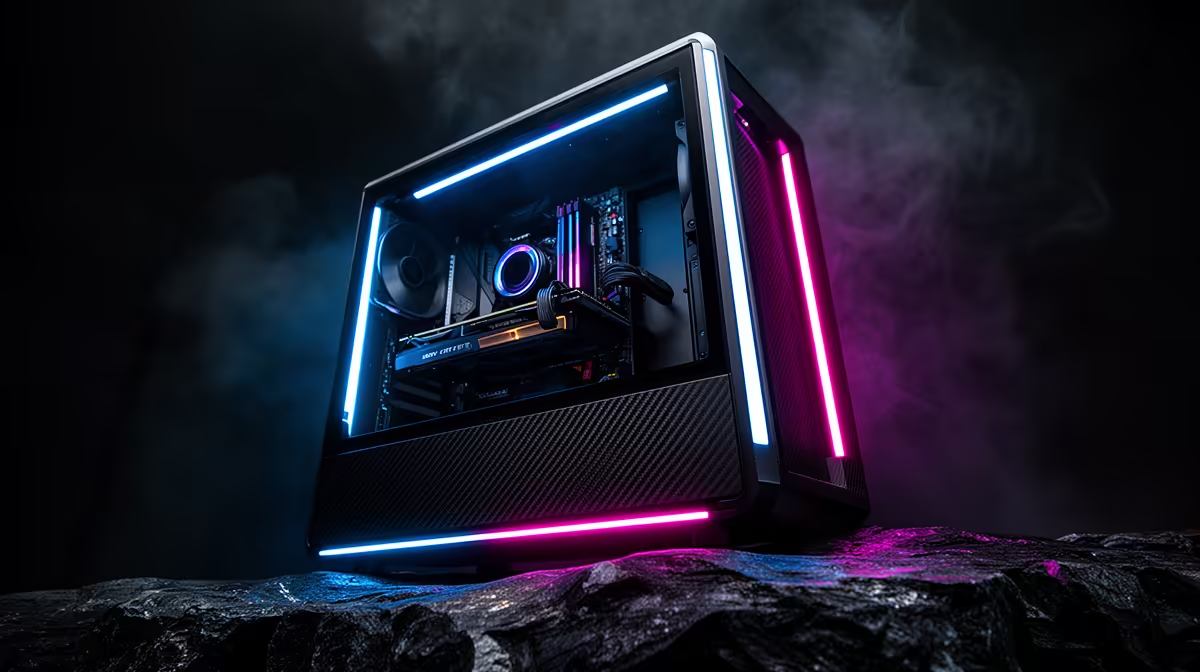
Memory and SSD costs do not stop at the parts counter. They are built into every prebuilt gaming PC, so a supply squeeze can raise the price of a finished machine or reduce the capacity offered at the same price. The effect is easiest to see by comparing exact configurations over time.
Quick Answer
The 2026 memory squeeze can lift prebuilt PC prices through higher RAM and storage replacement costs. System builders may soften the increase through volume purchasing and balanced configurations, but no saving is guaranteed for every model. Compare CPU, GPU, memory layout, SSD, motherboard and PSU against a current parts basket.
A prebuilt carries the whole component cycle
RAM is one line in the system bill. SSD flash, graphics cards, processors, cases and power supplies have their own cycles. A prebuilt price blends them, which can make a memory increase look smaller than it does on a standalone 32GB kit.
Entry systems can feel a fixed memory increase more sharply because it forms a larger percentage of the total. Higher-end systems have costly GPUs and CPUs that dilute the RAM share, though 32GB and 2TB configurations remain exposed to memory and NAND movement.
Builders can purchase parts in batches and plan configurations around available stock. That may create a lower completed cost than a shopper buying each retail part on one day. It can also produce temporary value in one configuration while another waits for replacement stock.
The recommended pages point to memory rather than complete PCs, so inspect the DDR5 products and RAM buyers favour. In July 2026, the named KLEVV Bolt X 16GB DDR4-3200 module cost R2,899. This DDR4 part cannot quote a DDR5 kit or prebuilt.
Price points can be held by changing the specification
A system builder can keep a familiar price by choosing 16GB instead of 32GB, a 512GB SSD instead of 1TB or a plainer memory kit. The sticker stays steady while practical value changes.
Memory layout matters. One 16GB module can be cheaper and easier to expand, but may offer less bandwidth until another module is installed. Two 8GB modules provide dual-channel operation and fill two slots. Read the configuration.
Storage descriptions need the same care. "1TB SSD" does not identify SATA or NVMe, controller class or endurance. A lower-cost drive can be fine for gaming, provided it is a known model with useful support.
The motherboard and PSU can also absorb budget pressure. A basic board may suit an efficient CPU, while a vague power supply creates risk. Ask for enough model detail to judge the foundation.
Compare a prebuilt with a true parts basket
List the exact or closest equivalent CPU, GPU, board, RAM, SSD, PSU, case and cooler. Add fans, cables and operating-system requirements. A parts basket missing these items creates a false saving.
Keep memory capacity and layout equal. A self-build with 32GB cannot be compared with a 16GB prebuilt without valuing the difference. The same rule applies to storage and Wi-Fi.
Assembly and system-level testing have value to a buyer who does not want to build. A self-builder may value model control and the learning process more. Compare the route you would use, not an imaginary free build.
Warranty paths differ. A complete system can offer one starting point for support, while self-build parts carry their own component cover. Read the exact terms and keep invoices.
Bulk purchasing can help without creating a rule
Buying components in volume can secure a better cost or protect a configuration from a short retail spike. It can also lock in an older cost above a new market dip. This is why a prebuilt can beat a parts list one week and lose later.
Do the comparison on the day of purchase. Use exact models where possible and a fair equivalent where system details differ. Avoid assuming that every prebuilt is cheaper because one configuration benefits from volume pricing.
Promotions and bundles can widen the gap. Check whether the deal includes a game, peripheral or service you would buy. Items with no use should receive no value in your calculation.
The right prebuilt remains balanced. A low total created by a weak PSU or single-channel memory is a repair bill waiting to happen.
Protect the upgrade path
Check free memory slots and the supported capacity. A 16GB system can be sensible when another matched module is easy to add. Confirm the exact existing stick before planning that route.
Look for a free M.2 slot, GPU clearance and PSU headroom. An entry system should allow storage growth, while a mid-range PC should leave a realistic graphics upgrade.
Case airflow determines whether future parts remain comfortable. Check intake, exhaust and card length. A compact prebuilt with proprietary connectors can limit standard upgrades, so identify the platform before buying.
Memory pressure will pass through the market in uneven ways. A detailed configuration lets you recognise real value while the prices move.
Test the memory configuration on arrival
Open Task Manager and confirm capacity, speed and slot use. Run a memory test, then a long game session. A prebuilt should arrive stable before you consider a faster profile or extra modules.
Save the existing stick's model details if the system leaves an upgrade slot. Matching capacity and specification later is easier with a photograph and full part code.
Record the original BIOS memory speed, installed module count and channel layout before adding capacity. If the upgraded system becomes unstable, that baseline helps separate a mixed-module limit from an unrelated game problem after installation.
Frequently Asked Questions
Why do RAM prices affect complete PCs?
Memory is part of every system bill, so replacement cost can raise the price or reduce the included capacity.
Are prebuilts protected by bulk buying?
Volume purchasing can help selected configurations, but it does not guarantee that every prebuilt beats retail parts.
Can a price stay flat while value falls?
Yes. Memory, storage, motherboard or PSU specification can change, so compare exact components.
How do I compare a prebuilt with self-building?
Match every major part and include case, cooling, fans, assembly needs and support paths.
What upgrade checks matter?
Check memory slots, M.2 expansion, PSU model and headroom, case clearance and standard connectors.
Compare prebuilt specifications line by line with a complete parts basket and let the balanced system win the 2026 memory-cost test.