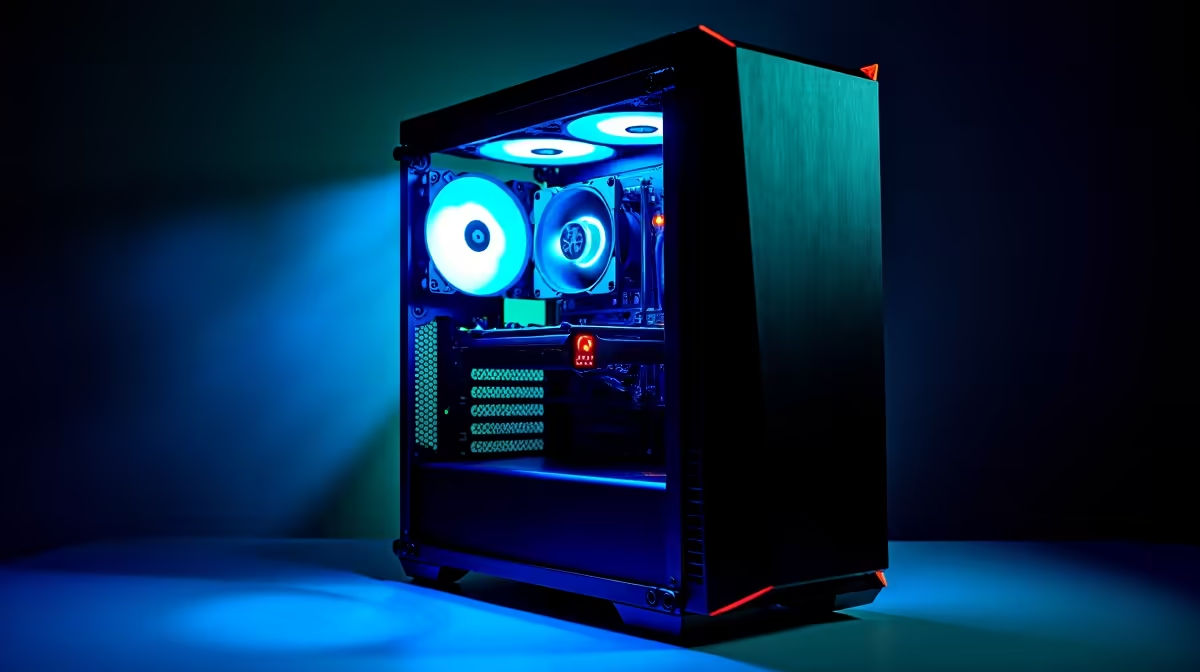
Is your PC sounding like it’s preparing for takeoff at OR Tambo every time you launch a game? You're not alone. That jet engine whine is your rig screaming for better cooling. For midrange gaming PCs, keeping temps in check isn't just about noise… it's about unlocking the stable performance you paid for. Let's dive into the practical steps for optimizing cooling for midrange gaming PCs so your machine stays frosty, even during a Mzansi heatwave. ⚡
Why Proper PC Cooling Isn't Just 'Nice to Have'
Ever noticed your frame rates dipping halfway through an intense match, even though your hardware should handle it? That's likely thermal throttling. When your CPU or GPU gets too hot, it automatically slows down to prevent damage. This is the number one enemy of smooth gameplay.
Effective midrange PC cooling ensures your components can run at their peak boost clocks for longer, giving you a more consistent and enjoyable experience. It's a fundamental part of building a reliable rig, even if you're working with one of our excellent budget gaming PCs that deliver maximum bang for your buck.
Mastering Airflow: The Foundation of a Cool Rig
Before you spend a cent, let's talk about the cheapest and most effective cooling upgrade: airflow management. The goal is simple: get cool air in, get hot air out. Most PC cases are designed for a front-to-back, bottom-to-top airflow path.
A common mistake is having fans fight each other. You want to create a smooth channel of air. Typically, this means setting your front fans as intakes (pulling cool air in) and your rear and top fans as exhausts (pushing hot air out). Tidy cable management is also crucial; stray cables can block airflow and create hot spots. It's one reason why our expertly assembled pre-built PC deals often outperform DIY builds in thermal tests.
Quick Airflow Tip 🔧
Aim for 'positive pressure' by having slightly more intake fan power than exhaust. This helps push air out of every crack and crevice in the case, which also reduces dust buildup over time.
Choosing the Right Cooler for Your CPU
The stock cooler that comes with your processor is… adequate. But for serious gaming, an aftermarket cooler is one of the best investments you can make. It will run quieter and keep your CPU significantly cooler, allowing for better-sustained performance.
Cooling for Intel Processors
Intel CPUs, especially the 'K' series models, can run quite hot when boosting. A decent tower air cooler or a 120mm All-In-One (AIO) liquid cooler is often the sweet spot for a midrange build. This simple upgrade can make a world of difference, ensuring the processor in our all Intel PC deals can stretch its legs without throttling.
Taming AMD Ryzen CPUs
While modern Ryzen CPUs are incredibly efficient, they also benefit massively from better cooling. AMD's Precision Boost Overdrive (PBO) technology actively pushes the CPU's clock speed higher as long as thermal headroom is available. By improving the cooling, you are literally unlocking free performance. It’s a key consideration for any of the rigs in our all AMD Ryzen PC deals.
Keeping Your Graphics Card from Breaking a Sweat
Your GPU is often the single hottest component in your gaming PC. While you can't easily swap its cooler, you can ensure it gets enough fresh air. Make sure the intake fans at the front of your case have a clear path to blow cool air directly onto the graphics card.
Whether you're running one of the latest NVIDIA GeForce gaming PCs or a powerful rig from our lineup of AMD Radeon gaming PCs, good case airflow is non-negotiable for GPU health and performance. ✨
Next-Level Cooling Optimisation
Once your hardware is sorted, you can fine-tune things in the software. Most motherboards allow you to set custom "fan curves" in the BIOS. This lets you tell your fans exactly how fast to spin at certain temperatures. You can create a profile that's whisper-quiet during browsing but ramps up aggressively for gaming.
This level of control is especially useful in modern systems, like the latest DDR5 gaming PCs, which have more sensors and smarter controls. Even if you're on a tighter budget with one of our fantastic PCs under R20k, a few minutes spent tweaking fan curves can result in a cooler, quieter machine.
Knowing When an Upgrade is the Best Solution
Sometimes, you reach the limits of your current setup. If you've upgraded to a beastly new CPU or GPU, your old case and fans might not be able to keep up. That's when a system overhaul is the best path forward for optimizing your PC's cooling.
High-performance components found in PCs above R20k demand more robust cooling solutions, like larger cases with better airflow or 240mm+ AIO liquid coolers. The same principle applies to sustained, heavy workloads, where the thermal demands of our powerful workstation PCs require cooling that's both powerful and reliable. 🚀
Ready for a Cooler, Faster Gaming Experience?
A well-cooled PC is a happy PC, delivering the performance you deserve without the distracting noise. Explore our best gaming PC deals for professionally built rigs with optimised cooling right out of the box.