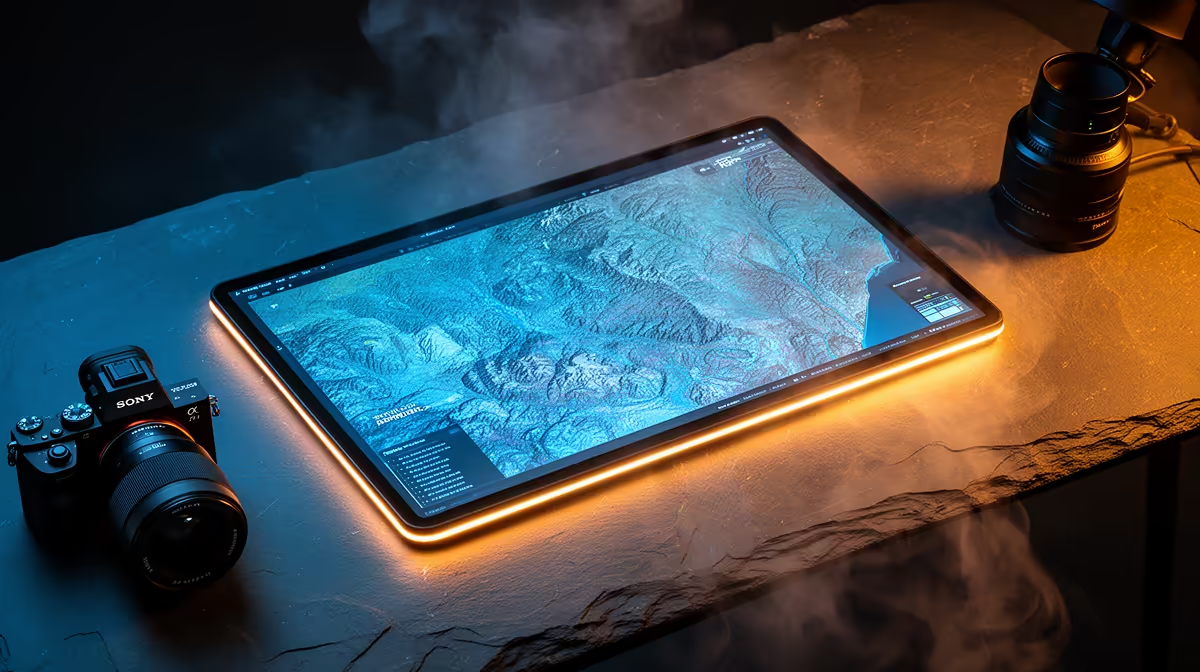
MSI PRO MP275W at R1,850 suits a mapping student or office user who wants a 27in-style workspace without paying for premium display tech. For most QGIS and mapping work in SA, a Mini-LED screen is only worth it if you are grading colour-critical imagery all day; a practical FHD monitor is the better spend for layers, labels, attribute tables, and reference windows.
Better value than chasing Mini-LED
The Dell SE2726H 27in FHD 144Hz at R1,797 is the strongest value pick when screen size matters. Its 27in panel gives maps, toolbars, and browser references more breathing room, while FHD keeps text and interface elements easy to read without needing a costly graphics setup.
The Dell SE2426H 23.8in FHD at R1,532 makes sense for a smaller desk where a second screen is more useful than one expensive panel. At 23.8in FHD, it is a neat fit for checking exported layouts, documentation, and spreadsheet data beside the main mapping view.
SA mapping desk reality
On a campus desk, municipal office counter, or small consulting workspace, the Dahua LM27 100Hz at R1,500 is a sensible low-cost option for that workload. The 100Hz refresh rate is not the main reason to buy it, but it can make scrolling across large maps and moving between panes feel smoother than a basic office screen.
For a clean work desk, the MSI PRO MP275W at R1,850 is the tidy choice when you want a simple FHD screen that looks more refined than a bare-budget panel. It keeps the spend focused on usable display space rather than a Mini-LED premium that many everyday mapping tasks will not fully use.
Ready to choose the right monitor?
Use Dell SE2726H 27in FHD 144Hz at R1,797 as the monitor shortlist benchmark, then check whether its listed spec matches the space, workload, and upgrade path.