Quick Answer
For a quiet PC build with a mini PC, the must-have is a fanless or low-noise unit with passive or large slow-fan cooling; nice-to-have is 32GB RAM and dual NVMe for headroom; skip is a powerful discrete-GPU mini PC, which runs hot and loud. A fanless mini PC near R6,500-R9,000 stays silent for office, media and light server use.
Must-have: a genuinely quiet chassis
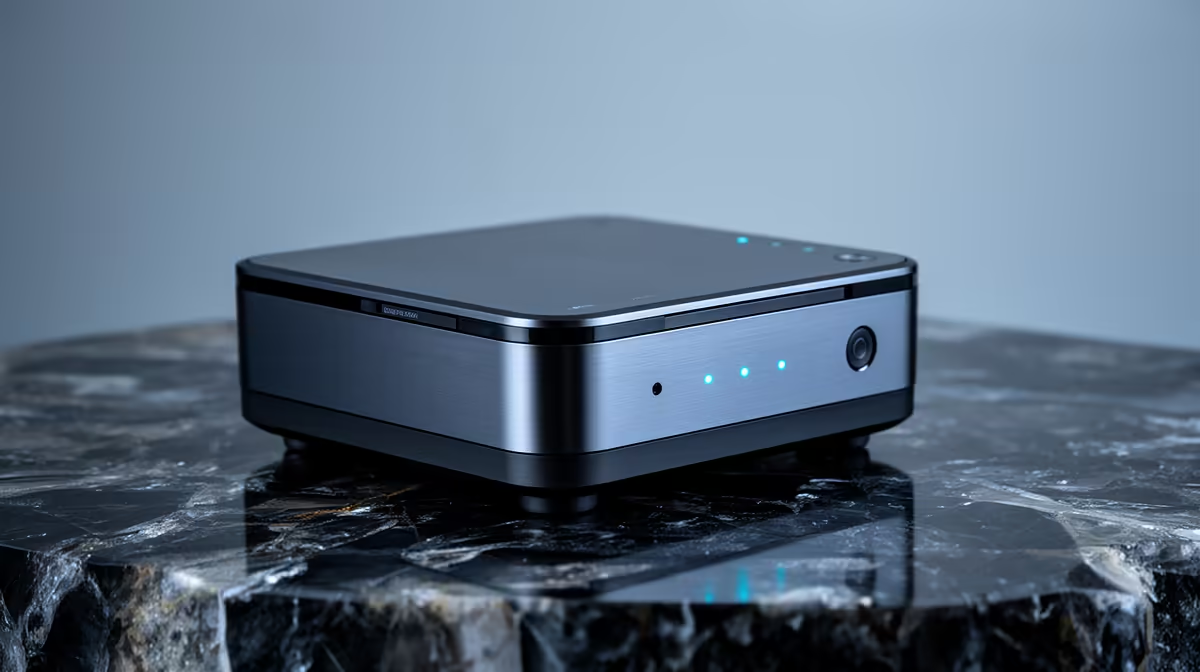
For a quiet build the chassis and cooling come first. A fanless mini PC with a passive heatsink makes zero noise, ideal for a bedroom, lounge or recording space. If fully passive is too limiting, a unit with a single large slow-spinning fan stays near-silent under light load. This is the non-negotiable foundation; everything else is secondary to the box being quiet.
A capable fanless or low-noise mini PC lands around R6,500-R9,000.
Nice-to-have: headroom that stays quiet
32GB RAM and dual NVMe storage are worth having because they let the system run more services or apps without thrashing, which keeps any fan from ramping. More memory means less disk swapping, and that keeps a low-noise unit running cool and silent. These extras improve the quiet experience indirectly, so treat them as upgrades rather than essentials.
Skip: hot, loud performance units
Skip mini PCs built around a powerful discrete GPU or a high-wattage CPU. They need active cooling that spins up audibly under load, defeating the point of a quiet build. If you need that performance, a proper tower with large slow fans is quieter than a tiny box working hard.
Keeping it silent in use
Set any fan to a quiet curve in the BIOS so it idles low and only ramps under sustained load. Place the unit with clear airflow around the heatsink, not boxed into a tight cabinet, so passive cooling works. Use an NVMe SSD rather than a noisy mechanical hard drive to keep the build truly silent.
FAQ
Is a fanless mini PC powerful enough for everyday use?
Yes for office work, web browsing, media playback and light server duties. A fanless mini PC handles these silently. It only struggles with heavy gaming or rendering, where active cooling and noise become unavoidable.
What makes a mini PC quiet?
Passive cooling or a single large slow fan, plus an NVMe SSD instead of a mechanical drive. Adequate RAM also helps by reducing disk thrashing that can spin up a fan. Good airflow around the heatsink keeps a passive unit cool and silent.
Should I avoid mini PCs with discrete GPUs for quiet builds?
Generally yes. Discrete-GPU mini PCs need active cooling that gets audible under load. For a quiet build, choose integrated graphics, or step up to a full tower with large slow fans if you genuinely need the GPU power.
pick a fanless or single-slow-fan mini PC with an NVMe SSD, set a quiet fan curve, and leave airflow space around the heatsink rather than boxing it in.