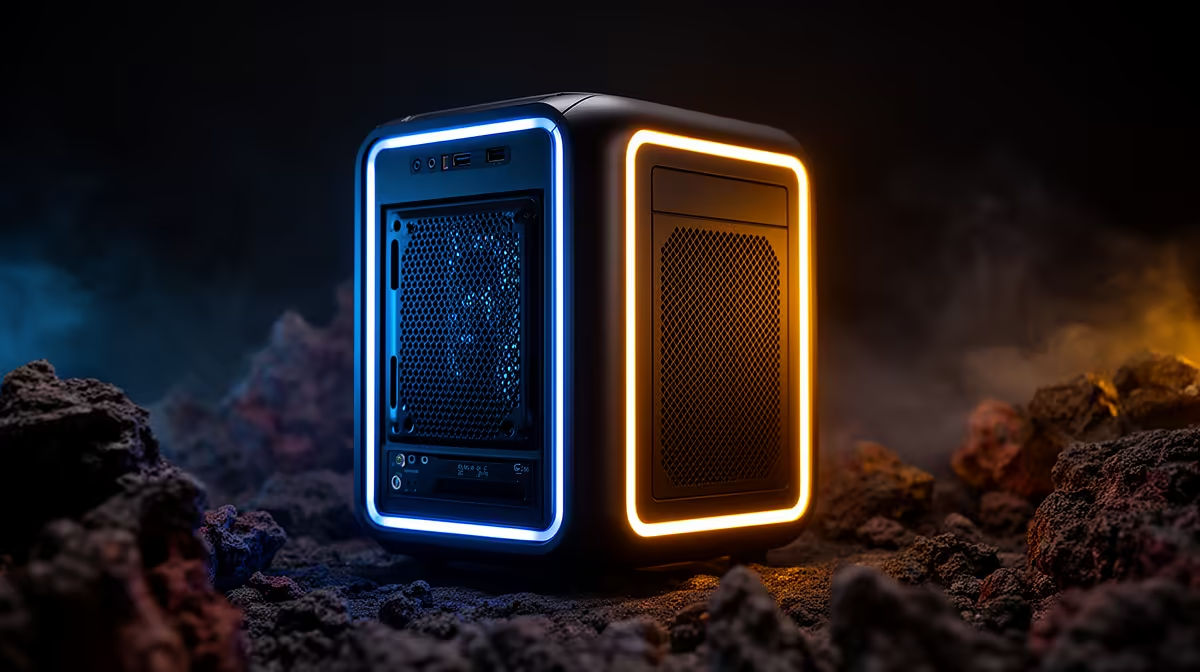
UM750L 16GB/1TB at R4,600 suits a SA creator-gamer who wants a small mini PC home server for shared files, browser work, light gaming, and Canva without giving a whole desk to a tower. It makes sense when the goal is a quiet always-available machine for storage, media, and everyday creative tasks, not a dedicated high-end gaming rig.
Mini PC picks for a mixed gaming and design setup
The UM750L 16GB/1TB at R4,600 is the clean starting point because the 16GB memory and 1TB storage give room for project exports, screenshots, browser tabs, game launchers, and a small household file library. That storage size matters more than chasing the cheapest box if the machine will stay on a shelf and serve more than one purpose.
Minisforum NAB6 Lite i5 8GB/512GB at R4,150 is the tighter-budget option. Its i5 chip and 512GB storage fit a focused setup where the server side is mainly documents, school files, simple media, and remote access, while the main screen work stays light. For heavier multitasking, the NINKEAR M7 16GB/512GB at R4,650 gives 16GB memory, although the 512GB drive needs more discipline with saved projects and downloads.
On a home server shelf near the fibre router
A compact machine near the router can share files across the house, stream local media to a lounge TV unit, and stay out of the gaming room clutter. NINKEAR M8 16GB/1TB at R8,350 is stronger for that role because the 1TB storage is more forgiving, while NINKEAR L12 PRO i9 at R8,150 leans toward processor headroom when the desk setup also needs snappy daily work.
GEEKOM A8 Max 32GB/1TB at R12,900 is the premium pick when multiple users, larger design folders, and heavier multitasking are expected. The HP AIO 22 at R10,036 suits a different need: a built-in 22-inch screen reduces separate display clutter, but it is less natural for hiding near a router or TV unit.
Ready to choose the right mini pc?
Let the both design canva brief start with Minisforum NAB6 Lite i5 8GB/512GB at R4,150, then confirm its listed spec fits the room or workload.