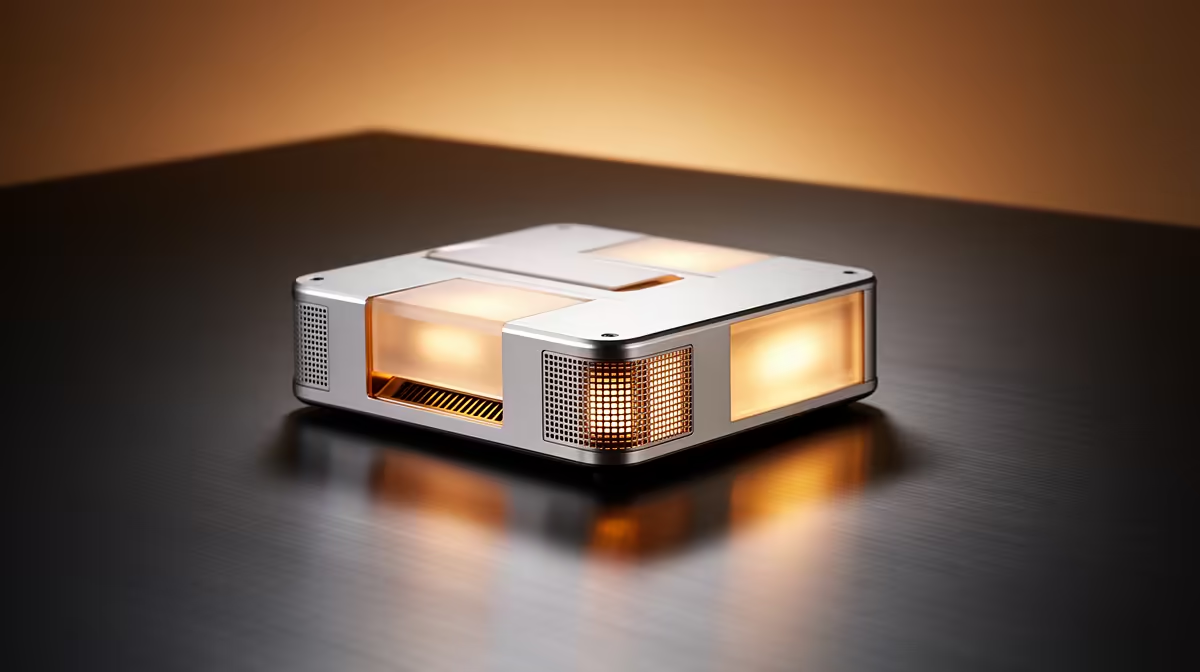
The UM750L 16GB/1TB at R4,600 suits an SA home-office user who wants a mini pc with enough memory and storage headroom for admin, browser tabs, video calls, and document work without filling the desk.
Upgrade limits that matter later
Limited upgradeability only becomes a problem when the starting spec is too tight. The Minisforum NAB6 Lite i5 8GB/512GB at R4,150 is attractive for basic office work, but 8GB memory and 512GB storage can feel cramped once cloud sync, browser profiles, Teams-style calling, and local files all live on the same machine.
The UM750L 16GB/1TB at R4,600 is the stronger long-term value because 16GB memory gives the workspace breathing room, while 1TB storage reduces the need to manage files every month. That small price gap over the Minisforum NAB6 Lite i5 8GB/512GB at R4,150 is worth it for a desk that needs to stay useful for several years.
SA home-office desk reality
A compact work area benefits from the NINKEAR M7 16GB/512GB at R4,650 because the 16GB memory helps with multitasking, while 512GB storage is still reasonable for a mostly cloud-based setup. For a more storage-heavy desk, the NINKEAR M8 16GB/1TB at R8,350 gives the same memory level with a larger 1TB drive.
The HP AIO 22 at R10,036 makes sense where screen and computer need to sit in one fixed spot, but it uses more visible desk space than a tiny box mounted behind a display. The GEEKOM A8 Max 32GB/1TB at R12,900 is the safer pick for heavier multitasking because 32GB memory and 1TB storage delay the upgrade question much longer.
Ready to choose the right mini pc?
Use Minisforum NAB6 Lite i5 8GB/512GB at R4,150 as the home office desk benchmark, then check whether its listed spec matches the space, workload, and upgrade path.