


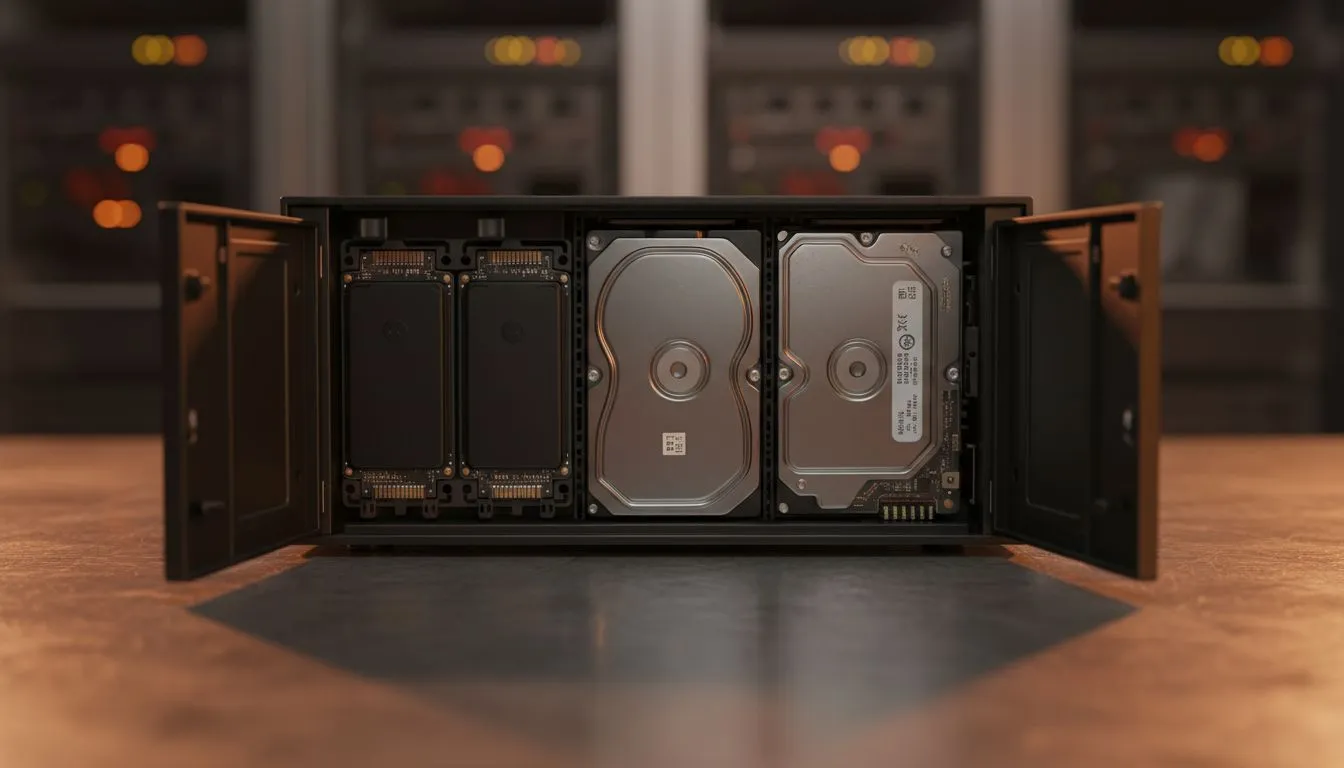
The Hybrid Storage Strategy for South African Power Users
Whether you are a local content creator or a gamer with a massive Steam library, storage is always a battle. You need terabytes of space for raw footage, but you also want snappy performance. The smartest way to achieve this is to mix 2.5 SSDs and 3.5 HDDs in NAS for speed and capacity. This hybrid approach gives you the best of both worlds without breaking the bank in ZAR. ⚡
Why You Should Mix 2.5 SSDs and 3.5 HDDs in NAS for Speed and Capacity
Standard mechanical hard drives (HDDs) are perfect for bulk storage. They offer massive capacity for a relatively low price. However, they can be slow when multiple users access the network. By adding 2.5-inch SATA SSDs into the mix, you create a high-speed tier for your most active files. This setup ensures your 4K video edits stay smooth while your older archives sit safely on high-capacity platters.
To get started, you need to browse the latest diskless NAS storage options to find a chassis that supports multiple drive bays. Most modern enclosures allow you to mount both sizes easily.
Choosing the Right Enclosure for Your Setup
Not all NAS units are built the same. If you want a reliable way to manage your data, Orico NAS solutions offer excellent build quality for home offices. They provide the physical flexibility needed to house different drive types.
For those who need more processing power alongside their storage, Minis Forum storage units are becoming a popular choice in South Africa. These compact systems can handle heavy lifting while managing your hybrid drive array. 🚀
SSD Caching Pro Tip ⚡
Use your 2.5-inch SSD as a 'Read Write Cache' rather than a standalone volume. This allows the NAS to store frequently accessed data on the fast flash memory automatically. It significantly reduces latency when opening large folders or running apps directly from your network drive.
Optimising Your Network for Peak Performance
Once you mix 2.5 SSDs and 3.5 HDDs in NAS for speed and capacity, your bottleneck might shift to your network. In South Africa, many home setups still use basic 1Gbps routers. If your NAS supports it, consider upgrading to a 2.5Gbps or 10Gbps connection. This ensures the speed of your SSDs isn't wasted by a slow Ethernet cable. ✨
Balancing the Budget
Buying high-capacity HDDs (like 12TB or 16TB units) provides the "cold storage" you need for backups. Pairing them with a few 1TB or 2TB SSDs creates a "hot" zone for active projects. This strategy is far more cost-effective than trying to build an all-flash NAS array... which could cost tens of thousands of Rands.
Ready to Build Your Ultimate Storage Hub? Don't settle for slow transfer speeds or running out of space. When you mix 2.5 SSDs and 3.5 HDDs in NAS for speed and capacity, you get a professional-grade setup at a fraction of the cost. Explore our massive range of NAS and storage specials and find the perfect hardware to secure your digital life.











