Quick Answer
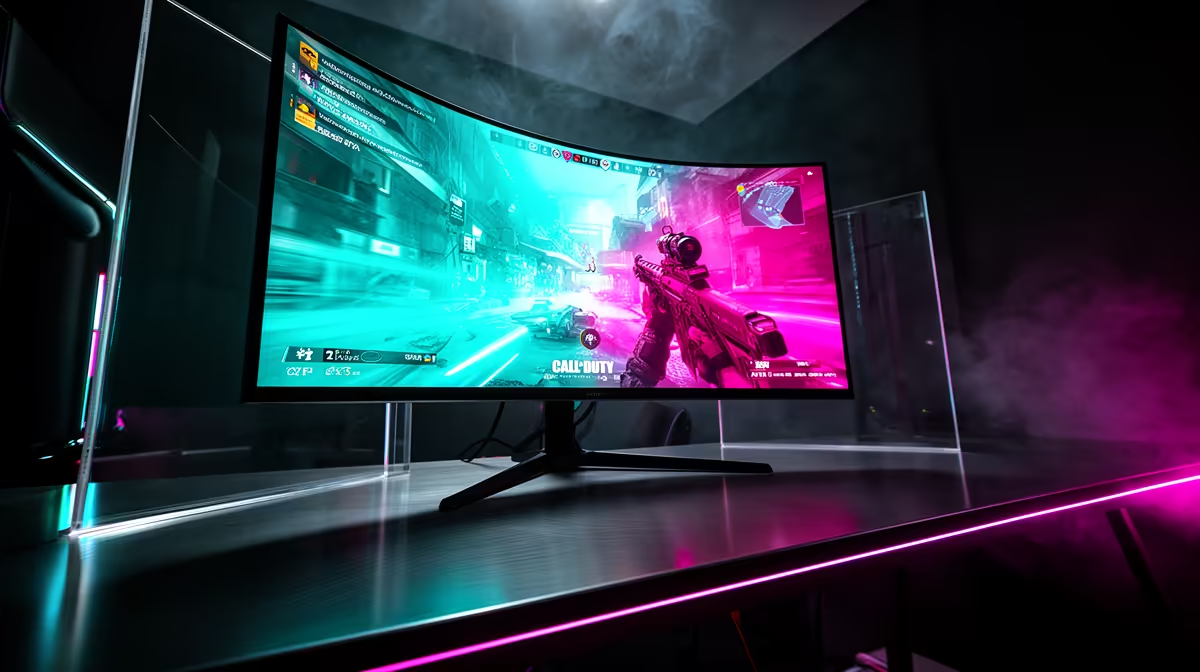
For Call of Duty Warzone, the best monitor target for most SA PC gamers is 144 Hz to 180 Hz at 1080p or 1440p, with 240 Hz reserved for serious esports. Shortlist panels such as SteelSeries Arctis Nova 7 and Logitech G Pro X 2, then match resolution to your GPU before chasing a bigger number. A broad R3,000 to R8,000 monitor band covers most strong gaming choices without forcing a full PC rebuild.
Refresh Rate And Resolution
Call of Duty Warzone should drive the monitor choice, not the other way around. Competitive titles benefit from 144 Hz, 180 Hz, or 240 Hz because motion clarity helps aiming and tracking. Heavier RPG or open-world games often feel better at 1440p with steadier frame pacing than at 240 Hz with reduced settings. If your PC sits around 144 fps at 1080p competitive settings, choose the panel that lets it stay consistent instead of buying a screen the GPU cannot feed.
Panel Type And Desk Fit
IPS panels are a safe pick for colour and viewing angles, VA panels can offer deeper contrast, and OLED is premium but needs burn-in awareness. For dorm rooms, flats, and compact desks, 24 inch 1080p or 27 inch 1440p is usually easier to live with than an oversized display. Check stand height, VESA support, and whether the desk leaves room for speakers, a headset stand, and a full mousepad.
Connection Checks For Windows 11
Use DisplayPort or HDMI that supports the target refresh rate, then confirm Windows is actually set to 144 Hz, 165 Hz, 180 Hz, or 240 Hz. Adaptive sync helps smooth dips, but it cannot fix a GPU that is far below the panel target. South African buyers should also think about courier handling, dead-pixel policy, and keeping the original box for any warranty return.
FAQ
Is 1440p worth it for Call of Duty Warzone?
1440p is worth it when your GPU can stay near the monitor refresh target. If the game drops far below 100 fps, a 1080p high-refresh panel may feel cleaner.
Should I buy 240 Hz for every game?
No. A 240 Hz panel is strongest for esports titles where you can actually render very high frame rates. For cinematic games, better colour, 1440p sharpness, and stable 100 fps can matter more.
What should SA buyers check before checkout?
Check panel size, refresh rate, DisplayPort or HDMI support, warranty handling, and whether your desk can hold the stand. Keep a broad R3,000 to R8,000 range in mind for mainstream gaming monitors.
Pro Tip
For Call of Duty Warzone, set the monitor to its rated refresh rate in Windows immediately after setup; many panels ship or reset to 60 Hz until changed.