



PCIe 5.0 vs PCIe 4.0 for Video editing in 4k in SA
PCIe 5.0 vs PCIe 4.0 for video editing in 4k is mainly about fit, features, compatibility, cost, and upgrade path, not one automatic winner. SA buyers should match the choice to the setup.
Read moreThe RTX 3060 remains one of the most-owned GPUs on record, and a budget 1080p high-refresh monitor is the pairing that gets the most from it without overspending. Evetech stocks affordable 1080p panels built for exactly this GPU tier.
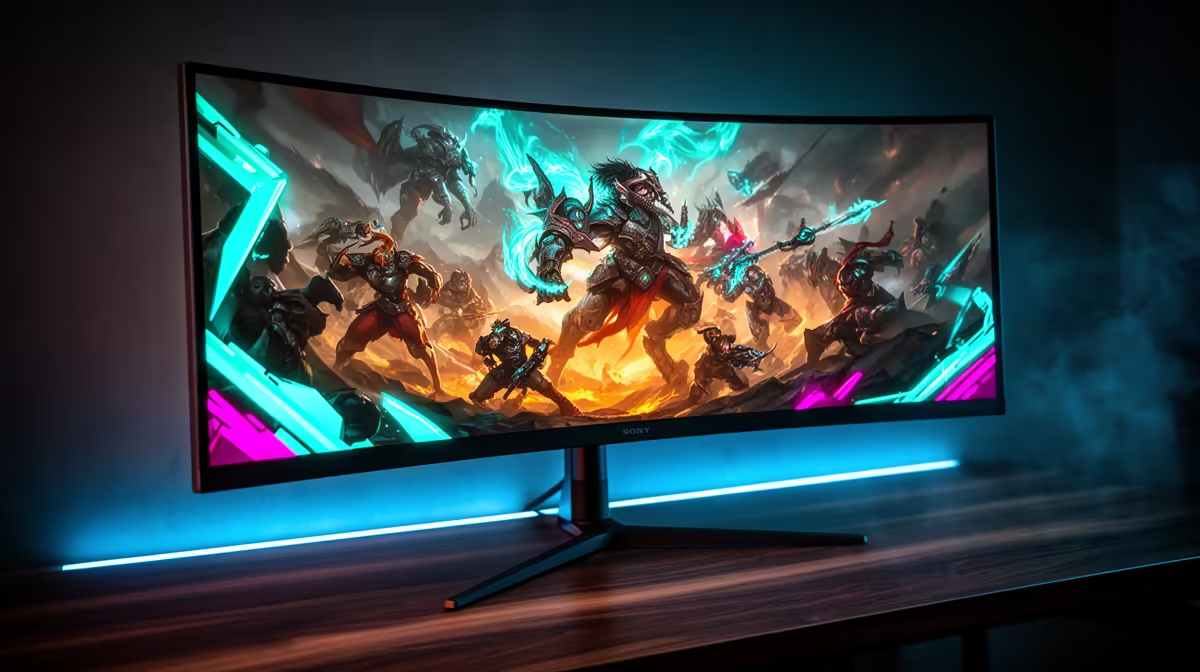
Your RTX 3060 does not need a premium screen to feel good. A well-tuned 1080p 144Hz or 165Hz monitor gives the card room to run and keeps the upgrade budget grounded. The 12GB model can try 1440p with sensible settings, but a budget monitor for the RTX 3060 should make the games you own smooth before it prepares for a future card.
For the strongest value pairing, put Full HD on a 24-inch screen with refresh between 144Hz and 180Hz. A 27-inch 1440p 144Hz screen suits the 12GB RTX 3060 when you play lighter titles, use DLSS and accept lower settings in new games. Evetech's July 2026 snapshot priced the 24-inch Dahua LM24-A201X 100Hz at R1,599; faster gaming panels need an exact dated check.
At 24 inches, 1080p gives the RTX 3060 a manageable pixel load and keeps the image sharp enough for a desk. A 144Hz or 165Hz screen changes mouse movement and game motion without demanding esports-level frame rates from every title.
Look for Adaptive-Sync, a decent stand and response tests that cover the middle of the refresh range. A cheap 180Hz panel with smeared dark motion can feel worse than a clean 144Hz alternative.
Evetech's monitor category lets you compare Full HD sizes and refresh rates before you choose a panel.
Start at the game's High preset and run a busy route. Reduce ray tracing and heavy shadows when the card misses your target. Keep textures within available memory and watch for stutter as new areas load.
Use DLSS Quality where the game supports it and the image holds up on your screen. At 1080p, aggressive performance modes start from a low internal resolution, so inspect fine detail and moving foliage instead of trusting the mode name.
Set a cap the card can hold through combat. A steady 90fps on a 144Hz VRR screen feels better than a system bouncing between 70 and 150 with uneven frame time.
The common 12GB RTX 3060 has useful memory capacity for textures at 1440p. Rendering speed still limits the result. Esports, older releases and less demanding games can use high refresh; new AAA games may sit around 60fps with DLSS and tuned settings.
A 1440p monitor also sharpens work and can remain on the desk after a GPU upgrade. That makes it a reasonable buy when you already plan the next card. Choose 27 inches for balanced pixel density.
Test a full level. A quiet benchmark scene can hide CPU limits, shader stutter and VRAM use that appears later.
Fast IPS offers clear text and broad viewing angles. Dark-room contrast remains modest. VA gives deeper blacks at the same price band, but slow dark transitions can smear night maps and scrolling text.
Use the monitor's recommended overdrive mode for 60Hz and high refresh, then check what happens between them. An extreme mode can create bright trails. A good budget panel should work through the frame rates the RTX 3060 produces.
The monitor best-sellers at Evetech show current local options after your size and motion requirements have set the shortlist.
Enable Adaptive-Sync on the display and compatible G-Sync in NVIDIA's controls. Set Windows to the monitor's top refresh and test a game that moves between light and heavy scenes.
Low-frame-rate compensation helps when output falls under the panel's normal VRR floor. Read model-level testing for flicker and behaviour in dark scenes. A specification logo cannot tell you how the exact unit handles a 55fps loading area.
A new screen can transform colour, motion and desktop comfort before you replace the RTX 3060. Buy 1440p for sharper daily work or a planned GPU step. Buy 1080p high refresh when your current games and budget lead there.
Avoid a 4K gaming monitor as the default match. The card can drive a 4K desktop and video, while modern games demand heavy upscaling or low settings. A future GPU plan can still justify 4K as a work-first purchase.
Keep the box through the first week. Check dead pixels, backlight uniformity, sleep-wake and the full refresh mode before packaging disappears into storage.
Many RTX 3060 systems have collected an old cable, adapter or second monitor over several years. Connect the new panel straight to the graphics card for its first test. Confirm the chosen DisplayPort or HDMI input supports the target resolution and refresh together.
If the top rate is missing, remove the adapter and test a rated cable before reinstalling drivers. Check Windows Advanced display for the active mode. A capture device or dock can limit the path even when the card and monitor both support more.
Add the second screen after the main link stays stable through sleep and a game. That sequence gives you one known-good connection when a black flash appears.
Open the monitor menu after setup and save the working input profile. Turn off image processing that adds latency, then photograph the refresh, overdrive and Adaptive-Sync settings. You will have a quick reference after a firmware reset or cable swap.
A 24-inch 1080p display at 144Hz to 180Hz gives it the strongest value and consistency.
Yes with the 12GB model, DLSS and tuned settings. Expect lower frame rates in demanding games.
Many owners still use it. That installed base does not change the monitor choice for your games.
144Hz to 165Hz covers the card well, with esports reaching higher on a capable CPU.
Do so when sharper work or a future graphics-card upgrade justifies it today.
It can use many tested Adaptive-Sync displays through NVIDIA's compatible variable-refresh support.
Use 24 inches for 1080p and 27 inches for 1440p at a normal desk distance.
Giving an RTX 3060 a screen that suits the games still installed? Compare budget high-refresh monitors at Evetech, then choose a panel that improves your current desk before planning the next GPU.
A 24-inch 1080p display at 144Hz to 180Hz gives it the strongest value and consistency.
Yes with the 12GB model, DLSS and tuned settings. Expect lower frame rates in demanding games.
Many owners still use it. That installed base does not change the monitor choice for your games.
144Hz to 165Hz covers the card well, with esports reaching higher on a capable CPU.
Do so when sharper work or a future graphics-card upgrade justifies it today.
It can use many tested Adaptive-Sync displays through NVIDIA's compatible variable-refresh support.
Use 24 inches for 1080p and 27 inches for 1440p at a normal desk distance.
PCIe 5.0 vs PCIe 4.0 for video editing in 4k is mainly about fit, features, compatibility, cost, and upgrade path, not one automatic winner. SA buyers should match the choice to the setup.
Read more
Wi-Fi 7 vs Wi-Fi 6e for competitive esports comes down to router support, latency goals, device compatibility, and coverage. SA buyers should match the choice to the real network setup.
Read more
ATX 3.1 vs ATX 3.0 for mMO and live-service games buyers - what changes is mostly about compatibility, budget, upgrade path, and setup fit. SA buyers should check device support and real needs before expecting a clear win from either option.
Read more
LGA 1851 vs LGA 1700 can affect Twitch and YouTube streaming when gaming and encoding share CPU resources. For SA creators, the real-world difference depends on encoder choice, memory support, motherboard cost, thermals, and upgrade plans.
Read more
X870E vs X670E for aaa single-player gaming is mainly about fit, features, compatibility, cost, and upgrade path, not one automatic winner. SA buyers should match the choice to the setup.
Read more
Hall Effect switches vs Mechanical switches for mMO and live-service games is mostly about compatibility, budget, upgrade path, and setup fit. SA buyers should check device support and real needs before expecting a clear win from either option.
Read more
A fake 113GB GTA VI ISO reportedly used empty padding around a small malware payload. SA gamers should delete unofficial builds, keep Windows security active and wait for official channels.

Wi-Fi 6E vs Wi-Fi 6 matters for 4K video editing when files move across a network. The real-world difference between Wi-Fi 6E and Wi-Fi 6 for video editing in 4K depends on NAS access, cloud uploads, router range, and SA creator workflows.

The difference between PCIe 5.0 and PCIe 4.0 for SA gamers is mostly bandwidth headroom. Compare GPU slot needs, NVMe speed, motherboard support, and upgrade timing before paying extra for a newer platform.

Gaming PC stuck pixel checks in South Africa should confirm the monitor fault first. Use colour tests, screenshot comparison, cable swaps, display menu checks, and clear photos before deciding on support.

Shokz OpenFit Air 2 earbuds weigh 7.2g each and use a redesigned dual-driver open-ear layout. SA buyers should choose them for comfort and awareness, not maximum isolation.

AMD's current driver now lists a Radeon RX 9050 4GB, while product coverage details a narrowed memory system. SA buyers should weigh the low VRAM ceiling against current local Radeon options.

Samsung Display has demonstrated a 16-inch 2.5K OLED laptop panel running at 300Hz. SA buyers should wait for a named notebook, full panel specifications and a local price before planning an upgrade.

Microsoft says some Windows 11 game crashes after recent updates are linked to RGB-related drivers. Affected SA gamers should confirm the update and driver before using the published registry workaround.

RTX 5090 on a 650W PSU is a tight pairing with very limited headroom. For SA gaming PCs, focus on total system draw, PSU quality, connector support, CPU choice, and avoid OC plans unless the full build is carefully power-limited.
PCIe 5.0 vs PCIe 4.0 for video editing in 4k is mainly about fit, features, compatibility, cost, and upgrade path, not one automatic winner. SA buyers should match the choice to the setup.

850W PSU safety for RTX 5090 is plausible with a quality unit and balanced parts. In SA, confirm connector support, CPU power draw, case airflow, PSU age, and spare capacity before building around 850W.
Wi-Fi 7 vs Wi-Fi 6e for competitive esports comes down to router support, latency goals, device compatibility, and coverage. SA buyers should match the choice to the real network setup.