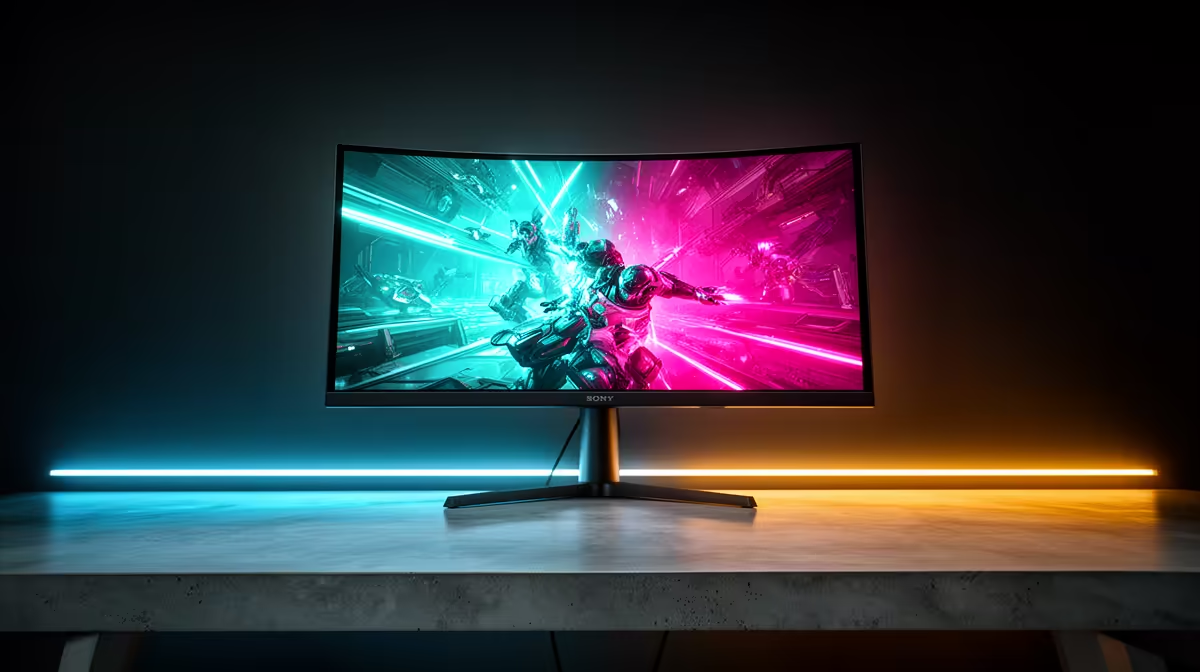
An RTX 5090 gives you the luxury of choosing what the monitor should be brilliant at. A 32-inch 4K 240Hz OLED is the obvious all-round flagship, but it is not compulsory. A bright 4K mini-LED can suit a sunny room better, while a 1440p ultra-high-refresh panel still makes sense for a player who lives in competitive shooters.
Quick Answer
Choose a 32-inch 4K 240Hz OLED if you want premium HDR, fast pixel response and enough refresh headroom for lighter games. Pick 4K 144Hz to 165Hz mini-LED or IPS when brightness, desktop work and value matter more than perfect blacks. Competitive players can justify 1440p at 360Hz or above. Evetech's July 2026 in-stock gaming-monitor snapshot had a R4,499 median; flagship 4K OLED sits in another spending tier, so compare the actual panel price rather than treating that median as its quote.
🎮 Start with the games that own your evenings
List the three games you play most and the frame rate you actually target. A cinematic single-player release with ray tracing asks for resolution, contrast and variable refresh. A tactical shooter asks for motion clarity and low latency. A racing sim may benefit from a wider view more than another jump in refresh.
The RTX 5090 can feed very high frame rates in light titles and drive demanding 4K games with suitable settings, upscaling and frame generation. Those are different workloads. A 240Hz label leaves room for both; it does not promise every Ultra preset will sit at 240fps.
Use Evetech's monitor range to filter current options by resolution, size and refresh before comparing panel details.
🖤 Choose OLED for contrast and motion
OLED switches each pixel independently, giving dark scenes convincing black levels and fast transitions. HDR highlights stand against those blacks without a large backlight zone glowing around them. Fast motion also avoids much of the smearing associated with slower LCD pixels.
That strength comes with ownership habits. Static toolbars, editing timelines and game HUDs deserve sensible use of sleep, dimming and the panel's care features. Text rendering can look different from a conventional RGB LCD because subpixel layouts vary. Read at your normal desk distance before buying for an eight-hour workday.
Room light matters. A glossy OLED can look superb at night and reflective opposite a bright window. Check coating, peak brightness behaviour and warranty terms for the exact model.
☀️ Pick mini-LED or fast IPS for a bright mixed-use desk
A strong mini-LED monitor can deliver high HDR brightness and use local dimming to deepen dark areas. More zones and better control reduce blooming, but a white cursor can still light the region around it. IPS gives consistent colour and viewing angles, often at a lower price, with greyish blacks in a dark room.
For work by day and games after hours, 4K at 32 inches gives sharp text and generous workspace. A 27-inch 4K screen is sharper again, though interface scaling becomes a personal comfort choice.
Look past the word HDR. Check measured brightness, local-dimming behaviour, colour coverage and whether HDR works well with variable refresh. A weak HDR implementation can add complexity without the picture you imagined.
🏎️ Keep 1440p on the table for competitive play
At 27 inches, 1440p remains sharp enough for many desks and makes extreme frame rates easier to reach. A 360Hz or 480Hz-class panel gives an esports player more useful scan opportunities than 4K detail they barely notice during a match.
Run the games you compete in at your intended settings. The monitor should sit above the frame rate the system sustains, giving variable refresh room to absorb changes. Buying 500Hz for a game that hovers around 180fps is a future bet, not an immediate gain.
An ultrawide can transform simulation and racing, though it adds pixels and changes game support. The RTX 5090 has the performance budget to make that a genuine choice. Check whether your competitive title permits the aspect ratio you want.
Evetech's monitor best-sellers provide local demand context while your own genres settle the format.
🔌 Check ports, cables and compression
The RTX 5090 supports modern DisplayPort and HDMI output, but the exact monitor decides which combination carries 4K at its maximum refresh. Read whether the mode uses Display Stream Compression, reduced colour depth or a particular input.
Use the certified cable supplied for the target mode or a replacement with the required rating. A long unverified cable can turn a premium pairing into black screens and missing refresh options.
Connect one display for initial setup, select native resolution and maximum refresh in Windows, then enable variable refresh. Add secondary screens after the flagship path works. Firmware updates for early high-refresh panels can matter, so check the model's support page.
The RTX 5090 range at Evetech lets you compare current card variants while the monitor decision stays tied to the games and desk.
🌈 Make VRR and HDR part of the purchase test
Variable refresh keeps frame delivery smooth when a demanding game moves below the panel ceiling. Confirm the monitor's supported range and behaviour at low frame rates. Check flicker in dark loading scenes and menus, where some panels expose it most clearly.
For HDR, play a familiar dark game and a bright outdoor scene. Look for shadow detail, highlight texture and stable colour rather than choosing the most dazzling shop preset. A good monitor should let the RTX 5090 show more of the scene, not bleach it.
Frequently Asked Questions
What monitor suits the RTX 5090 best?
A 32-inch 4K 240Hz OLED is the premium all-round match, with 4K 144Hz mini-LED and extreme-refresh 1440p as strong specialist options.
Is 1440p a waste with the RTX 5090?
No. It suits competitive players chasing the highest frame rates, though 4K uses more of the card's visual capability.
Why pair OLED specifically with the RTX 5090?
OLED combines fast response, deep blacks and strong HDR contrast, which complements a flagship GPU's high-resolution output.
Is 4K 240Hz overkill for most games?
The full ceiling is beyond many demanding games, but it leaves room for esports, lighter titles and future upgrades.
Does the RTX 5090 support DisplayPort 2.1?
Yes. The monitor, cable and selected mode still determine the resolution, refresh and compression used.
Should I consider a 4K 120Hz monitor instead?
Yes when its panel quality and price beat faster alternatives and your games rarely exceed 120fps.
Does Evetech stock monitors for this pairing in South Africa?
Evetech's monitor range covers high-resolution and high-refresh categories. Confirm the exact model, price and availability when you buy.
Building the screen around a flagship GPU?
Browse 4K, OLED and high-refresh monitors at Evetech, then choose from the games, room and desk you use every day.