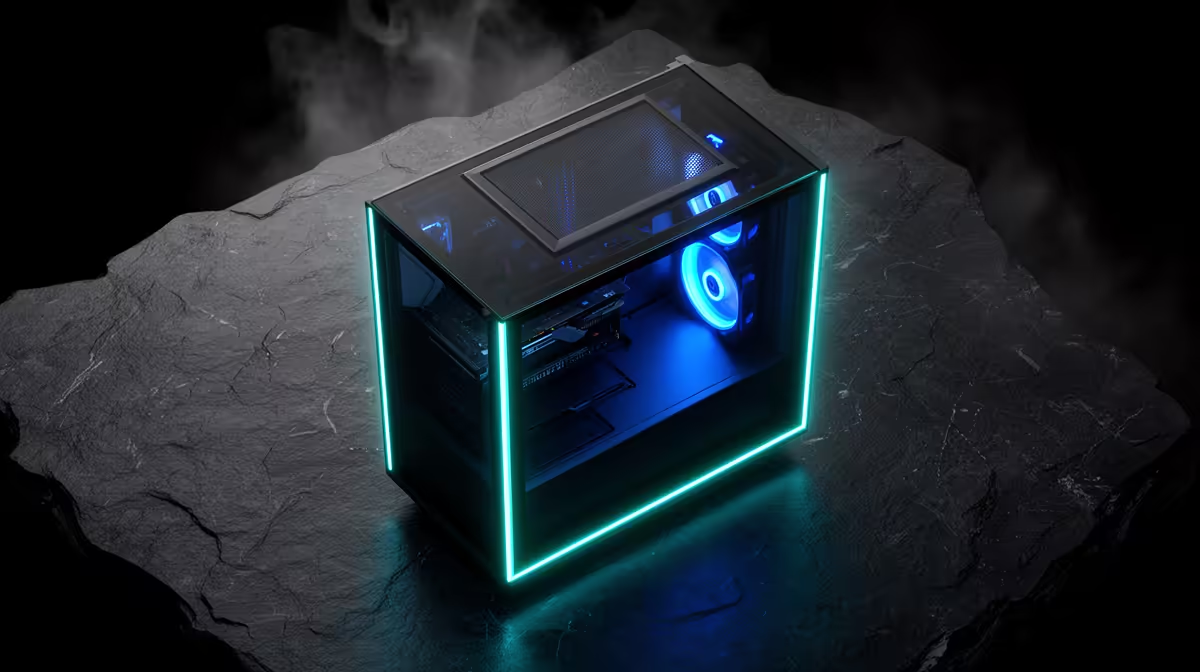
An airflow case is easy to market with a mesh front and a row of fans. The real test is whether those fans feed the graphics card, whether filters can be cleaned and whether your components fit without blocking the path. For Montech cases in South Africa, current availability matters less than choosing the right size and cooling layout for the build.
Quick Answer
Montech case listings and Rand prices can move across specialist South African and border supply, so no permanent range price or channel should be assumed. A large imported chassis may add dimensional freight, customs duty and awkward panel support. Open Evetech's gaming PC deals for a current local baseline of airflow-focused systems and component specifications.
🌬️ Judge airflow beyond the mesh front
Montech is known in value-PC discussions for cases that emphasise ventilation and included fans. Confirm the exact model and bundle.
A mesh front can reduce intake restriction. It still needs enough open area, clean filters and sensible fan placement.
Check how many fans are included, their size, connector type and control method. Fixed-speed fans and PWM fans offer different noise control.
Map intake and exhaust. Front or bottom fans should feed cool air towards the GPU and CPU cooler, with top or rear fans removing heat.
Do not fill every top mount with exhaust by habit. A forward top fan can pull fresh air out before it reaches the CPU cooler.
Check filter access. A budget case that requires removing the entire PC to clean a filter will stay dusty.
Look at front-panel clearance from the wall or desk. Mesh cannot breathe when pushed against furniture.
📏 Match the model to first-build parts
Montech offers different tower sizes. Verify motherboard support for mini-ITX, micro-ATX, ATX or larger boards.
Measure GPU length, thickness and power-cable space. Front radiators can reduce card clearance.
Check CPU-air-cooler height and radiator support. Include fan and radiator thickness, not only length.
Confirm power-supply length and hidden cable depth. A non-modular PSU can create a large unused cable bundle.
Review storage mounts and whether they conflict with the PSU, front fans or long graphics cards.
Check front USB and audio connectors against the motherboard's internal headers. A case USB-C port needs matching board support.
For a first build, value easy panel removal, clear screw labels and space behind the board. These features prevent frustration without raising frame rate.
📦 Compare the completed South African build
Use a dated quote naming the Montech model, colour, glass or mesh panels, included fans, hub, seller and currency.
International carriage can be expensive because case cartons are bulky. Customs duty, insurance and damaged-glass handling belong in the total.
Ask how broken front I/O, bent steel, missing screws or a cracked panel are resolved.
Add any fans, fan hub, splitter or controller needed for the intended airflow. Check motherboard header current limits.
Evetech's PC best-seller page provides another view of complete builds across different case budgets.
Use the live build photos and component lists rather than assuming Evetech stocks the title brand. Another locally sourced case can offer the same mesh and fan layout.
Keep the carton, glass foam, screws, slot covers and brackets. Case-specific parts are easy to lose.
Compare the case saving with CPU, GPU, power-supply and storage priorities. A value chassis is good when it protects and cools better components.
Check the current seller warranty for fans and front I/O. Mechanical case parts and bundled electronics can have different processes.
Check fan-bearing type and replacement size if the bundle's fans influence the value. A noisy proprietary fan or hub can erase the advantage of a fan-inclusive case.
Inspect tempered-glass mounting. Metal screws should not be overtightened against glass, and rubber isolation pieces must be present.
If you plan a vertical GPU, confirm the bracket, riser and distance from the side panel. A display orientation can reduce intake air.
Compare the case's front-panel audio path with your headset needs. Poor cable routing near power hardware can add noise.
🛠️ Build and validate airflow
Inspect the frame and panels before installing components. Photograph transit damage.
Install the power supply and route CPU power before the motherboard blocks the opening.
Fit fans with airflow arrows aligned to the plan. Keep cables clear of blades.
Install the board, cooler, storage and graphics card. Check every connector latch.
Connect fan headers in groups the motherboard can control safely. Label any hub channels.
Power on with panels open and confirm every fan rotates without scraping.
Set a quiet idle curve and a stronger load curve. Use CPU and GPU temperatures as the trigger where supported.
Run a combined game or stress load, then repeat with panels closed. Watch temperature, clock speed and noise.
Check for negative-pressure dust entering unfiltered gaps. Adjust intake and exhaust speeds if needed.
Clean filters after the first month and compare dust build-up. Save the working fan curve and cable photo.
Repeat the combined load test on a warm afternoon. A budget fan curve set in a cool room may become noisy or allow higher temperatures later.
Check panel clips and screws after moving the PC. A case should remain square and rattle-free after normal transport.
Keep one spare fan header and enough cable slack for future upgrades. Replacing a graphics card should not require cutting every tie.
When adding storage, confirm new cables do not block front intake. Small changes can undo the airflow plan.
Frequently Asked Questions
Is Montech widely stocked in South Africa?
Listings change across specialist sellers. Check current supply and Evetech's live PC range instead of assuming a permanent footprint.
What is Montech known for?
The brand is discussed for value-led gaming cases, mesh airflow designs and fan-inclusive bundles.
How does Montech pricing compare locally?
Compare the exact case, fans, delivery and support. A bare price without bundle contents is not useful.
Does Evetech offer similar airflow builds?
Check current gaming PC photos and specifications for mesh cases, fan counts and cooling layouts.
Are Montech cases suitable for a first build?
The right model can be, provided the parts fit and the layout offers clear cable and cooling access.
Which sizes are common?
Listings vary across compact and ATX towers. Choose by motherboard, GPU and cooler dimensions.
What warranty applies to a border purchase?
The seller's written terms decide. Confirm treatment of fans, front I/O, glass and transport.
Ready to choose a budget case around real airflow?
Browse Evetech's current gaming PC deals and best sellers, then compare cooling, component fit and warranty as one build.