


RTX 4060 Ti Throttling Under Load: SA Temperature Guide
RTX 4060 Ti Throttling Under Load: Temperature. Everything you need to know with SA pricing, step-by-step instructions & expert recommendations.
Read moreDiscover how the MSI RTX 5090 Lightning Z 360mm radiator system keeps your GPU ice-cold under extreme loads. ❄️ Explore the advanced thermal engineering powering peak performance for your custom build. 🚀
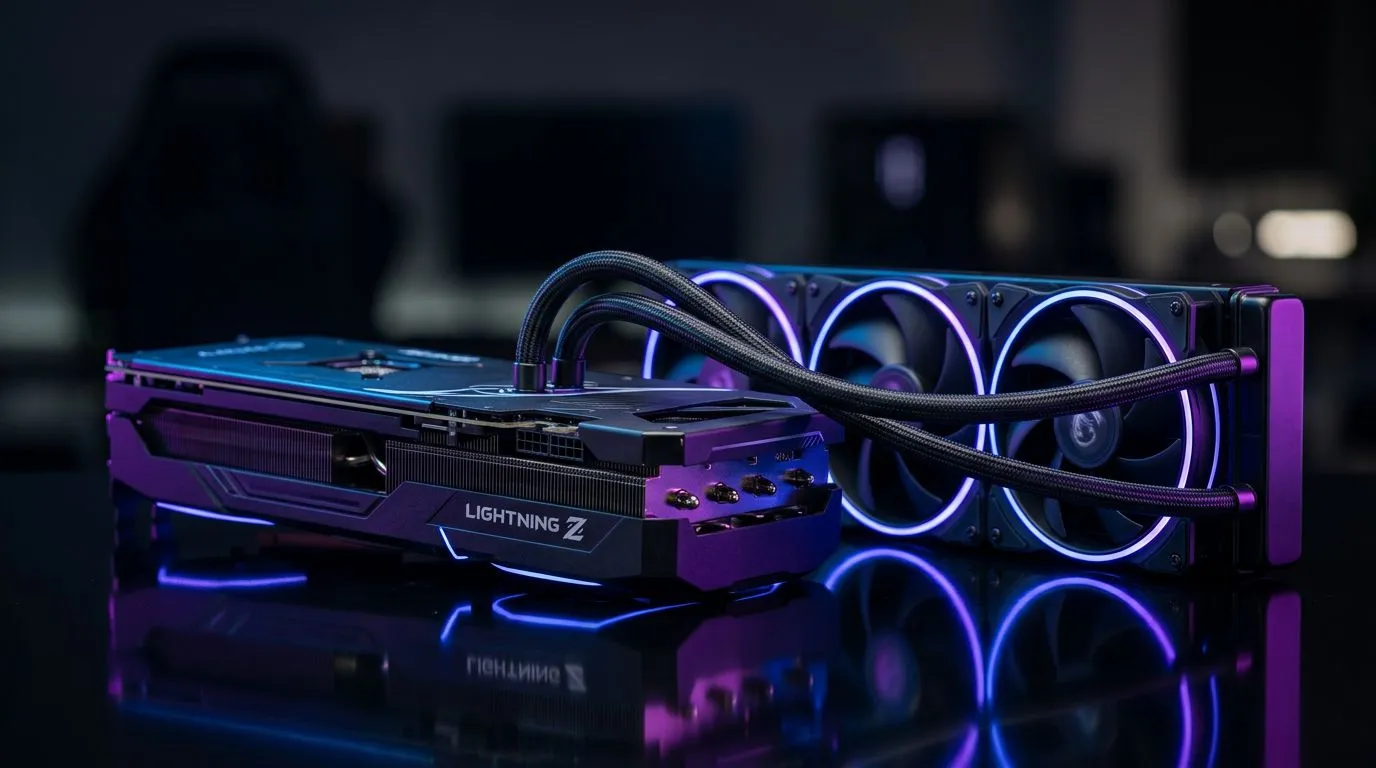
South African gamers push hardware hard… especially in summer. One minute you’re in ranked, the next minute your GPU fans are ramping because temperatures climbed. That’s where MSI’s 360mm radiator cooling philosophy comes in. If you’re considering an MSI RTX 5090 Lightning Z with a 360mm radiator setup, this deep dive helps you understand what you’re actually buying, how to get the best temps, and what to prioritise in a build.
The “360mm” part is the radiator size. A larger radiator generally means more surface area to shed heat. More surface area can translate into lower coolant temperatures, lower GPU core temps, or simply quieter operation at the same performance… depending on your case airflow.
For an AIO-style loop (radiator plus pump and block), heat is moved from the GPU into the coolant, then dumped into the air by radiator fans. So your cooling performance is not just about the GPU. It’s also about:
In real terms, better cooling headroom helps with sustained boost behaviour. Rather than throttling or dropping clocks during long sessions, the system can maintain closer-to-expected performance. It’s not magic… but it’s a measurable advantage when you game for hours or render at the same time.
Put simply: you want steady airflow through the radiator. Top mounts can work, but front and intake-style setups often provide more direct airflow. If you’re building in a compact case, radiator clearance and tubing bends can also matter.
Local conditions matter. In South Africa, ambient heat can spike during summer evenings and loadshedding periods can affect airflow if your room doesn’t cool quickly. Even with a radiator, you still need sensible setup choices.
Start with conservative curves: keep fans moderate at idle, then increase gradually under load. A common mistake is waiting too long to ramp. That creates higher coolant and core temps before fans catch up.
If your motherboard software allows per-fan curve profiles, set the radiator fans to a more responsive profile than your case fans. Then re-test with a sustained load (like a benchmark or a long session).
Radiator cooling is airflow cooling. If your case has dust buildup, obstructed intake filters, or cramped cable runs, the radiator will struggle. A clean build and unobstructed intake can lower GPU temps in a way that feels “free”.
A 360mm radiator needs physical space and the right mounting positions. Also consider whether your case supports the radiator thickness you plan to use and whether your GPU and tubing routing will be strained.
If you want to browse MSI options directly, you can compare the Lightning line approach across Evetech listings here: Browse MSI graphics cards on Evetech
Not every buyer needs radiator-based cooling. Some people prioritise low noise, some prioritise highest sustained performance, and others just want stable thermals without worrying about maintenance.
If you’re weighing MSI’s radiator design against other cards, use these buyer filters:
If you’re comparing GPU types, you can also explore related categories on Evetech:
And if you’d rather scan everything available and narrow down from there, start here: All graphics card options on Evetech
A radiator loop is still a mechanical system. While many AIO solutions are designed for long service intervals, you should plan for practical realities:
Also, manage expectations. Even perfect cooling can’t stop every thermal factor. But the goal is consistent thermals under sustained load, and that’s where a 360mm radiator setup often earns its place.
Ask yourself:
If the answers are mostly “yes”, you’ll likely benefit from the design philosophy behind MSI RTX 5090 Lightning Z 360mm radiator cooling.
Ready to Find Your Perfect Match? The Mac vs Windows debate is complex, but for maximum power, choice, and value in South Africa, Windows is hard to beat. Explore our massive range of laptop specials and find the perfect machine to conquer your world.
The 360mm radiator provides a massive surface area for heat dissipation, allowing the MSI RTX 5090 Lightning Z to maintain higher boost clocks without thermal throttling.
Yes, the MSI RTX 5090 Lightning Z utilizes a high-quality closed-loop AIO cooling system, meaning it is factory-sealed and requires no maintenance during its lifespan.
The pump is engineered to ensure rapid coolant circulation between the GPU cold plate and the 360mm radiator, effectively moving heat away from the core components.
Due to its size, the 360mm radiator requires a mid-tower or full-tower chassis with dedicated support for triple-fan radiator mounting, typically at the front or top.
Liquid cooling on the RTX 5090 offers superior thermal transfer, resulting in significantly lower operating temperatures and quieter operation under heavy gaming loads.
Yes, the fans are fully PWM controlled, allowing the MSI software to dynamically adjust fan speeds based on real-time GPU temperature data for optimal acoustics.
RTX 4060 Ti Throttling Under Load: Temperature. Everything you need to know with SA pricing, step-by-step instructions & expert recommendations.
Read more
Apex Legends Max Settings on RTX 4080. Tested & verified settings for best FPS and visual quality on SA hardware budgets.
Read more
GPU Buying Guide. Everything you need to know with SA pricing, step-by-step instructions & expert recommendations.
Read more
GPU Terms Guide. Everything you need to know with SA pricing, step-by-step instructions & expert recommendations.
Read more
AMD Adrenalin Download & Setup Guide: GPU. Clear setup instructions with SA-specific considerations, troubleshooting tips & recommended components.
Read more
Back-to-School GPU Buying Guide. Everything you need to know with SA pricing, step-by-step instructions & expert recommendations.
Read more
Snapdragon X2 NPU Explained: How 80 TOPS Changes. Plain-English explanation of what it means, why it matters & how it affects your buying decisions in SA.

HBM? High Bandwidth Memory Used in GPUs and AI. Plain-English explanation of what it means, why it matters & how it affects your buying decisions in SA.

How much should you spend on sim racing accessories in South Africa for a realistic setup? We break down budgets by quality tiers, so you buy smart gear and avoid overspending 🎮💸

G-Sync and FreeSync? Variable Refresh Rate. Plain-English explanation of what it means, why it matters & how it affects your buying decisions in SA.

AMD Laptop: Value. SA-focused analysis with local pricing data, real-world insights & actionable buying advice.

How MacBook Neo Handles 30+ Chrome Tabs with Only. SA-focused analysis with local pricing data, real-world insights & actionable buying advice.

Why Apple Put 8GB RAM in MacBook Neo: The A18 Pro. SA-focused analysis with local pricing data, real-world insights & actionable buying advice.

Upgrade your work laptop with a New Motherboard. Step-by-step instructions with SA-specific tips, common pitfalls to avoid & expert recommendations.

Maintain wired headset — Checklist: • inspect cables • clean earpads • store properly 🔧🎧 Practical steps to preserve sound quality and avoid premature replacements.

Fix crackling headset fast: step-by-step checks for cables, connectors, drivers, and settings to remove static or distorted audio on wired headsets 🎧⚙️

Stereo vs mono headsets: learn which delivers clearer calls, better spatial music, or simpler mono voice performance — pick the right headset for meetings, music, or gaming 🎧💬

- Compare gaming headset vs studio headphones; - Assess comfort, mic and sound; - Recommend best daily picks. Gaming headset vs studio headphones: learn which suits work, music and casual gaming. 🎧⚖️