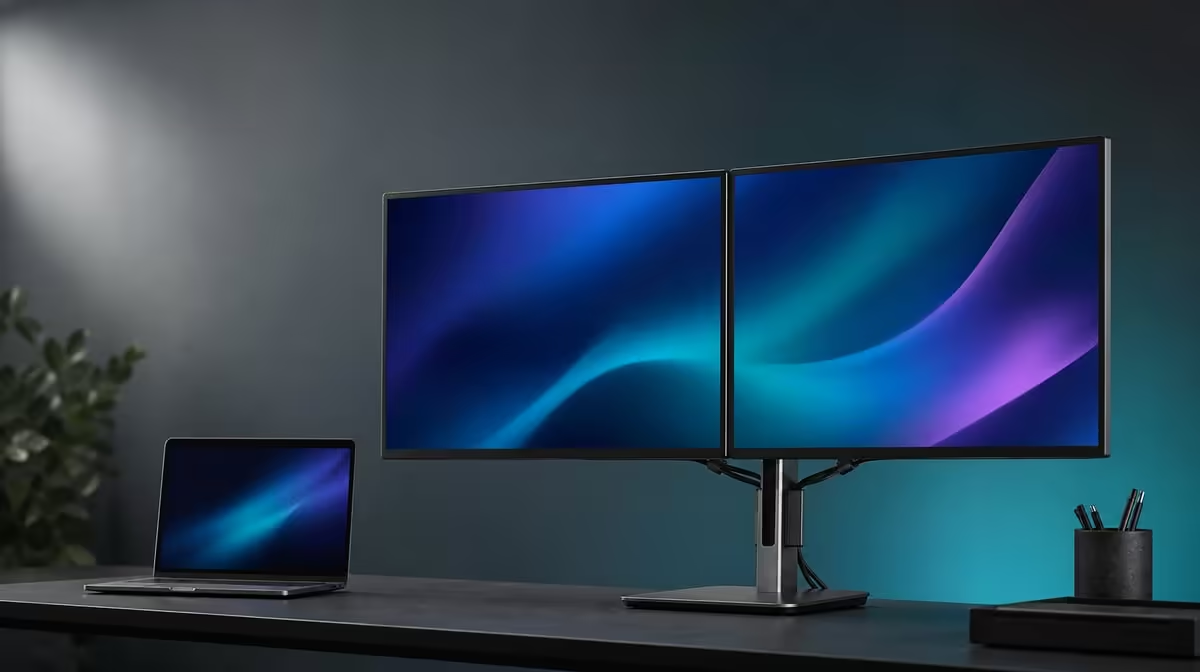
A sensible monitor budget begins with the work that needs to remain visible, not with a round price ceiling. How much to spend on dual 23.8-inch monitors in South Africa depends on whether two full-size task zones, smoother motion and flexible positioning remove recurring friction.
Quick Answer
The UPERFECT Delta Mega costs R6,899 and therefore sits below R10,000. Its case starts with two 23.8-inch Full HD IPS work areas running at 100Hz. Windows and Mac connectivity over two input types, 360-degree folding, speakers and low blue light complete the value argument.
💼 Start with the cost of the workflow problem
Write down the two windows that currently compete for space on the laptop. If the user constantly alternates between a source and draft, a table and dashboard, or a meeting and notes, two persistent task areas can remove a repeated interruption. Estimate how many hours each week that pattern occurs.
Then assign a value to the interruption without pretending it can be measured perfectly. Count application switches during a representative half hour, note lost reading position and record any errors caused by covering reference material. The aim is to understand frequency and consequence, not to manufacture a dramatic return-on-investment claim.
If a second full-size screen would remain empty for most duties, the dual format should not absorb the budget merely because it looks capable. A buyer who needs one focused view can compare simpler equipment. Spending less on unused features is better value than forcing every screen into the day.
Include the companion laptop in the budget plan. It supplies the source, may remain a third work area and determines which connection modes are available. A monitor price cannot compensate for an unconfirmed output path.
Evetech's portable monitor range can help place this full-size folding approach beside other laptop extensions.
🧾 Break R6,899 into usable benefits
The first benefit is two 23.8-inch 1920 x 1080 IPS panels. Value appears when applications remain readable at the actual desk distance and a second panel receives a persistent role. Test native resolution, sensible scaling and typical content rather than counting inches alone.
The second possible benefit is 100Hz. Smoother compatible scrolling, cursor movement and animation can improve visual flow compared with 60Hz. It does not add workspace. Run the same motion at both settings and mark whether the user notices enough difference during normal duties to give it part of the spend.
The listed 14ms response deserves its own row. It concerns pixel transitions and is more relevant to moving imagery than a static business page. Office users and casual players can weigh it differently according to the hours and motion in their routines.
The 360-degree folding range supports wide, vertical and sharing positions. A stack can save desk width and is intended to reduce neck strain, although comfort still depends on panel height, angle and task placement. Buyers who repeatedly use two or three layouts can recover more value from the mechanism than someone who leaves it in one position.
Built-in speakers may remove the need for separate basic meeting audio, and low blue light adds a viewing choice for longer reading. Give these conveniences modest, honest scores based on whether they replace a real annoyance.
Compare conventional screens through Evetech's PC monitor category.
🔗 Budget for confirmed compatibility
The Delta Mega accepts Type-C or HDMI from supported Windows and Mac computers. That breadth is useful in a mixed-computer home or office, but the laptop's actual output and the cable remain part of the decision. A Type-C connector is not automatic proof of display video.
Before assigning value to cross-platform use, make a source card for each computer. Record the port, intended route, number of displays, Full HD resolution, desired 100Hz mode and whether the built-in speakers will carry audio. Unknowns should remain questions rather than becoming assumed capabilities.
Test the full routine where possible: initial connection, extended desktop, restart, wake, reconnection and a change of physical layout. A reliable path can save time; an undocumented path that requires repeated guessing reduces the practical return from otherwise strong hardware.
Cable placement belongs in the same audit. Two large folding panels need relaxed leads that remain outside the movement path. If the desk forces a taut connection in the desired stack or sharing position, the layout benefit is not fully available.
Do not add speculative accessories or savings to make the calculation look complete. Use the confirmed R6,899 product amount and compare features at that figure. Current availability can be checked through Evetech at buying time.
📊 Decide whether the spend survives a month
Create a thirty-day scorecard before purchase. List the screen role, physical pose, connection used and work friction expected to disappear. A real month may not be available for testing, but the forecast forces each feature to answer a recurring need.
Add a confidence level beside every row. A confirmed laptop output can receive high confidence; an untested stack in a tight room should remain low. This prevents uncertain assumptions from carrying as much budget weight as features already connected to a measured desk and known task.
Mark likely usage as daily, weekly, occasional or never. Two task areas may score daily, vertical stacking weekly, sharing occasional and speakers daily. Another buyer can produce a completely different pattern. The total should reflect that person's work rather than a generic professional profile.
At R6,899, a South African buyer should ask whether the package creates a complete, repeatable workstation for that amount. The decision is not "dual monitors under R10,000" in the abstract; it is whether this exact set of Full HD screens, motion, folding and connections earns its place on the desk.
Check Evetech's monitor best-seller list with the scored requirements visible and confirm current availability before committing.
Keep the final calculation short enough to review later: exact price, three most-used capabilities, known connection and any unresolved physical question. A disciplined note protects the R6,899 decision from feature excitement and makes comparisons fair when current choices change.
Frequently Asked Questions
What should set the budget before features?
The frequency and cost of the workflow problem should come first, especially how often two applications need to remain visible together.
How does R6,899 frame the Delta Mega?
It is the exact product price and places the monitor below R10,000; the feature case should be judged at R6,899 rather than against an unnamed band.
When does 100Hz justify part of the spend?
It contributes when the source supports it and the user repeatedly notices smoother movement in normal scrolling, pointer travel or animation.
How can vertical stacking affect value?
It can save width and reduce lateral viewing when the upper and lower tasks are positioned comfortably.
Which connection value crosses platforms?
Support for Type-C and HDMI across Windows and Mac can help a multi-computer desk, provided each laptop's route is confirmed.
What convenience costs may be avoided?
Built-in speakers can cover simple audio and the flexible structure can provide several layouts, but only real replacements should be counted.
Who should spend less on specialised features?
A buyer who needs one mostly static application and rarely uses a second task area, higher refresh or folding pose should compare simpler options.
Make every rand answer a recurring task.
Score the Delta Mega's two screens, 100Hz, folding and laptop routes at R6,899, then buy only when the complete pattern fits your work.