


Maintain Wired Headset: Tips to Extend Lifespan
Maintain wired headset — Checklist: • inspect cables • clean earpads • store properly 🔧🎧 Practical steps to preserve sound quality and avoid premature replacements.
Read moreMulti-platform gaming headset buyers, this guide helps you pick the right mix of sound, mic quality, comfort, and compatibility 🎧🎮 so you can game on console and PC with one headset.
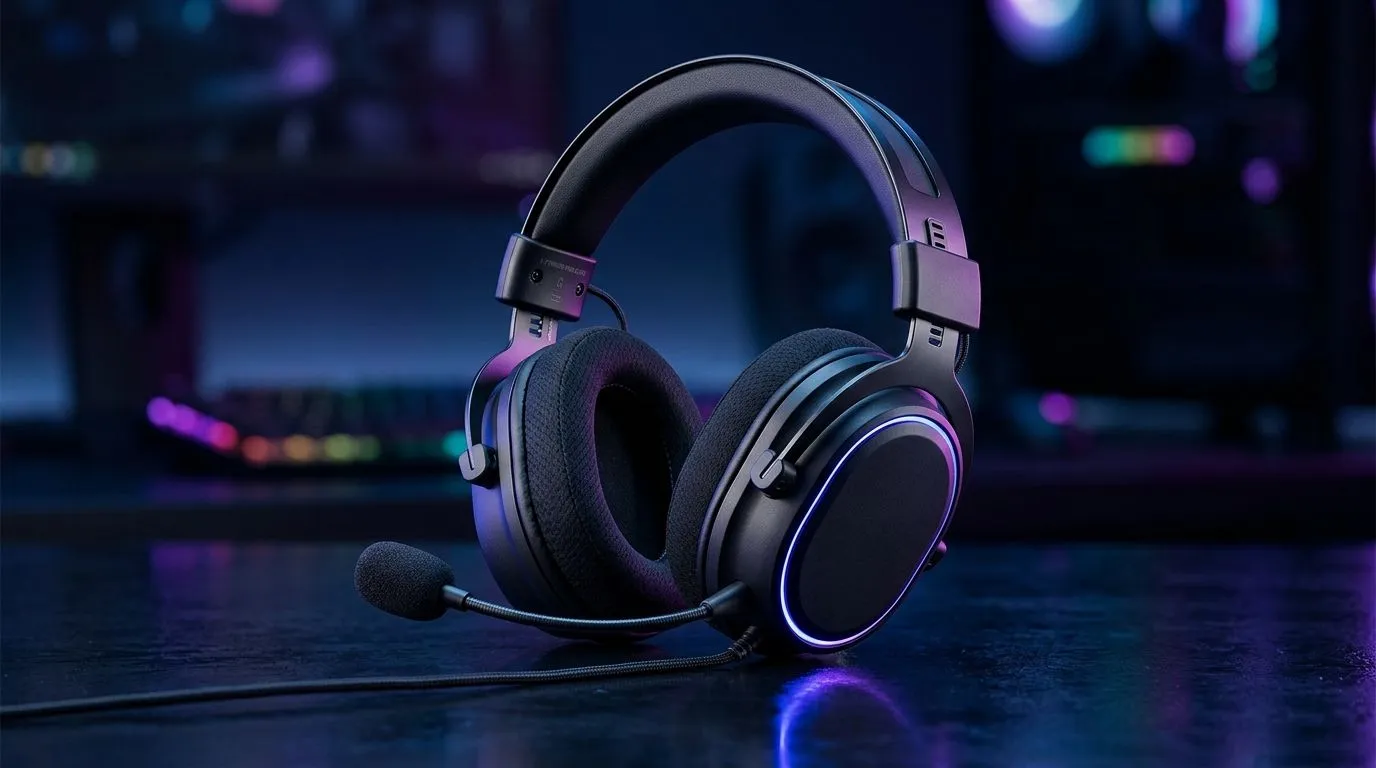
If you jump between a PlayStation or Xbox and a PC, your headset has to do more than “sound loud”. You want clear footsteps, comfy hours, and a mic that doesn’t pick up your whole room… especially in South Africa’s real homes with real noise. 🔊 In this guide, we’ll break down what to look for in a multi-platform gaming headset, so you don’t waste money or end up with “almost right” settings.
Console headsets usually win on simplicity. Plug in, tweak a few settings, and you’re good. PC setups give you more control, but compatibility gets tricky fast.
If your teammates say you sound “far” or “robotic”, it’s usually one of these:
This is where the right headset earns its keep. 🎧 You’re listening for separation: footsteps, reload sounds, ability cues. Brands may describe it differently, but the outcome is the same: less muddiness, clearer positioning.
If you game on PC and also chat on Discord, make sure you select the headset as your Windows input device and not your webcam or “default mic”. On Windows, open Settings → System → Sound → Input, then pick your headset mic. It cuts down echo and fixes most ‘why do I sound weird?’ moments fast.
Here’s a quick checklist that saves you from returns. ✅
Don’t assume. Read product notes and match connection type to your console model and your PC ports.
Local gaming isn’t only about performance. It’s also about how often you’ll use it. If you’re buying for long sessions, consider comfort and durability. If it’s for quick evenings, focus on clear audio and easy controls.
If you want a starting point for a known, feature-friendly option, check out the Razer Barracuda X Chroma Wireless Headset (Phantom White) here: Shop the Razer Barracuda X Chroma Wireless Headset
For more headset options across categories, explore: Browse Razer gaming headsets and headphones
And if you’re still narrowing down, this collection helps you compare models quickly: View all gaming headphone headsets
Once you buy, don’t leave performance on the table. ⚙️
When your headset is dialled in, you stop thinking about your audio… and start thinking about the match.
Ready to Find Your Perfect Match? If you’re switching between console and PC, the right headset comes down to compatibility, comfort, and clear chat. Explore our range at Evetech and get the sound and value you need for South African gaming. Shop the best laptop specials and build the setup that powers your next win.
It’s a headset that works across console and PC, usually through 3.5mm, USB, or wireless dongle support.
Yes, a 3.5mm gaming headset is the easiest option for broad compatibility across console and PC devices.
Wireless offers freedom, but wired usually gives simpler compatibility and no battery concerns.
Choose a headset with clear voice pickup, noise reduction, and a mic that avoids harsh clipping in chat.
They can improve directional awareness in supported games, but comfort and tuning often matter more overall.
Yes, but check platform support first because some wireless features and USB modes are not universal.
Look for low clamping force, breathable ear cushions, and a lightweight frame for longer gaming comfort.
Maintain wired headset — Checklist: • inspect cables • clean earpads • store properly 🔧🎧 Practical steps to preserve sound quality and avoid premature replacements.
Read more
Fix crackling headset fast: step-by-step checks for cables, connectors, drivers, and settings to remove static or distorted audio on wired headsets 🎧⚙️
Read more
Stereo vs mono headsets: learn which delivers clearer calls, better spatial music, or simpler mono voice performance — pick the right headset for meetings, music, or gaming 🎧💬
Read more
- Compare gaming headset vs studio headphones; - Assess comfort, mic and sound; - Recommend best daily picks. Gaming headset vs studio headphones: learn which suits work, music and casual gaming. 🎧⚖️
Read more
- Check pressure points - Compare earcup materials - Adjust clamp and fit Best gaming headsets for glasses: quick guide to reduce temple pressure, pick breathable memory foam earcups, and optimize fit for long sessions 🕹️👓
Read more
Gaming microphone noise reduction: Use beamforming mics, AI noise suppression, and hardware filters to cut background noise and boost in-game voice clarity. 🎧⚙️ Learn setups, settings, and top mic features.
Read more
Snapdragon X2 NPU Explained: How 80 TOPS Changes. Plain-English explanation of what it means, why it matters & how it affects your buying decisions in SA.

HBM? High Bandwidth Memory Used in GPUs and AI. Plain-English explanation of what it means, why it matters & how it affects your buying decisions in SA.

How much should you spend on sim racing accessories in South Africa for a realistic setup? We break down budgets by quality tiers, so you buy smart gear and avoid overspending 🎮💸

G-Sync and FreeSync? Variable Refresh Rate. Plain-English explanation of what it means, why it matters & how it affects your buying decisions in SA.

AMD Laptop: Value. SA-focused analysis with local pricing data, real-world insights & actionable buying advice.

How MacBook Neo Handles 30+ Chrome Tabs with Only. SA-focused analysis with local pricing data, real-world insights & actionable buying advice.

Why Apple Put 8GB RAM in MacBook Neo: The A18 Pro. SA-focused analysis with local pricing data, real-world insights & actionable buying advice.

Upgrade your work laptop with a New Motherboard. Step-by-step instructions with SA-specific tips, common pitfalls to avoid & expert recommendations.

Glorious Keyboard Switches Explained: Which. Plain-English explanation of what it means, why it matters & how it affects your buying decisions in SA.

Winter Keyboard Buying Guide. Everything you need to know with SA pricing, step-by-step instructions & expert recommendations.

Keyboard Buying Guide. Everything you need to know with SA pricing, step-by-step instructions & expert recommendations.

LGBTQ+ Gamers Keyboard Guide: January Edition. Everything you need to know with SA pricing, step-by-step instructions & expert recommendations.