


RTX 4060 Ti Throttling Under Load: SA Temperature Guide
RTX 4060 Ti Throttling Under Load: Temperature. Everything you need to know with SA pricing, step-by-step instructions & expert recommendations.
Read moreMulti-platform headsets in South Africa can feel confusing. Here are practical value-first tips to set up audio, mic, Bluetooth, and chat mix for PC, PS5, and Xbox. 🎧🇿🇦
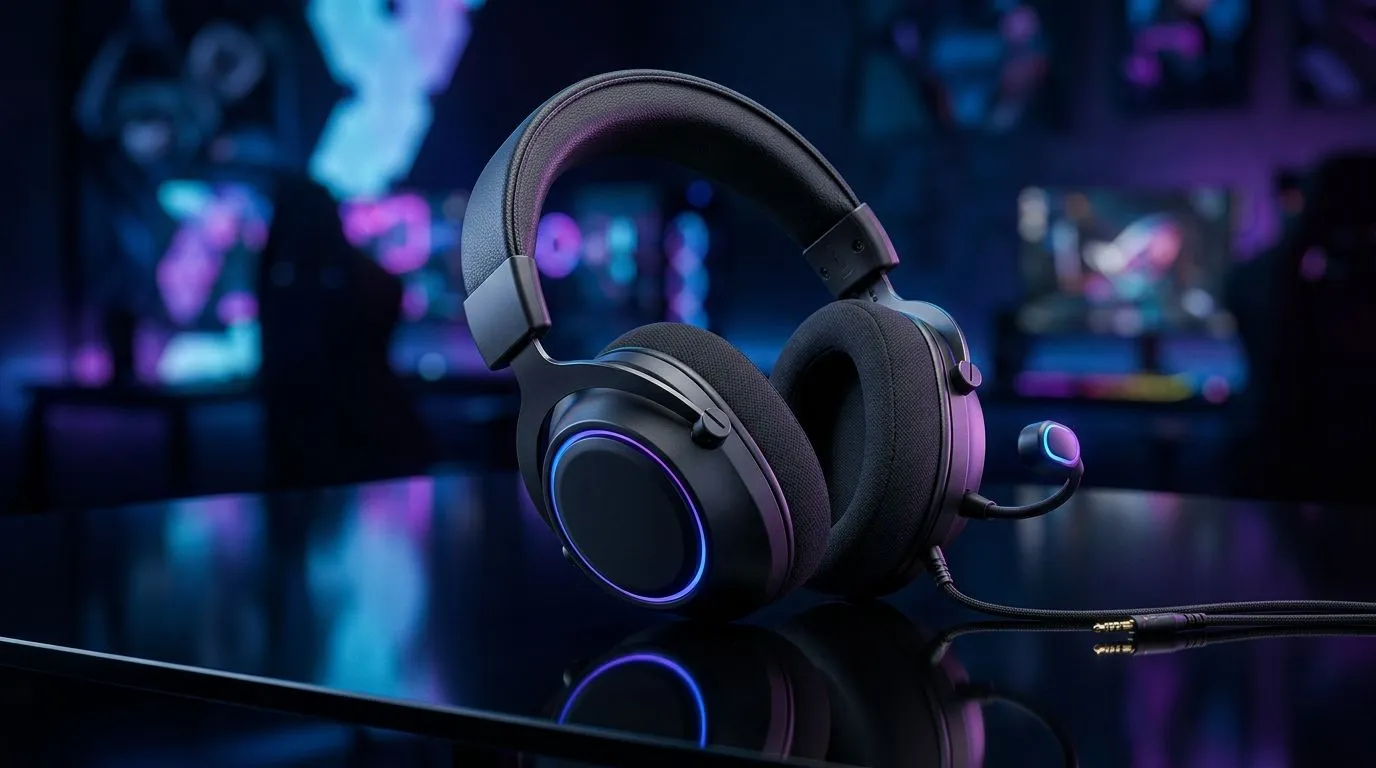
If you game on a PC after school, then jump onto your PlayStation or Xbox for late-night ranked, a single headset that “just works” matters. In South Africa, it also matters what you get for your rand… because we all know how quickly peripherals stack up. The good news? Multi-platform headsets can be excellent value, as long as you buy with the right compatibility checks and audio priorities in mind.
Before you fall in love with RGB or a flashy mic, check how the headset connects:
A practical approach: if your setup includes a PC and a console, aim for a headset that supports one shared wired connection or a wireless mode that’s explicitly compatible with your platform. This avoids the classic “it works on PC but not on my console” disappointment.
Value in South Africa often comes down to whether you’re paying for features you’ll actually use. Here’s a simple rule:
For a strong value pathway, browse Evetech’s headset category range and compare options by connection type and audio mode:
And if you want a curated brand lineup to speed up your decision, use:
A popular example is the Razer Barracuda X Chroma. If you’re hunting deals, it’s worth checking the current offers: View the best deal on the Razer Barracuda X Chroma (Phantom White)
(Prices and stock can change, so treat this as a starting point… then confirm the deal live.)
On Windows, set your headset as the default playback and recording device before you game. In Sound settings, switch outputs for your headset (USB dongle vs Bluetooth vs 3.5mm) and test your mic in the same window. This prevents that annoying moment where game audio comes from speakers while friends hear silence.
A small setup tweak can make a big difference. Try this order:
One quick personal scenario many South Africans relate to… You join a match on PC, then hop to console later. If you don’t save profiles (or you swap connection types), your audio can feel “off” even though the headset is fine. That’s why compatibility and connection testing first is so important. 🙂
When you shop with the connection method you’ll actually use, you reduce risk. Then you can spend your money where it counts:
If you’re ready to stop guessing, Evetech’s listings make it easier to filter by audio mode and headset type, then compare deals side-by-side.
Ready to Find Your Perfect Match? The Mac vs Windows debate is complex, but for maximum power, choice, and value in South Africa, Windows is hard to beat. Explore our massive range of laptop specials and find the perfect machine to conquer your world.
Value comes from true PC, PS5, and Xbox compatibility, reliable wireless range, and easy audio controls (chat/game mix) without constant swapping.
Look for explicit platform support (PC USB, PS5/PS4, Xbox) and confirm whether wireless uses USB dongle, Bluetooth, or both for each device.
Bluetooth can add audio delay. Use the headset’s low-latency wireless mode or USB dongle for gaming, and keep Bluetooth for calls or media.
Enable noise suppression, set the correct input device, and adjust mic gain. Test in-game voice chat on PC and console to confirm consistency.
Use headset controls or console audio settings to balance chat vs game. Aim for clear footsteps without drowning teammates in loud channels.
Often yes. Dual wireless (USB dongle + Bluetooth) lets you prioritize low-latency gaming while keeping Bluetooth for phone calls or streaming.
Yes. Choose a headset with strong imaging/EQ presets, then switch profiles for footsteps or cinematic modes to match your game style.
RTX 4060 Ti Throttling Under Load: Temperature. Everything you need to know with SA pricing, step-by-step instructions & expert recommendations.
Read more
Apex Legends Max Settings on RTX 4080. Tested & verified settings for best FPS and visual quality on SA hardware budgets.
Read more
GPU Buying Guide. Everything you need to know with SA pricing, step-by-step instructions & expert recommendations.
Read more
GPU Terms Guide. Everything you need to know with SA pricing, step-by-step instructions & expert recommendations.
Read more
AMD Adrenalin Download & Setup Guide: GPU. Clear setup instructions with SA-specific considerations, troubleshooting tips & recommended components.
Read more
Back-to-School GPU Buying Guide. Everything you need to know with SA pricing, step-by-step instructions & expert recommendations.
Read more
Snapdragon X2 NPU Explained: How 80 TOPS Changes. Plain-English explanation of what it means, why it matters & how it affects your buying decisions in SA.

HBM? High Bandwidth Memory Used in GPUs and AI. Plain-English explanation of what it means, why it matters & how it affects your buying decisions in SA.

How much should you spend on sim racing accessories in South Africa for a realistic setup? We break down budgets by quality tiers, so you buy smart gear and avoid overspending 🎮💸

G-Sync and FreeSync? Variable Refresh Rate. Plain-English explanation of what it means, why it matters & how it affects your buying decisions in SA.

AMD Laptop: Value. SA-focused analysis with local pricing data, real-world insights & actionable buying advice.

How MacBook Neo Handles 30+ Chrome Tabs with Only. SA-focused analysis with local pricing data, real-world insights & actionable buying advice.

Why Apple Put 8GB RAM in MacBook Neo: The A18 Pro. SA-focused analysis with local pricing data, real-world insights & actionable buying advice.

Upgrade your work laptop with a New Motherboard. Step-by-step instructions with SA-specific tips, common pitfalls to avoid & expert recommendations.

Maintain wired headset — Checklist: • inspect cables • clean earpads • store properly 🔧🎧 Practical steps to preserve sound quality and avoid premature replacements.

Fix crackling headset fast: step-by-step checks for cables, connectors, drivers, and settings to remove static or distorted audio on wired headsets 🎧⚙️

Stereo vs mono headsets: learn which delivers clearer calls, better spatial music, or simpler mono voice performance — pick the right headset for meetings, music, or gaming 🎧💬

- Compare gaming headset vs studio headphones; - Assess comfort, mic and sound; - Recommend best daily picks. Gaming headset vs studio headphones: learn which suits work, music and casual gaming. 🎧⚖️