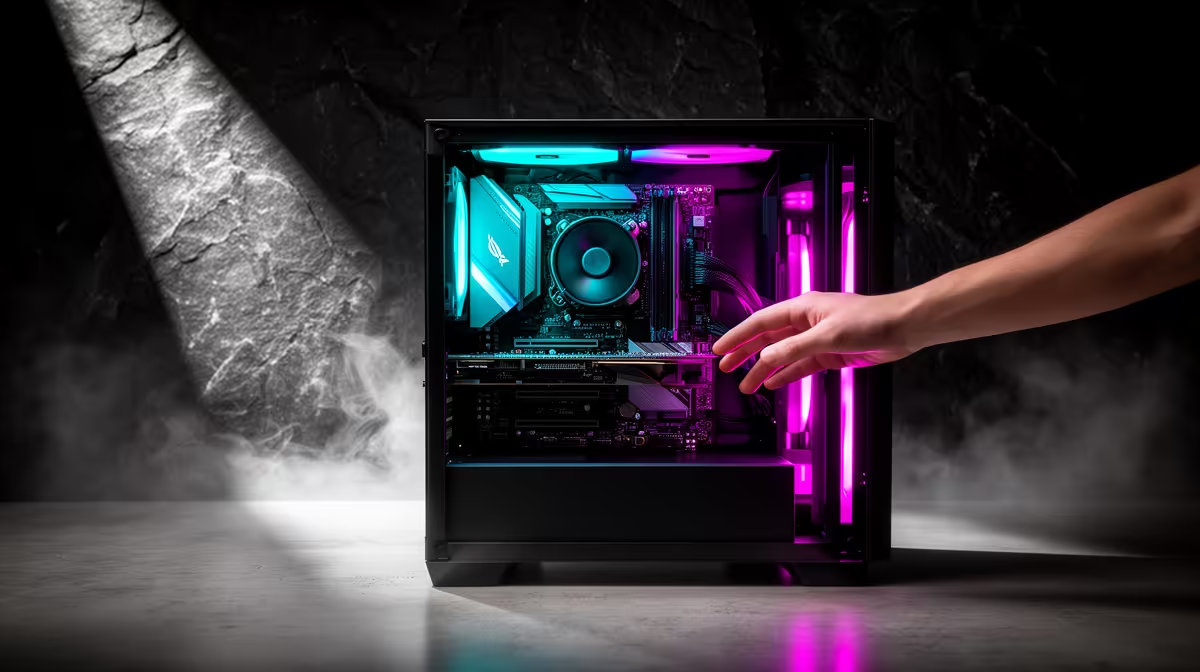
Buy a prebuilt PC if assembly anxiety would keep expensive parts boxed or make troubleshooting miserable. You pay for one assembled system, tested compatibility and a clearer support route. Building remains reasonable when you want the learning experience, can follow manuals and have time to diagnose problems without risking a deadline.
Compare complete outcomes
Write the target games or applications, monitor resolution, storage and upgrade needs. Compare a prebuilt by exact processor, graphics card, memory layout, motherboard, power supply and case airflow. The supplied facts contain no verified desktop-tower prebuilt SKU that should be forced into this recommendation. Ask for the full component list and warranty terms before ordering.
Reduce risk if you still want to build
Start with a parts list checked for socket, memory, cooler, case and power compatibility. Read the motherboard and cooler manuals before opening packaging. Work on a clear table, keep screws organised and stop when a connector needs unusual force. Paid assembly can preserve your chosen components while avoiding the physical build.
A prebuilt does not remove backups, updates or future service. Test ports, temperatures and the heaviest workload during the return period. Choose the route that gets a stable computer into use, with support you understand and a documented upgrade path.
Request the completed test results and component boxes so later upgrades begin with a documented system.
Choosing build or prebuilt? > Ask Evetech to price a complete supported system against your checked component list.