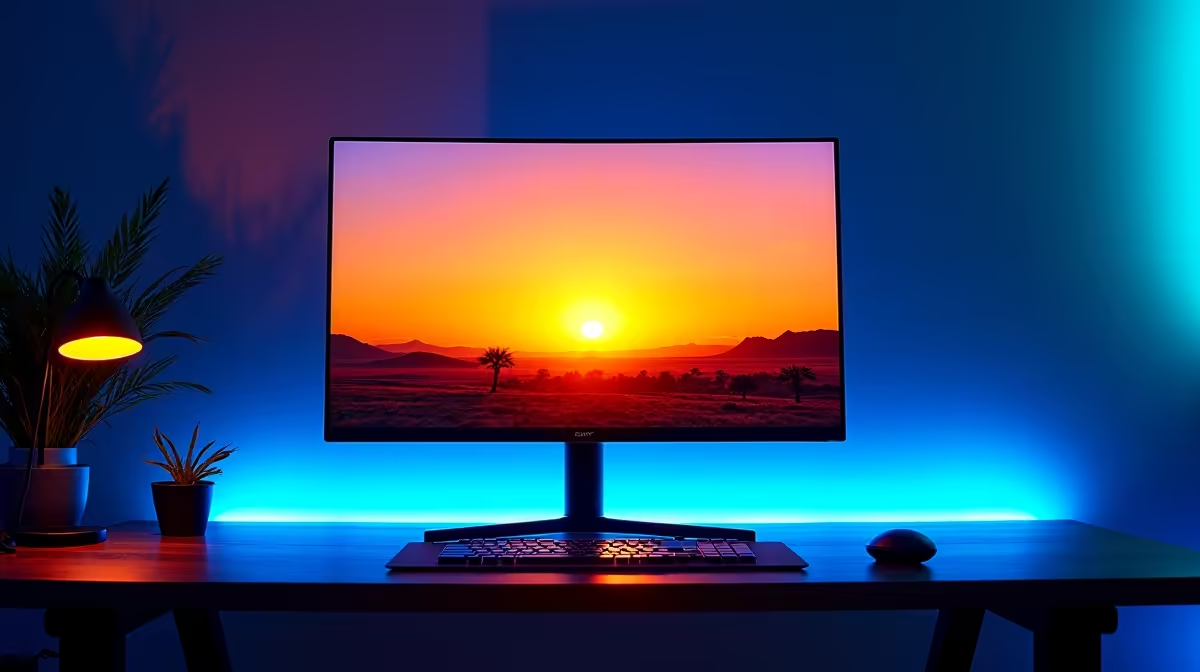
Staring at your screen until 2 AM trying to clutch that final round? We get it. But the tired, scratchy eyes and restless night that follows can seriously mess up your next day's grind. The main culprit is the blue light from your monitor. The simple fix is setting up a night shift blue light filter schedule, a ridiculously easy tweak that helps you protect your eyes, sleep better, and stay on top of your game. 😴
Why Your Late-Night Grind Needs a Blue Light Filter Schedule
So, what’s the big deal with blue light? In simple terms, the blue wavelengths of light emitted by your screen trick your brain into thinking it's still daytime. This suppresses the production of melatonin, the hormone that tells your body it's time to sleep.
By implementing a blue light filter schedule, you automatically shift your screen’s colour temperature to warmer tones in the evening. This reduces eye strain and, more importantly, allows your body’s natural sleep cycle to function properly. The result? You can enjoy those late-night sessions without feeling like a zombie the next day. A good quality display makes this feature even more effective, so it's always worth browsing the latest PC monitors to see what's new.
How to Easily Set Up Your Night Shift Schedule
Setting this up in Windows is a breeze and takes less than a minute. Once it’s done, you can forget about it, and it will work its magic every single night. 💡
For Windows 10 & 11 Users:
- Open Settings: Right-click your Start button and select 'Settings'.
- Go to Display: In the 'System' tab, click on 'Display'.
- Find 'Night light': You'll see a toggle for 'Night light'. Click on the arrow or settings link next to it.
- Schedule it: Click 'Schedule' and choose 'Set hours'. We recommend setting it to turn on around sunset (e.g., 7:00 PM) and turn off at sunrise (e.g., 6:00 AM).
That's it! Your PC will now automatically warm up its display colour every evening. This small change makes a huge difference, especially on the crisp panels found on all gaming monitors.
Find Your Perfect Colour Temperature
Don't just turn it on and forget it. In the 'Night light' settings, use the 'Strength' slider to adjust the colour warmth. A setting between 40-60 is usually the sweet spot—warm enough to cut the harsh blue light but not so orange that it ruins your content-viewing experience.
Beyond Software: Hardware and Monitor Tech
While the built-in Windows night shift blue light filter schedule is fantastic, modern hardware often provides even better solutions. Many new monitors come with dedicated 'Low Blue Light' or 'Eye Care' modes built directly into the hardware, which can be more effective at filtering harmful light without distorting colours as much.
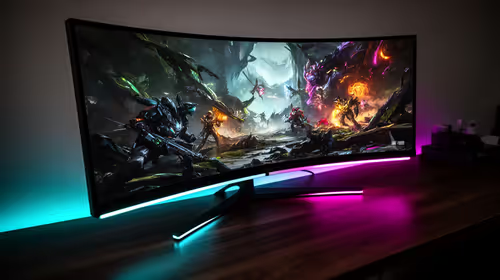
For ultimate immersion and comfort, the gentle wrap-around effect of curved monitors can reduce eye movement and strain. If you demand pixel-perfect clarity, the ultra-sharp detail on 5K and 4K monitors means less squinting. Even if you're on the move, you can protect your eyes with a quality portable monitor for your laptop. And don't forget that simple monitor accessories like an anti-glare screen protector can also contribute to a more comfortable viewing experience. ✨
Upgrade Your Visuals, Protect Your Eyes
A proper monitor is the foundation of visual comfort and competitive performance. Check out our awesome best PC monitor deals and give your eyes the upgrade they deserve.