Ever been in a clutch moment in Warzone on Ashika Island, only for your game to stutter as you line up the final shot? It’s infuriating. You blame your GPU or your internet, but the real culprit could be hiding in plain sight: your lightning-fast NVMe SSD. Without proper cooling, it can overheat and throttle, kneecapping the very performance you paid for. That’s where smart NVMe heatsink design becomes your secret weapon.
Why NVMe Heatsink Design is Crucial Now
Modern PCIe 4.0 and 5.0 drives are speed demons, hitting read/write speeds that were pure science fiction just a few years ago. But all that power generates serious heat. When an NVMe drive’s controller or NAND flash chips get too hot—often above 70-80°C—they trigger a safety feature called thermal throttling.
Essentially, the drive deliberately slows itself down to cool off and prevent damage. The result? Slower loading times, stuttering in games, and sluggish file transfers. An effective NVMe heatsink design isn't just a fancy piece of metal; it's an essential component for maintaining peak performance during intense, sustained use. It ensures you get the full speed you invested in from the wide world of solid-state drives. 🚀
The Anatomy of an Effective Heatsink
Not all heatsinks are created equal. A truly effective design considers several factors working in harmony to pull heat away from your drive's critical components.
Material and Mass
Most heatsinks are crafted from aluminium, which offers a great balance of thermal conductivity and cost. However, high-end designs might incorporate copper heat pipes for even faster heat transfer. The overall mass and, more importantly, the surface area are key. Heatsinks with deep grooves and fins create more surface area to dissipate heat into the air, making them far more effective than a simple flat slab of metal.
Thermal Pads
This is the unsung hero. The thermal pad is a soft, conductive material that sits between the SSD's chips and the metal heatsink. It fills in microscopic air gaps, ensuring a solid connection for heat to travel from the drive to the heatsink. The quality of this pad can make a massive difference. Some high-performance Corsair SSDs come with pre-installed, high-quality heatsinks and pads, taking the guesswork out of installation.
Check Your Temps 🌡️
You can't fix what you can't see! Use free software like CrystalDiskInfo or HWINFO64 to monitor your NVMe drive's temperatures. Under a heavy load like gaming or video rendering, you ideally want to see temps stay below 70°C. If you're consistently creeping higher, it might be time to look at your cooling solution.
Built-In vs. Aftermarket Cooling Solutions
So, how do you get this vital cooling? You generally have three paths.
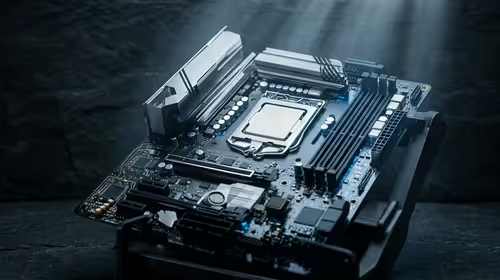
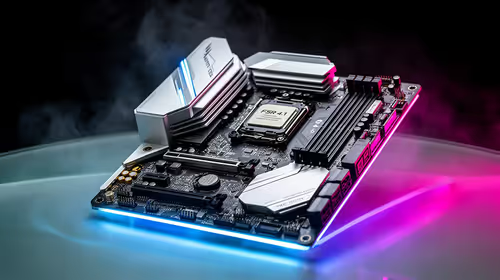
- Motherboard Heatsinks: Most modern gaming motherboards come with at least one M.2 slot covered by a built-in heatsink. For the average gamer, these are often perfectly adequate for keeping a Gen4 drive in check.
- Drive-Included Heatsinks: Many top-tier drives, especially those marketed for PS5 compatibility, include their own custom-optimised heatsink. These are engineered specifically for that drive's layout and heat output. You'll find great examples across Kingston's range of NVMe drives, which offers models both with and without factory-fitted cooling.
- Aftermarket Heatsinks: If your motherboard lacks a heatsink or has a very basic one, an aftermarket solution is a cheap and incredibly effective upgrade. For a few hundred Rand, you can significantly improve your drive's thermal performance and longevity.
Ultimately, the right choice depends on your specific setup. But whether it's built-in or bought separately, ensuring your drive has some form of heatsink is non-negotiable for sustained performance. It's a smart investment, and with plenty of powerful SSDs available for under R10,000, you can build a blazingly fast and reliable system without breaking the bank.
Ready to Unleash Your Drive's Full Speed?
Don't let thermal throttling be the bottleneck in your high-end rig. Choosing the right drive is about sustained, reliable speed, not just peak numbers. Explore our massive range of NVMe SSDs and find the perfect storage to keep your system cool and fast.