


RTX 4060 Ti Throttling Under Load: SA Temperature Guide
RTX 4060 Ti Throttling Under Load: Temperature. Everything you need to know with SA pricing, step-by-step instructions & expert recommendations.
Read moreOLED for Crimson Desert explains why HDR unlocks deeper blacks, brighter highlights and truer colour for immersive gameplay and competitive clarity 🎮✨ Learn top HDR settings and picks.
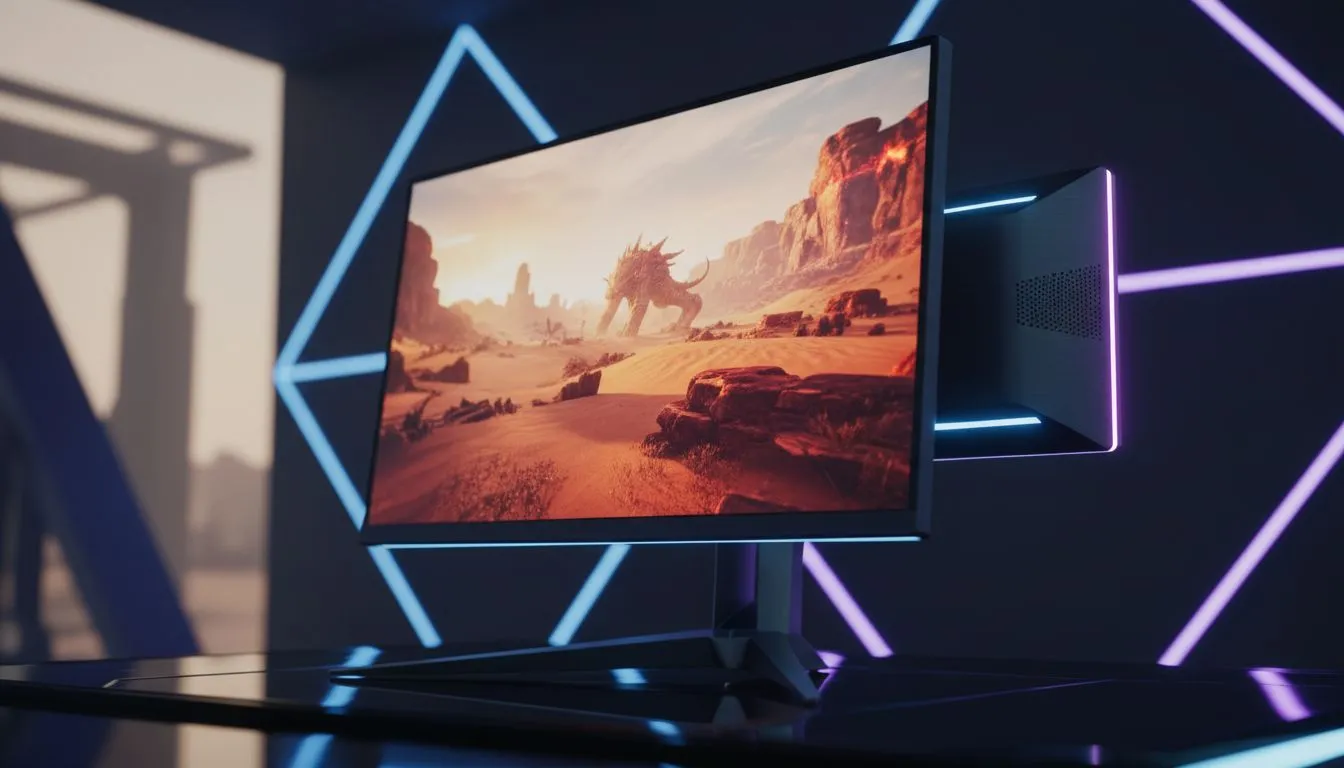
Pearl Abyss is pushing graphical boundaries with Crimson Desert, and if you are still rocking a standard LCD, you are missing half the magic. Imagine Pywel’s sprawling vistas popping with vibrant colours and deep shadows that actually look black. For South African gamers looking to elevate their experience, choosing an OLED for Crimson Desert isn't just a luxury... it is the definitive way to play. 🚀
Crimson Desert relies heavily on atmospheric lighting and intricate world-building. When you explore the continent of Pywel, the lighting engine works overtime to simulate realistic day-night cycles. Traditional displays often struggle with these transitions, resulting in "greyed out" blacks. By browsing the full range of all gaming monitors, you will notice that OLED panels offer per-pixel dimming. This means when your character enters a dark cave, the pixels literally turn off.
The result? A level of immersion that standard PC monitors simply cannot replicate. High Dynamic Range (HDR) ensures that the bright glint off a mercenary's blade does not wash out the dark details of the surrounding forest.
In a game where exploration is key, visual clarity helps you spot distant landmarks or hidden enemies. Many players prefer curved monitors to wrap the action around their field of vision. This curvature, combined with OLED's infinite contrast, makes the world of Pywel feel tangible. You aren't just looking at a screen... you are looking through a window.
To get the most out of your HDR experience in South Africa, ensure you use the Windows HDR Calibration app. It allows you to set the exact peak brightness of your panel. This prevents "clipping" where bright highlights lose detail, ensuring the sun over the Pywel plains looks spectacular without being a blinding white blob.
Crimson Desert is a visual feast that demands high pixel density to truly shine. If you want to see every stitch in Kliff’s armour, looking into 5K and 4K monitors is the logical next step. While 1440p is a sweet spot for many, the sheer scale of this game benefits from the extra real estate.
Finding the right balance between performance and price is essential for the local market. We often see the best PC monitor deals appearing just before major title launches. Investing in a quality panel now ensures you are ready for the next generation of open-world epics without needing an immediate upgrade. ✨
Not everyone has a dedicated gaming room. Some South African gamers need to take their setup on the go or have limited desk space. In these cases, portable monitors have come a long way, offering decent panels for secondary displays. However, for your primary Crimson Desert experience, you want a fixed setup that allows for proper cable management and ergonomic positioning. Don't forget to check out monitor accessories like gas-spring arms to clear up desk clutter and get your OLED at the perfect eye level. 🔧
Ready to Experience Crimson Desert in Perfect Clarity? Don't let a dull screen hold back your journey through Pywel. From ultra-fast refresh rates to breathtaking OLED contrast, we have the tech to make every frame count. Explore our massive range of gaming monitors and find the perfect display to conquer your world.
HDR on OLED significantly improves contrast and highlights in Crimson Desert, delivering a truer image and more immersive experience.
OLED delivers perfect blacks and fast pixel response, which lets HDR show brighter highlights and richer shadow detail in Crimson Desert.
Start with native brightness, enable HDR mode, set tone mapping to medium, and fine-tune contrast and local dimming if available.
HDR itself has minimal FPS impact; performance depends on GPU and HDR pipeline. Use performance mode if you need higher frame rates.
Look for OLED monitors with HDR10 support, >120Hz refresh, low input lag and high peak brightness for real HDR benefits.
Yes. Enable Windows HDR, set your OLED monitor to HDR mode, then enable HDR in Crimson Desert's display settings.
OLED offers superior blacks and contrast, while QLED can reach higher peak brightness; OLED often delivers more natural HDR in Crimson Desert.
RTX 4060 Ti Throttling Under Load: Temperature. Everything you need to know with SA pricing, step-by-step instructions & expert recommendations.
Read more
Apex Legends Max Settings on RTX 4080. Tested & verified settings for best FPS and visual quality on SA hardware budgets.
Read more
GPU Buying Guide. Everything you need to know with SA pricing, step-by-step instructions & expert recommendations.
Read more
GPU Terms Guide. Everything you need to know with SA pricing, step-by-step instructions & expert recommendations.
Read more
AMD Adrenalin Download & Setup Guide: GPU. Clear setup instructions with SA-specific considerations, troubleshooting tips & recommended components.
Read more
Back-to-School GPU Buying Guide. Everything you need to know with SA pricing, step-by-step instructions & expert recommendations.
Read more
Snapdragon X2 NPU Explained: How 80 TOPS Changes. Plain-English explanation of what it means, why it matters & how it affects your buying decisions in SA.

HBM? High Bandwidth Memory Used in GPUs and AI. Plain-English explanation of what it means, why it matters & how it affects your buying decisions in SA.

How much should you spend on sim racing accessories in South Africa for a realistic setup? We break down budgets by quality tiers, so you buy smart gear and avoid overspending 🎮💸

G-Sync and FreeSync? Variable Refresh Rate. Plain-English explanation of what it means, why it matters & how it affects your buying decisions in SA.

AMD Laptop: Value. SA-focused analysis with local pricing data, real-world insights & actionable buying advice.

How MacBook Neo Handles 30+ Chrome Tabs with Only. SA-focused analysis with local pricing data, real-world insights & actionable buying advice.

Why Apple Put 8GB RAM in MacBook Neo: The A18 Pro. SA-focused analysis with local pricing data, real-world insights & actionable buying advice.

Upgrade your work laptop with a New Motherboard. Step-by-step instructions with SA-specific tips, common pitfalls to avoid & expert recommendations.

Maintain wired headset — Checklist: • inspect cables • clean earpads • store properly 🔧🎧 Practical steps to preserve sound quality and avoid premature replacements.

Fix crackling headset fast: step-by-step checks for cables, connectors, drivers, and settings to remove static or distorted audio on wired headsets 🎧⚙️

Stereo vs mono headsets: learn which delivers clearer calls, better spatial music, or simpler mono voice performance — pick the right headset for meetings, music, or gaming 🎧💬

- Compare gaming headset vs studio headphones; - Assess comfort, mic and sound; - Recommend best daily picks. Gaming headset vs studio headphones: learn which suits work, music and casual gaming. 🎧⚖️