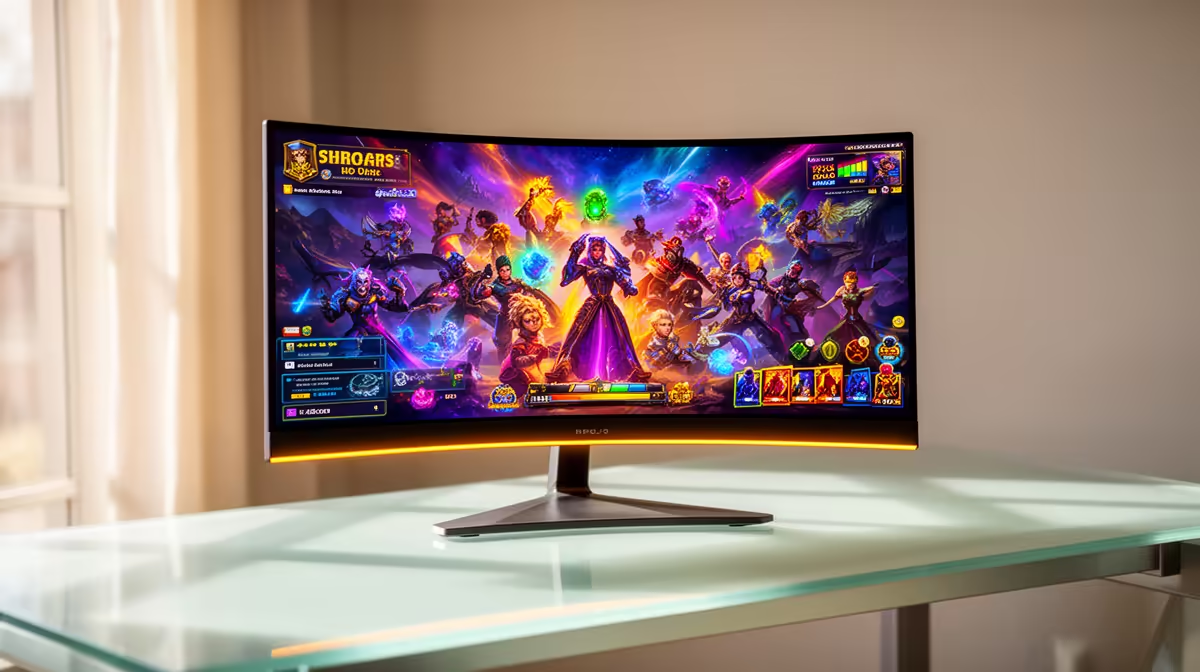
Alienware 27 240Hz QD-OLED Gaming Monitor- AW2726DM at R6731 suits a kids learning corner where the screen must handle schoolwork, video lessons, and after-homework gaming without feeling excessive. An OLED gaming monitor is worth considering when the desk will be used daily, because the listed OLED choices bring fast refresh rates, sharp contrast, and cleaner motion than basic classroom-style screens.
OLED monitor picks for a shared study desk
The Alienware 27 240Hz QD-OLED Gaming Monitor- AW2726DM at R6731 is the easiest OLED starting point here, especially with 3 in stock. Its 27-inch class size and 240Hz QD-OLED spec make it strong for a single desk where a child reads, watches lessons, opens browser tabs, and later plays games on the same screen.
The Asus ROG Strix OLED XG27AQDMG gaming monitor at R8721 is another realistic step up for a learning corner, with a 27-inch size and 26.5-inch viewable panel. That size gives enough room for a document beside a video call or online worksheet without making the desk feel like a full gaming room setup.
For a higher-end option, the ASUS ROG Swift OLED PG27UCDM at R19300 brings a 26.5-inch 3840 x 2160p 4K UHD panel, 16:9 format, 240Hz refresh, and 0.03 response rating. It makes more sense where the same screen is also used for sharp creative work, detailed reading, and premium gaming after school.
Kids learning corner reality in a South African home
A learning corner needs a monitor that feels clear for homework first, not just fast for games. The LG UltraGear 27" QHD OLED Gaming 480Hz 0,03ms Monitor at R14000 is powerful, but for a younger user it may be more screen performance than the desk needs unless competitive play is part of the routine.
Ready to choose the right oled monitor?
If the brief is the OLED gaming desk, Alienware 27 240Hz QD-OLED Gaming Monitor- AW2726DM at R6,731 is the listed option to test against (3 in stock).