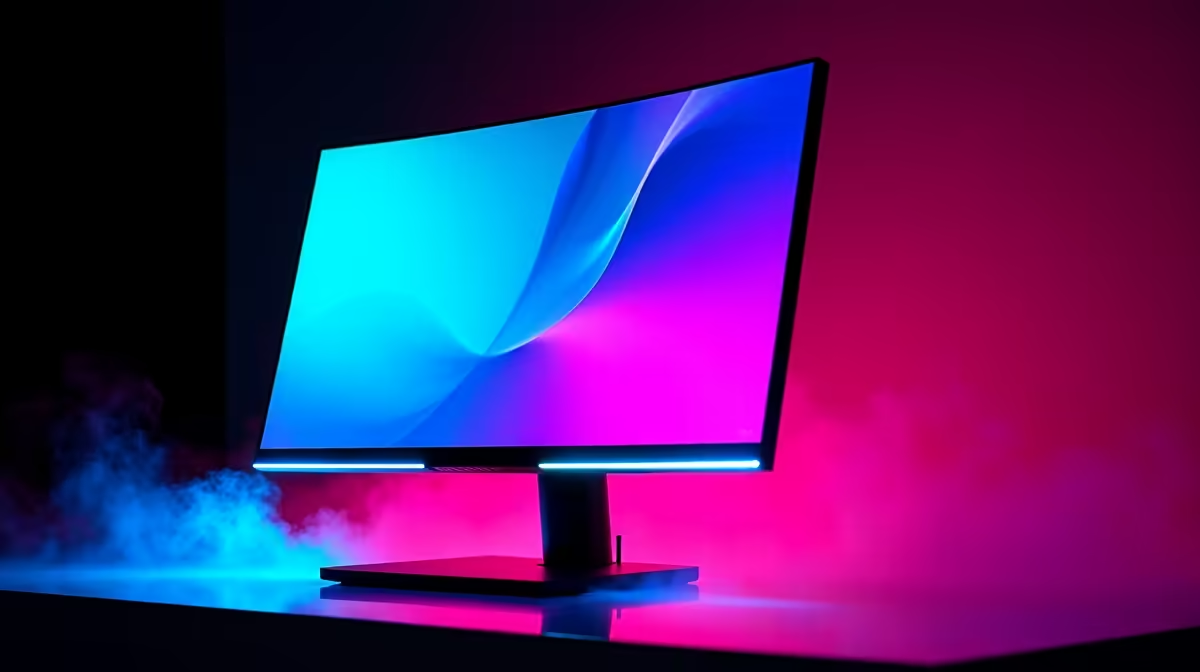
OLED gaming monitors deliver the best contrast and motion clarity available, and SA buyers want to know which sizes and refresh rates matter, realistic pricing, and how to manage burn-in. Here is the practical read.
Quick Answer
OLED gaming monitors offer perfect blacks, near-instant response times and high refresh rates, with 27-inch 1440p 240Hz panels around R12,000-R16,000 and 32-inch 4K models higher. They are worth it for the best image quality and motion, with modern panels including burn-in mitigation and multi-year warranties to address longevity concerns.
Why OLED and Which Panel
OLED's self-lit pixels produce true blacks and per-pixel contrast that LCD cannot match, plus response times near 0.03ms that eliminate motion blur, which competitive players notice immediately. A 27-inch 1440p 240Hz OLED is the sweet spot for gaming, pairing crisp detail with high refresh; a 32-inch 4K OLED suits those wanting maximum detail and screen size. Both need a strong GPU, an RX 9070 XT or RTX 5070 Ti class card for 1440p 240Hz.
Modern OLED panels include pixel-shift, logo dimming and panel-refresh routines that greatly reduce burn-in risk, and most carry 2-3 year burn-in warranties.
Managing Burn-In and Pairing
To protect an OLED, enable the built-in pixel-shift and screen-saver features, hide the taskbar on auto, and avoid leaving static HUDs at full brightness for hours. These habits, combined with the panel's automatic maintenance cycles, keep burn-in unlikely over years of mixed use. Pair a 1440p 240Hz OLED with a capable GPU and a DisplayPort connection to drive the full refresh rate.
FAQ
Are OLED gaming monitors worth it in SA?
Yes, for the best image quality and motion clarity. A 27-inch 1440p 240Hz OLED around R12,000-R16,000 offers perfect blacks and near-instant response. Modern panels include burn-in mitigation and multi-year warranties.
Do OLED monitors still suffer from burn-in?
The risk is much lower than before. Modern OLED panels use pixel-shift, logo dimming and refresh cycles, and carry 2-3 year burn-in warranties. Enabling these features and avoiding static elements at full brightness keeps burn-in unlikely.
What GPU do I need for a 1440p 240Hz OLED?
An RX 9070 XT or RTX 5070 Ti class card to drive high frame rates at 1440p. Connect over DisplayPort to reach the full 240Hz refresh rate the panel supports.
OLED's built-in pixel-shift and screen-saver features and set the taskbar to auto-hide, since these habits combined with the panel's refresh cycles make burn-in unlikely over years of use.