


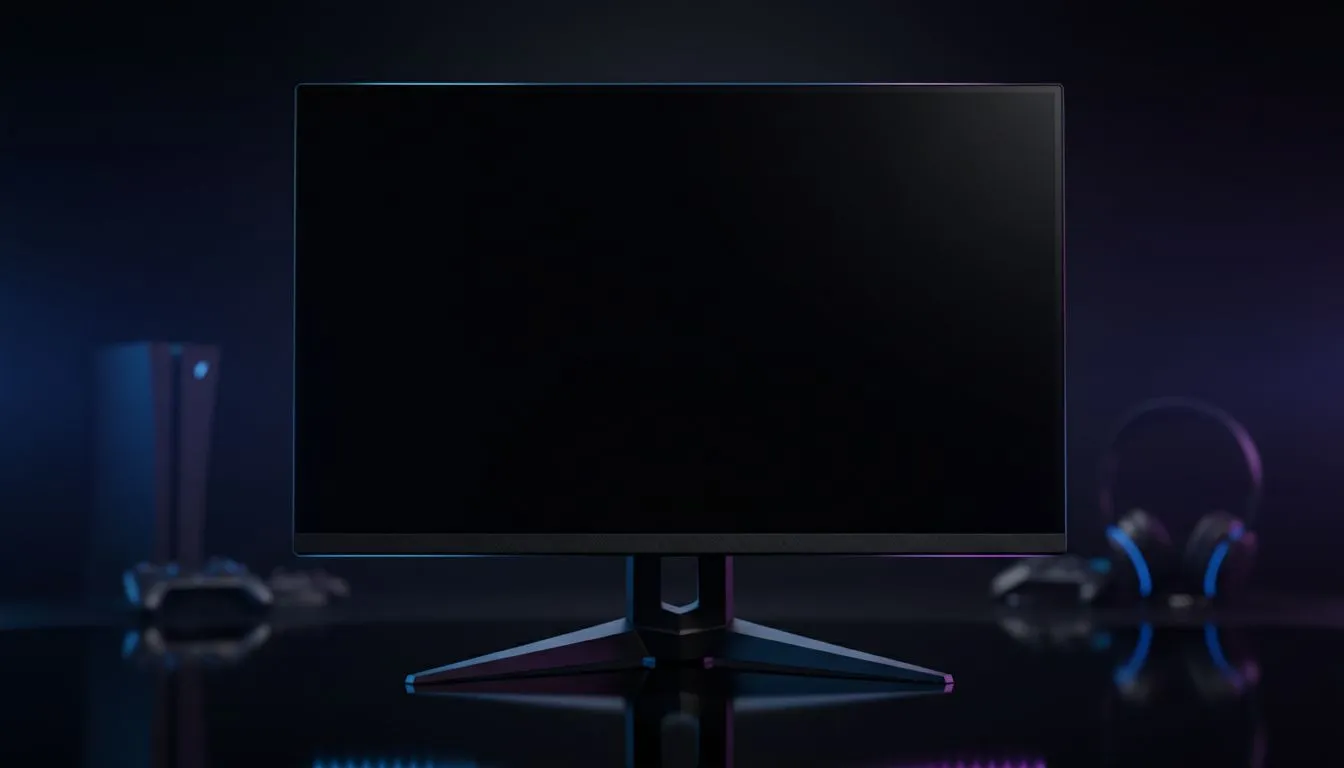
OLED True Black: Why pitch‑black pixels make horror terrifying
Imagine sitting in a dark room, headphones on, and a game’s whisper barely audible. With OLED True Black, shadows stop being fog and start being characters. South African gamers feel every scare deeper because true black raises contrast, depth and immersion faster than any gimmick. Ready to upgrade your setup? Start by hunting current monitor deals on Evetech to see what fits your budget and playstyle. 🔥 Find monitor deals
OLED True Black: Contrast, HDR and cinematic depth
OLED True Black panels switch individual pixels completely off, giving near-infinite contrast and inky blacks that LCDs struggle to match. That matters for horror titles and film‑style scenes where dark details are storytelling tools (see Evetech’s monitor overview for panel tech comparisons). For HDR and cinematic gaming, true black preserves highlight detail without washing shadow areas, so monsters and environmental storytelling read as the developer intended. See how OLED compares in Evetech’s monitor range
OLED True Black: Motion handling and reduced smear for fast scares
Many OLED panels offer faster pixel response than VA LCDs, which means reduced ghosting during quick camera pans — crucial when a jump scare relies on a single frame. If you stream or compete, OLED’s responsiveness gives clearer movement while keeping cinematic contrast intact (Evetech’s gaming monitors listing shows G‑sync/FreeSync options). Browse gaming monitors
OLED True Black: Size, curve and portable options for your space
Want an immersive ultrawide or a curved panel to pull you into the scene? OLED panels come in curved and flat formats, and portable OLED monitors let you keep cinematic blacks on the go. Match screen format to room and play style — a curved 34" feels like a theatre seat, while a portable 15" OLED keeps laptop co‑op vivid. Check curated curved and portable options before you buy. Buy curved monitors Discover portable OLED monitors
Calibration Tip ✨
Use the monitor’s native colour preset for movies and horror, then tone down brightness to a comfortable level for night sessions. For HDR, enable the console PC HDR setting and test with a dark scene. This keeps shadow detail while preventing eye strain.
OLED True Black: Resolution, scaling and accessories for cinematic clarity
Pair OLED True Black with high resolution for crisp textures in closeups — 4K or 5K panels push immersion further on larger screens. If you’re upgrading, consider cables and mounts that support the panel’s bandwidth and ergonomics. Evetech lists high‑res monitors and accessories to help you build a setup that respects the panel’s strengths. Explore 5K/4K monitors Shop monitor accessories
OLED True Black: Practical buying tips for South Africans
- Test in a dim room to see actual black levels; shop lighting affects perception.
- Consider burn‑in risk: vary content and use pixel‑shifting features when available. Evetech’s product pages indicate features and warranties to help you decide.
- If budget is a concern, look at current deals in ZAR and compare warranty terms before committing. Want cinematic black without breaking the bank? Filter deals under your target ZAR amount on Evetech to find value.
Ready to Find Your Perfect Match? The Mac vs Windows debate is complex, but for maximum power, choice, and value in South Africa, Windows is hard to beat. Explore our massive range of laptop specials and find the perfect machine to conquer your world.











