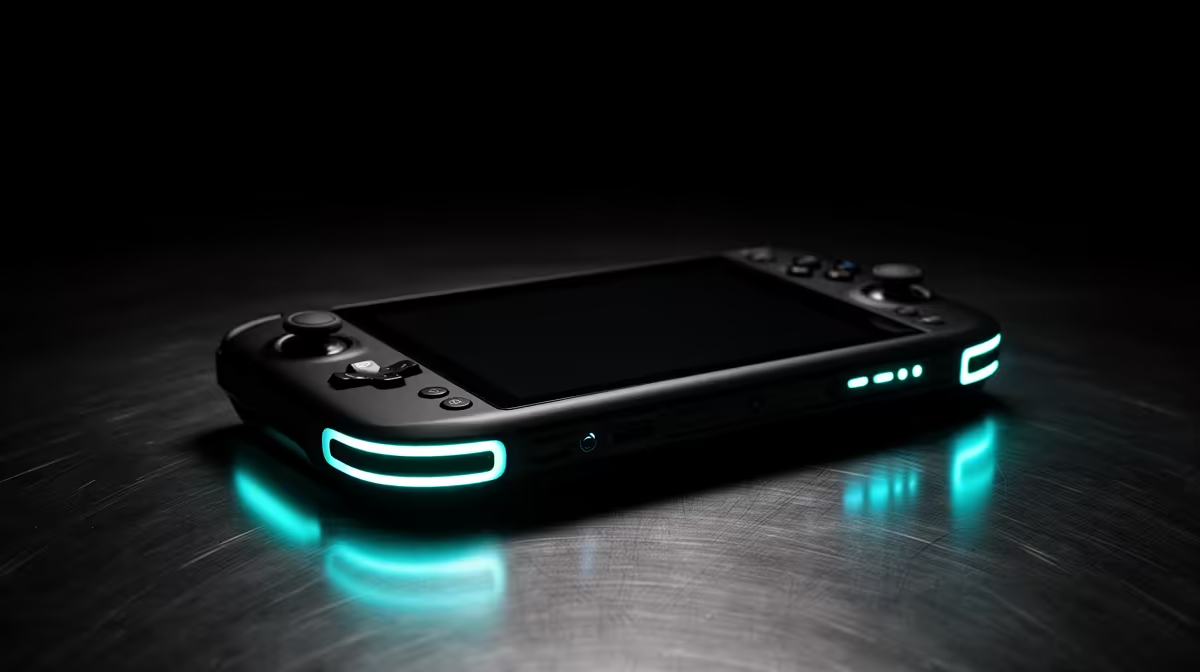
OneXPlayer uses the Windows handheld idea across several sizes and configurations, which makes a brand-level stock answer less useful than a model check. For OneXPlayer in South Africa, pin down the processor, screen and controls, then compare the full landed route with handheld gaming PCs that have current local listings.
Quick Answer
OneXPlayer availability in South Africa can shift across sellers and incoming shipments, and distributor arrangements can change. A unit sourced overseas may bring delivery costs, customs duty and a distant repair route. Check Evetech's live handheld gaming consoles before purchase for locally listed alternatives and current Rand pricing.
🧭 Choose the model rather than the brand
OneXPlayer devices can differ in processor, display size, keyboard or controller layout and graphics approach. Use the complete product name and revision in every comparison.
Start with the games you play. A large screen helps strategy titles and Windows text, while it adds weight. A compact unit travels well and can make small interface elements harder to read.
Check grip shape and control reach. Hold a device with similar width and weight if the exact model is unavailable. Wrist comfort after an hour matters more than a photograph.
Match resolution to performance. A dense panel can look crisp, but demanding games may run better through scaling and a frame cap. Native resolution should not become an automatic target.
Confirm memory and storage. Similar cases may hide different internal configurations. Record the exact processor and drive size from the seller's written listing.
Plan for launchers and Windows input. A touch screen handles some setup, while a compact keyboard or dock may be needed for passwords, recovery and older games.
🎮 Test the handheld as a complete PC
Windows compatibility depends on hardware, drivers, anti-cheat and each game. Build a short must-run list and seek current tests on the same configuration.
Check sticks, triggers and button placement. Raw-input software should show smooth movement, full trigger range and a steady centre. A game launching does not prove good controls.
Test screen brightness, touch and response across plain backgrounds. Look for dead pixels and pressure marks. Large handheld screens can be costly integrated parts.
Run Wi-Fi and Bluetooth while a game is active. Download a known file, use a wireless controller and listen for audio dropouts.
Connect a monitor, keyboard and mouse if docked play matters. Confirm the needed video output, data speed and charging support for the precise model.
Record firmware and drivers before updating. Prepare the supported recovery method and keep save data outside the device.
Evetech's PC best-sellers offer a local alternative when the device will live on a desk. A laptop or compact PC may give better ergonomics and ports for the same Windows games.
🌡️ Balance heat, noise and runtime
Powerful handheld hardware creates heat in a small body. Test a demanding game for forty minutes and note frame stability, grip temperature and fan character.
Keep vents clear and use a stand that does not block airflow. Soft bedding and closed cases trap heat. Clean inlets through the supported method.
Battery duration changes with processor power, screen brightness, wireless use and game load. Measure decline in your own settings rather than copying one review result.
Use the approved charger and rated cable. Check voltage input on the supply. A dock should pass enough power without disconnecting the display or storage.
Test sleep and resume for your main games. Windows launchers can wake without sound or controls. Save before closing the screen until behaviour is known.
A lower power profile may improve comfort and runtime with a modest frame-rate trade. Tune for the handheld screen instead of chasing desktop benchmark numbers.
📦 Compare cost and support paths
List the exact OneXPlayer, charger, case, dock and storage. If the chosen seller is abroad, add international transport, currency conversion, border assessment, courier handling and possible return shipment.
Compare that with one device on Evetech's current handheld page. Use processor, screen, controls, weight, storage and support as the columns.
Get the fault process in writing. Ask where display, battery, controller and mainboard problems are sent and what evidence is required.
For a used OneXPlayer, verify the internal specification in Windows. Run storage health, battery and raw-control tests, then play long enough to warm the device.
Use a plain text field to test any keyboard controls or programmable buttons. Connect and remove the charger during a game, watching for a sudden power-profile change or loose socket. Run one display output if the device advertises it.
Inspect ports, screw heads and shell clips for repair work. Confirm the operating system activates without the seller's account and that recovery tools function.
Check battery condition from the operating system and through a timed gaming run. A reported health figure and actual discharge curve should tell the same story. Stop if the shell lifts, the battery area swells or charging creates unusual heat.
Verify the included power lead against the seller's written list. A missing proprietary charger can erase the appeal of a used price, while a poor replacement can create a separate fault.
Keep serial photographs, invoice and packaging. A niche handheld should have a documented working baseline before it becomes your daily gaming PC.
Frequently Asked Questions
Does OneXPlayer have an official South African distributor?
The current channel should be verified with OneXPlayer and the seller when you are ready to purchase. More important, identify who issues the invoice, states the warranty and receives a faulty unit.
Why is OneXPlayer viewed as a premium handheld brand?
Its models often combine powerful PC hardware with large or unusual handheld designs. The value depends on the exact processor, screen, controls and support route.
Is there a risk with a grey-market unit?
The key risk is unclear seller responsibility. Verify authenticity, written warranty terms, return address and included power equipment before payment.
How does OneXPlayer compare with GPD?
Compare exact models by size, keyboard, controls, performance, cooling and ownership path. Broad brand rankings hide major model differences.
What should I confirm before paying?
Confirm model code, internal specification, box contents, seller identity, delivery terms and fault process. Save the listing and invoice.
What local handheld can I consider?
Evetech's live handheld category shows current local devices. Compare them with the precise OneXPlayer configuration you have priced.
Ready to compare Windows handhelds locally?
Visit Evetech's current handheld range and match screen, performance and controls to your games before choosing a niche model.