


RTX 4060 Ti Throttling Under Load: SA Temperature Guide
RTX 4060 Ti Throttling Under Load: Temperature. Everything you need to know with SA pricing, step-by-step instructions & expert recommendations.
Read moreLearn how to optimise 140mm case fans for maximum airflow and lower GPU temps with smart fan curves, airflow direction, and clean setup. 👇 Cooler gaming, quieter builds 😊
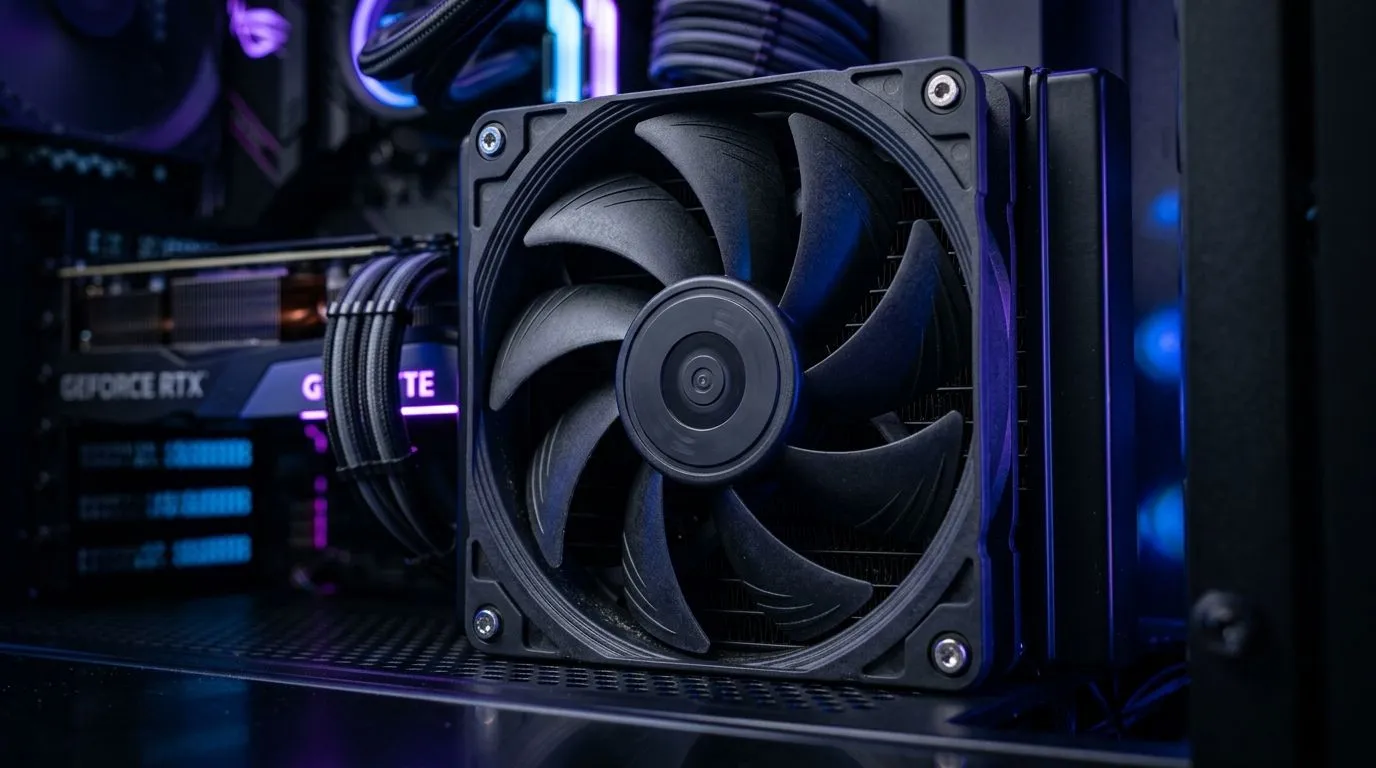
South African gamers know the feeling… you’re deep into ranked, then the fans ramp up and frames dip. A GPU that runs hot is more likely to throttle, and throttling kills performance. The good news? You often don’t need a whole new rig. Optimising your airflow with the right 140mm case fans can stabilise temperatures, keep noise under control, and make your system feel “snappy” again.
In this deep dive, we’ll focus on how to optimise Optimise 140mm Case Fans for Maximum Airflow and Cool GPUs using real-world layout choices, fan settings, and smart purchasing.
Your airflow plan is simple: get cool air in the front/bottom, push hot air out the top/back. Most cases are designed around this basic circulation. The tricky part is matching fan direction and placement.
If you’re unsure where to start, follow your case’s fan mount labels and check the airflow arrow direction on the fan frame.
Set a fan curve that ramps up only when temperatures rise. GPU thermals are a great trigger for this. If your case has GPU temps in your motherboard software (common on many boards), tie intake fan response to those readings.
Rule of thumb: If you hear constant fan roar at idle, your curve is too aggressive.
On Windows, use your motherboard’s fan control software (often in the control centre bundle) to test changes in 10% steps. Apply one change, then watch GPU hotspot and system temps for 5–10 minutes while gaming. Small adjustments beat random “max fan” experiments and help you find a quiet, stable curve faster.
A fan’s job is airflow, but extras matter for your experience. Let’s keep it practical.
140mm fans generally move more air at lower RPM than smaller fans, which can mean less noise for the same cooling. If you’re building or upgrading, browse compatible 140mm options in Evetech’s case fan range here:
If you’re also comparing other sizes, it’s useful to see what Evetech lists for 120mm:
RGB can be fun, but don’t let it distract from performance and static pressure. If you want lighting effects, check:
If you prefer a clean build without lighting:
Some builders prefer specific brands for controller reliability and availability in SA:
And if you want the full shortlist in one place:
Before you change anything else, do these checks in order:
If your GPU is still too hot after the above, it may be time to review cooler mounting, thermal paste condition, or overall case ventilation.
Ready to Find Your Perfect Match? The Mac vs Windows debate is complex, but for maximum power, choice, and value in South Africa, Windows is hard to beat. Explore our massive range of laptop specials and find the perfect machine to conquer your world.
Optimise 140mm case fans by choosing correct intake vs exhaust direction, setting sensible fan curves, and ensuring cables and filters don’t block flow.
Use a gradual fan curve: ramp intake earlier and exhaust slightly later. This stabilises GPU temps without unnecessary noise, improving overall airflow.
A common baseline is two to three fans. Prioritise intake near the GPU and add exhaust to prevent hot-air stagnation in the case.
Placement usually matters more. Use airflow direction and spacing to reduce hot zones; then adjust RPM with fan curves for targeted cooling.
For restrictive setups like dust filters or radiator mounts, favour static pressure. For open intakes, higher airflow is often more effective.
Front and bottom intakes often work well because they feed cool air directly toward the GPU. Confirm your case layout and keep exhaust balanced.
Avoid overly aggressive RPM changes, ensure fans aren’t obstructed, and keep cables tidy. Balanced intake/exhaust reduces turbulence.
Common causes are blocked airflow paths, wrong fan direction, an unbalanced intake/exhaust ratio, or a fan curve that ramps too late under load.
RTX 4060 Ti Throttling Under Load: Temperature. Everything you need to know with SA pricing, step-by-step instructions & expert recommendations.
Read more
Apex Legends Max Settings on RTX 4080. Tested & verified settings for best FPS and visual quality on SA hardware budgets.
Read more
GPU Buying Guide. Everything you need to know with SA pricing, step-by-step instructions & expert recommendations.
Read more
GPU Terms Guide. Everything you need to know with SA pricing, step-by-step instructions & expert recommendations.
Read more
AMD Adrenalin Download & Setup Guide: GPU. Clear setup instructions with SA-specific considerations, troubleshooting tips & recommended components.
Read more
Back-to-School GPU Buying Guide. Everything you need to know with SA pricing, step-by-step instructions & expert recommendations.
Read more
Snapdragon X2 NPU Explained: How 80 TOPS Changes. Plain-English explanation of what it means, why it matters & how it affects your buying decisions in SA.

HBM? High Bandwidth Memory Used in GPUs and AI. Plain-English explanation of what it means, why it matters & how it affects your buying decisions in SA.

How much should you spend on sim racing accessories in South Africa for a realistic setup? We break down budgets by quality tiers, so you buy smart gear and avoid overspending 🎮💸

G-Sync and FreeSync? Variable Refresh Rate. Plain-English explanation of what it means, why it matters & how it affects your buying decisions in SA.

AMD Laptop: Value. SA-focused analysis with local pricing data, real-world insights & actionable buying advice.

How MacBook Neo Handles 30+ Chrome Tabs with Only. SA-focused analysis with local pricing data, real-world insights & actionable buying advice.

Why Apple Put 8GB RAM in MacBook Neo: The A18 Pro. SA-focused analysis with local pricing data, real-world insights & actionable buying advice.

Upgrade your work laptop with a New Motherboard. Step-by-step instructions with SA-specific tips, common pitfalls to avoid & expert recommendations.

Maintain wired headset — Checklist: • inspect cables • clean earpads • store properly 🔧🎧 Practical steps to preserve sound quality and avoid premature replacements.

Fix crackling headset fast: step-by-step checks for cables, connectors, drivers, and settings to remove static or distorted audio on wired headsets 🎧⚙️

Stereo vs mono headsets: learn which delivers clearer calls, better spatial music, or simpler mono voice performance — pick the right headset for meetings, music, or gaming 🎧💬

- Compare gaming headset vs studio headphones; - Assess comfort, mic and sound; - Recommend best daily picks. Gaming headset vs studio headphones: learn which suits work, music and casual gaming. 🎧⚖️