


RTX 4060 Ti Throttling Under Load: SA Temperature Guide
RTX 4060 Ti Throttling Under Load: Temperature. Everything you need to know with SA pricing, step-by-step instructions & expert recommendations.
Read moreOptimise TITAN linear switch keyboards for competitive play and everyday typing—lower noise, smoother key feel, and smarter tuning. Get a setup that stays consistent under pressure 🎮⌨️.
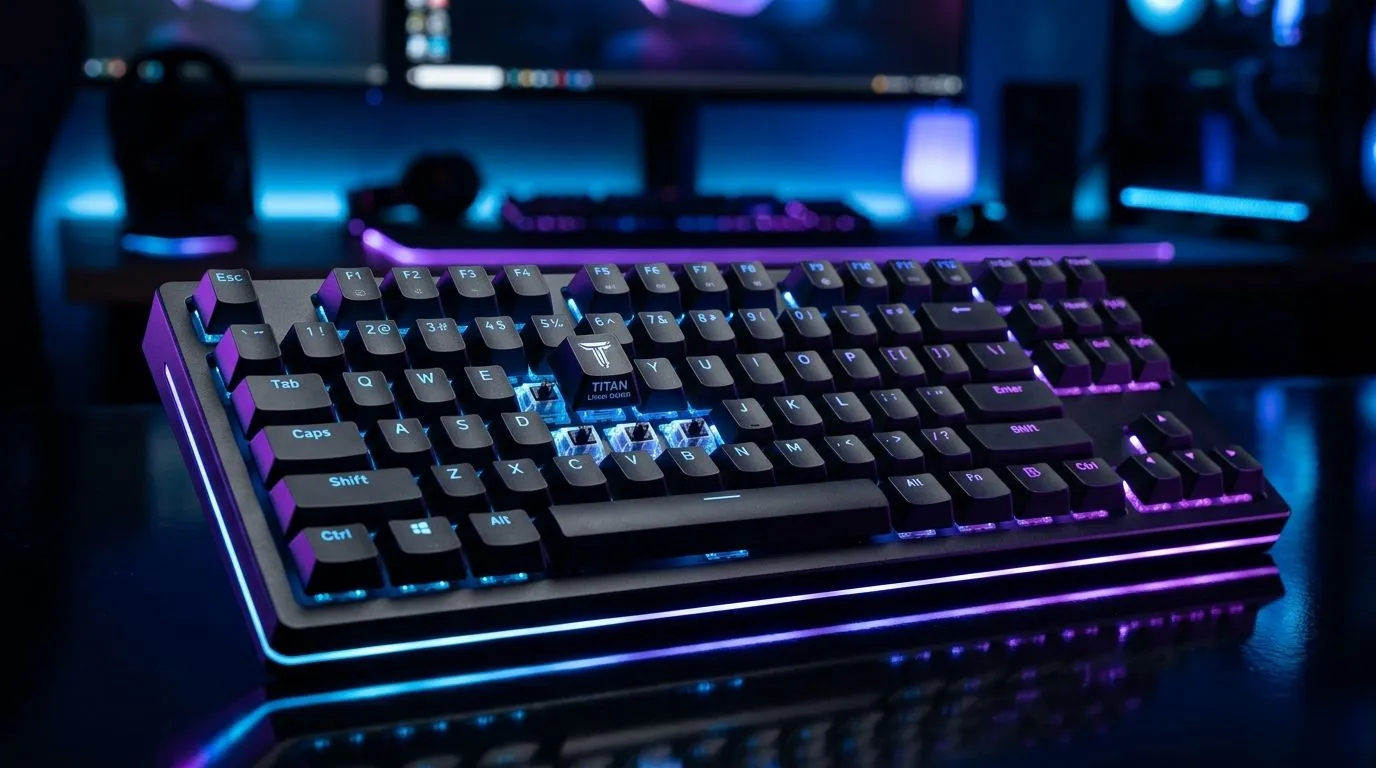
If you’re climbing ranks in Valorant, Apex, or CS2, your keyboard is doing more than “typing”… it’s timing. Every micro-second and every actuation feel can nudge your aim, your strafing rhythm, and your confidence in clutch moments. 🔧 In South Africa, where load-shedding chaos and tight budgets are real, getting the right feel from a TITAN Linear setup can be the difference between “close” and consistent.
In this Deep Dive, we’ll walk through practical ways to optimise TITAN Linear switch keyboards for competitive play. No fluff. Just repeatable steps you can do this weekend.
Linear switches are smooth through the full key travel, with no tactile bump. That can help you maintain fast movement inputs and cleaner repetitive keystrokes… especially under pressure. But “smooth” doesn’t automatically mean “accurate”. What you want is predictable force and minimal wobble.
Start with three checks:
If you’re comparing keyboards locally, Evetech’s deal pages can help you choose the right board for your budget and wiring needs. (We’ll link those options below.)
a switch setup that matches your wrist position: if you rest your forearm awkwardly, even perfect linear switches will feel inconsistent. Sit with your elbows slightly wider than your keyboard, then test a 30-second tap rhythm on A-D. If your fingers “reach”, adjust desk height before you change switches again.
Switch feel is only half the story. The other half is your configuration.
Many software panels show actuation in percentages or “response” profiles. Don’t blindly chase the lowest setting. Lower actuation can cause accidental presses when you’re stressed or when your technique slips.
Try this method:
Higher polling can reduce latency feel, but only if your connection and drivers are stable. Wired generally stays consistent. Wireless can be excellent, but it depends on device support, power mode, and the keyboard’s tuning.
If you’re shopping in South Africa, compare wired vs wireless options here:
Linear boards often feel “too fast” when your keycaps are thin or your stabilisers are loose. Thicker, more stable keycaps can improve consistency, especially on modifiers.
One player I helped (at a local LAN prep) thought their aim was off. After checking stabilisers and actuation, the real issue was accidental presses on Shift during panic strafes. We restored actuation a notch higher, then rebalanced the command layout. The next round felt… calm again. Not magical. Just consistent.
Before you spend time tuning, confirm the board is solid:
If you’re also shopping for a full setup, pair your keyboard with a mouse for smoother hand coordination. Evetech has combo-focused buying guides you can use:
Do this in order:
Small changes compound. Competitive play is built on repeatability.
Ready to Find Your Perfect Match? The Mac vs Windows debate is complex, but for maximum power, choice, and value in South Africa, Windows is hard to beat. Explore our massive range of laptop specials and find the perfect machine to conquer your world.
Start with consistent key feel: tune stabilizers, set an efficient actuation profile, and use smooth-lubed switches for predictable linear travel.
Yes—linear switches often enable smooth, consistent keystrokes. Pair them with good keycap fit and tuned stabilizers for fewer disruptions.
Optimise with switch lubrication, proper stabilizer tuning, and compatible keycaps. Sound-dampening materials can further lower ping.
Choose a consistent spring feel and avoid mismatched parts. Aim for reliable actuation that matches your gaming rhythm and typing habits.
Yes. Keycap height, material, and fit affect acoustics and travel feel. Ensure compatibility to keep the TITAN linear response consistent.
Tune stabilizers, verify switch seating, and use a comfortable layout. Consistency improves both everyday typing comfort and competitive control.
It can be. Linear switches often feel smooth and quiet for long work sessions. Optimise damping and stabilizers to maintain comfort.
RTX 4060 Ti Throttling Under Load: Temperature. Everything you need to know with SA pricing, step-by-step instructions & expert recommendations.
Read more
Apex Legends Max Settings on RTX 4080. Tested & verified settings for best FPS and visual quality on SA hardware budgets.
Read more
GPU Buying Guide. Everything you need to know with SA pricing, step-by-step instructions & expert recommendations.
Read more
GPU Terms Guide. Everything you need to know with SA pricing, step-by-step instructions & expert recommendations.
Read more
AMD Adrenalin Download & Setup Guide: GPU. Clear setup instructions with SA-specific considerations, troubleshooting tips & recommended components.
Read more
Back-to-School GPU Buying Guide. Everything you need to know with SA pricing, step-by-step instructions & expert recommendations.
Read more
Snapdragon X2 NPU Explained: How 80 TOPS Changes. Plain-English explanation of what it means, why it matters & how it affects your buying decisions in SA.

HBM? High Bandwidth Memory Used in GPUs and AI. Plain-English explanation of what it means, why it matters & how it affects your buying decisions in SA.

How much should you spend on sim racing accessories in South Africa for a realistic setup? We break down budgets by quality tiers, so you buy smart gear and avoid overspending 🎮💸

G-Sync and FreeSync? Variable Refresh Rate. Plain-English explanation of what it means, why it matters & how it affects your buying decisions in SA.

AMD Laptop: Value. SA-focused analysis with local pricing data, real-world insights & actionable buying advice.

How MacBook Neo Handles 30+ Chrome Tabs with Only. SA-focused analysis with local pricing data, real-world insights & actionable buying advice.

Why Apple Put 8GB RAM in MacBook Neo: The A18 Pro. SA-focused analysis with local pricing data, real-world insights & actionable buying advice.

Upgrade your work laptop with a New Motherboard. Step-by-step instructions with SA-specific tips, common pitfalls to avoid & expert recommendations.

Maintain wired headset — Checklist: • inspect cables • clean earpads • store properly 🔧🎧 Practical steps to preserve sound quality and avoid premature replacements.

Fix crackling headset fast: step-by-step checks for cables, connectors, drivers, and settings to remove static or distorted audio on wired headsets 🎧⚙️

Stereo vs mono headsets: learn which delivers clearer calls, better spatial music, or simpler mono voice performance — pick the right headset for meetings, music, or gaming 🎧💬

- Compare gaming headset vs studio headphones; - Assess comfort, mic and sound; - Recommend best daily picks. Gaming headset vs studio headphones: learn which suits work, music and casual gaming. 🎧⚖️