You’ve poured hours into your latest YouTube video, edited the perfect stream highlight, or finished a massive project file. You hit ‘upload’… and watch the progress bar crawl. In South Africa, that slow upload struggle is real. It’s a frustrating bottleneck that kills your workflow and delays your content. But what if the problem isn’t your internet plan, but the Wi-Fi signal in your own home studio? It’s time to optimise studio uploads with smart extenders.
Why Your Wi-Fi Signal Kills Upload Speeds
Most of us focus on download speeds for gaming and streaming, but for content creators, upload speed is king. Your Wi-Fi signal weakens over distance and through walls, creating dead zones. If your creative space is in a converted garage or a spare room far from your router, your upload performance plummets. This is where many creators lose the battle before they even start. A weak signal means lost data packets, constant re-transmissions, and that agonizingly slow progress bar.
Before you can fix the problem, you need to understand the foundation of your home grid. A stable connection is built on quality hardware, and exploring the full ecosystem of wireless networking solutions is the first step to diagnosing your weak points. Is it the distance? Is it the router? Or is it the PC itself?
How Smart Extenders Optimise Your Uploads 🚀
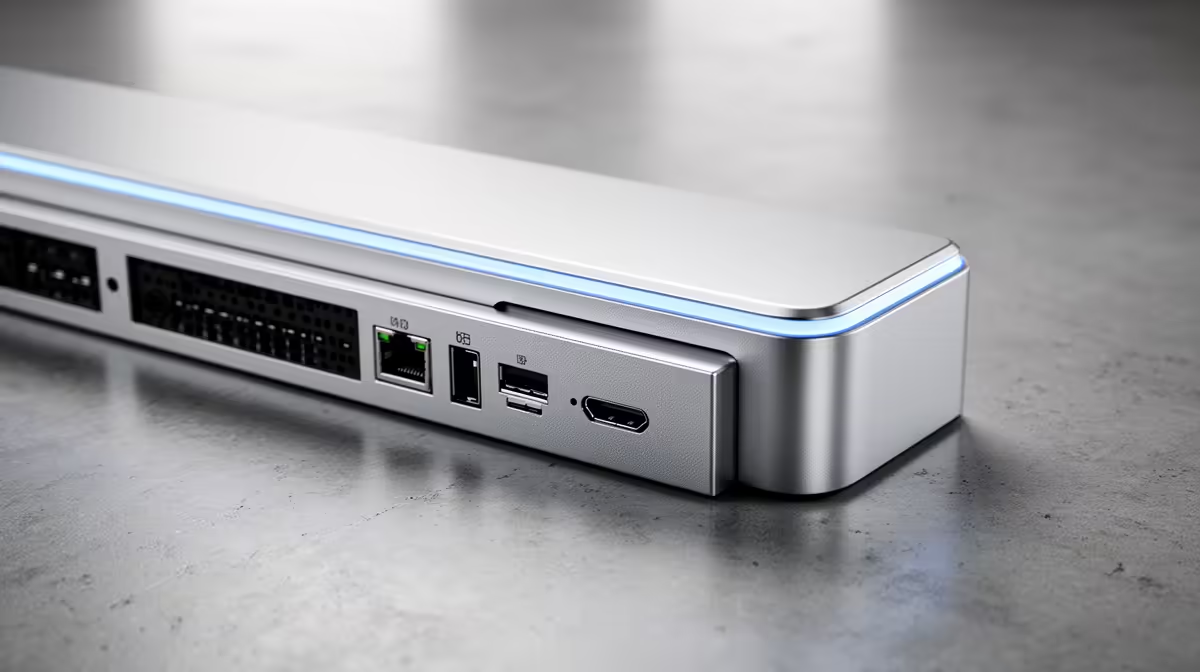
A Wi-Fi range extender, or ‘smart extender’, is a simple yet powerful device. It captures the existing wireless signal from your router and rebroadcasts it, effectively extending its reach into those frustrating dead zones. This is the key to finally optimise your studio uploads. By placing an extender halfway between your router and your studio, you give your PC a strong, stable signal to lock onto.
Modern devices are more than just simple repeaters. They use intelligent technology to find the fastest connection path back to the router, ensuring your upload traffic gets top priority. This simple addition can drastically boost upload speeds, turning a 30-minute upload into a 5-minute one. To get the best results, you need a device designed for the job. Take a look at these powerful wireless range extenders to see what a difference dedicated hardware can make.
Pro Placement Tip 🔧
Don't place your extender in the dead zone itself! Position it where the signal from your main router is still strong (at least 50%). This gives the extender a healthy signal to amplify and rebroadcast to your studio, ensuring maximum performance.
Building a Bulletproof Network for Content Creation
While a smart extender is often the perfect fix, sometimes you need to reinforce your entire network. If your main router is old or supplied by your ISP, it might be the true bottleneck. A high-performance gaming router is designed to handle multiple devices and heavy traffic, providing a much stronger core signal for an extender to work with. Investing in one of today's powerful wireless routers can be the single biggest upgrade for your home network.
Finally, don't forget your PC. Your computer needs a capable receiver to take full advantage of that boosted signal. An outdated or basic Wi-Fi card can't process the speeds a modern network provides. Upgrading to a quality wireless adapter ensures your rig can catch every bit of data, completing your high-speed upload pipeline from router to PC. ✨
Ready to Banish the Upload Bar?
Stop waiting and start creating. Explore our range of wireless range extenders and get your content live, faster.