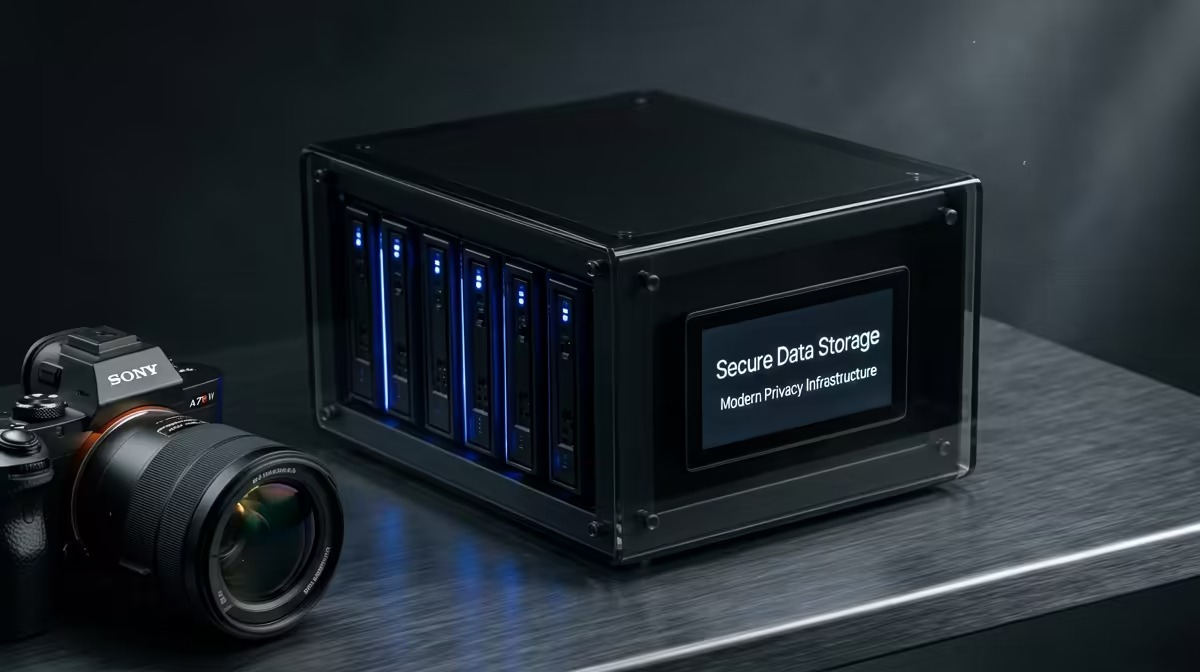
Every photo you upload, every document you sync, every password you store with a big provider lives on someone else's hardware in another country, billed to you monthly and governed by laws you did not vote on. Choosing to own your data flips that arrangement. By self-hosting a handful of mature open-source apps on a small machine at home, you replace Google Photos, Google Drive and your password manager with services that run on hardware you control, your files staying on your premises and your subscriptions disappearing.
Quick Answer
Self-hosting Immich replaces Google Photos, Nextcloud replaces Google Drive, and Vaultwarden replaces a paid password manager, all running on a single mini PC you keep at home. The result is that your personal files live on hardware you own rather than overseas servers, recurring subscription costs vanish, and you decide who has access. A modest mini PC with enough storage runs all three comfortably and quietly.
Why Self-Host at All
The case rests on three pillars: control, cost and privacy. Control means your data does not vanish if a provider changes terms, raises prices, or closes your account over an automated flag. Cost means a one-time hardware purchase instead of a subscription that compounds forever. Privacy means your photos and documents are not scanned, profiled or stored on servers subject to foreign jurisdiction.
For a South African household, there is a practical angle too. Keeping data local means your everyday access does not depend on an international link, and your files are not sitting on servers half a world away governed by data laws you have no say in. The trade-off is responsibility: you become the administrator, which means you handle backups and updates yourself. For most people that is a fair exchange for genuine ownership.
The Hardware Foundation
No dedicated server room or rack is required. A small, low-power mini PC is the ideal home for these services. It runs continuously on a few watts, makes no noise sitting on a shelf, and has enough power to serve photos and files to your household without breaking a sweat. Evetech's mini PC and small-form-factor range covers exactly the kind of compact, efficient machine this setup wants.
The two specs that matter most are RAM and storage. Aim for enough memory to run several services at once, and size your storage to your photo and file library with room to grow. A fast NVMe SSD carries the OS and app data so response times stay sharp, while a larger secondary drive holds the bulk of your photos and files.
The Three Apps That Replace the Cloud
Immich: Your Photo Library
Immich is the standout replacement for Google Photos. It offers a near-identical experience, a phone app that automatically backs up your camera roll, a timeline view, albums, search and face grouping, but every photo lands on your own machine. Once it is running, your phone uploads new photos to your server instead of to a provider, and the whole family's photo library lives under your roof.
Nextcloud: Your File Drive
Nextcloud takes over the Google Drive role. It syncs files across your devices, shares folders with family, and provides a web interface to reach everything from a browser. Add the calendar and contacts modules and it quietly replaces several Google services at once, all from your own server.
Vaultwarden: Your Password Vault
Vaultwarden is a self-hosted server that speaks the Bitwarden protocol, so all the official Bitwarden apps and browser extensions work against your own hardware instead of a third-party cloud. Your passwords sync across devices through your own machine, keeping your most sensitive data entirely under your control. It demands so few resources that it runs comfortably alongside Immich and Nextcloud without straining anything.
Reaching Your Server From Anywhere
A common worry is whether self-hosting means your data is trapped at home, only reachable on your own WiFi. It does not. You can reach your services from anywhere, the question is how you expose them safely. The simplest and safest approach for most households is a private network tunnel, which lets your phone and laptop connect to the home server from outside as if they were on the home network, without opening your server directly to the wider internet.
The reason this matters is security. Exposing a self-hosted service straight to the internet without protection invites unwanted attention, so the sensible pattern is to keep the services private and reach them through a secured tunnel or a reverse proxy with proper certificates. Set up that way, you get the convenience of cloud access with none of the exposure, and your photos and files remain reachable from anywhere you happen to be.
What Else You Can Self-Host
Once the mini PC is running, the three core apps are just the start. A self-hosted media server lets you stream your own film and music library to any device in the house. A network-wide ad blocker cleans up browsing for every device at once. A self-hosted notes app, a recipe manager, a read-it-later service, the catalogue of mature open-source apps is large, and each one you add replaces another subscription or another account on someone else's servers. The mini PC has the headroom to run several of these alongside the core trio, so the platform grows with your needs rather than forcing a bigger purchase each time.
Putting It Together
The usual approach is to run all three apps in containers on the mini PC, which keeps them isolated and easy to update. Once configured, they run continuously in the background with minimal attention. Your phone backs up photos to Immich, your laptop syncs documents to Nextcloud, and your browser autofills from Vaultwarden, exactly as the commercial equivalents did, except the data stays home.
The one responsibility you cannot skip is backup. Self-hosting means you are the safety net, so keep a second copy of your data on a separate drive, ideally one kept somewhere other than next to the server. With that in place, you have a private cloud that costs nothing per month and answers to no one but you. Comparing your mini PC choice against the popular pre-built machines is a sensible final check before you commit.
Frequently Asked Questions
Do I need to be technical to self-host these apps?
Basic comfort following written setup guides is enough. None of these apps require programming knowledge or prior Linux expertise, and running them in containers keeps the process straightforward. The ongoing effort is mostly occasional updates and confirming backups ran successfully.
What hardware do I need to self-host Immich and Nextcloud?
A low-power mini PC with adequate RAM and storage is enough for a household. Size your storage to your photo and file library with room to expand, and use an SSD for the operating system so the apps stay responsive.
Is self-hosting actually more private than Google?
Yes, because your data lives on hardware you physically control rather than on a provider's servers. Nothing is scanned for advertising or stored under foreign jurisdiction, and access is limited to whoever you grant it to.
What happens to my data if the mini PC fails?
This is why backups are essential. If you keep a second copy on a separate drive, a hardware failure means restoring to a new machine rather than losing anything. Never run a self-hosted setup without at least one backup.
Can these apps replace Google Photos and Drive completely?
For most people, yes. Immich matches the core Google Photos experience including automatic phone backup, and Nextcloud covers file syncing, sharing and even calendar and contacts. The main difference is that you administer them yourself.
Ready to take your photos and files off the rented cloud? Start with the right machine from the mini PC range at Evetech and build a private home server you actually own.