


RTX 4060 Ti Throttling Under Load: SA Temperature Guide
RTX 4060 Ti Throttling Under Load: Temperature. Everything you need to know with SA pricing, step-by-step instructions & expert recommendations.
Read more• Identify high-value keyword; • Create long-tail keywords; • Build SEO elements. P-Cores and E-Cores explained: discover how hybrid CPU architecture boosts multitasking, balances performance and efficiency, and extends battery life in laptops 📈⚡
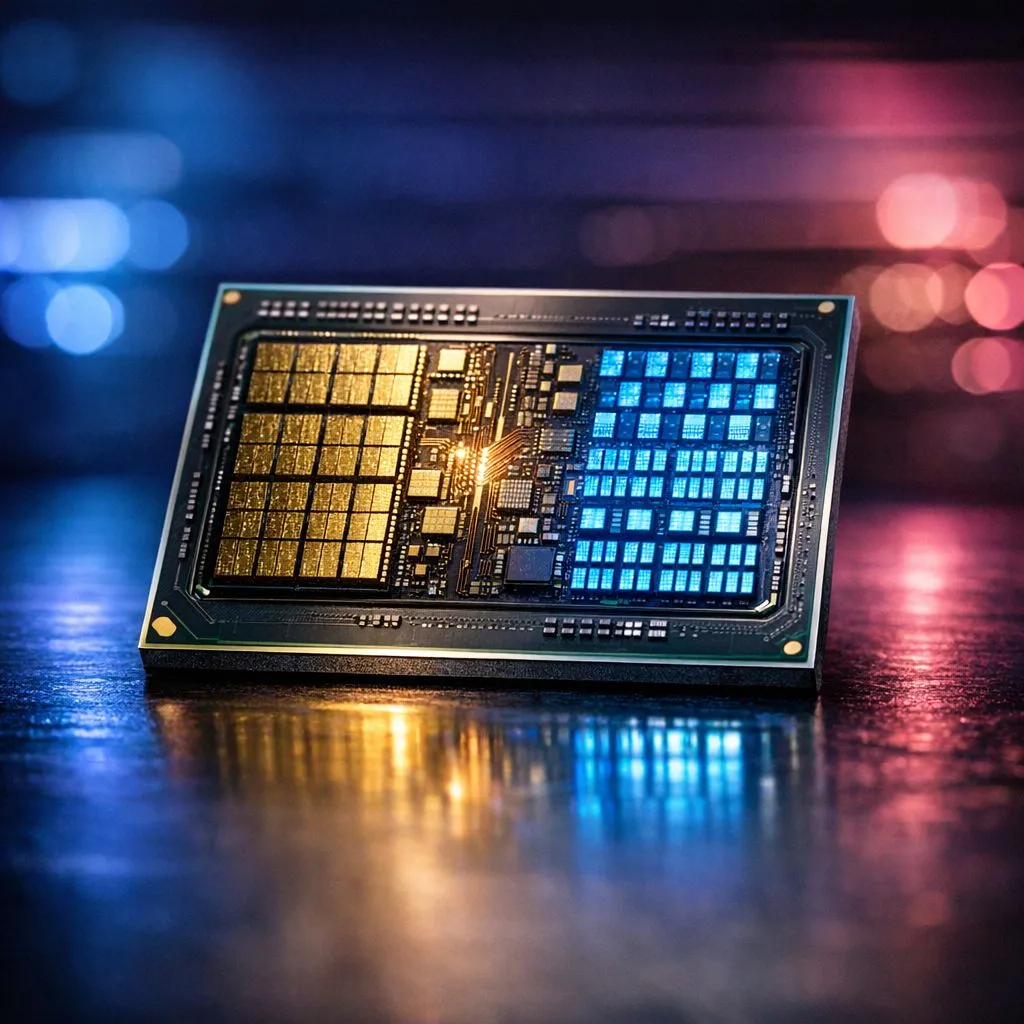
Ever wondered why your PC handles background downloads better while you're mid-match in Warzone? It isn't just luck. It's the magic of hybrid architecture. If you've been looking at a new build, understanding P-Cores and E-Cores explained: hybrid architecture for multitasking is the key to getting the best value for your Rands. Let’s dive into how this tech actually works for you.
In the past, every core on your processor was identical. Today, modern chips use a "Big-LITTLE" approach. Performance-cores (P-cores) are the heavy hitters. They handle the tasks that need raw speed... like running your favourite AAA games or rendering a 4K video. If you are looking to buy Intel CPU models from the latest generations, these are the cores doing the heavy lifting.
On the other side, we have Efficiency-cores (E-cores). These are smaller and use less power. They handle background tasks like Windows updates, Discord, or Chrome tabs. By offloading the "boring" stuff to E-cores, your P-cores stay free to focus on your gameplay. This prevents those annoying stutters when a background app suddenly decides to update.
To truly see the benefits of hybrid architecture, ensure you are running Windows 11. The built-in Thread Director works with the operating system to move tasks between P-cores and E-cores in real-time for maximum efficiency.
Whether you are a competitive gamer or a local content creator, multitasking is unavoidable. While Intel pioneered this specific split, those who prefer to buy AMD CPU hardware will find that Team Red also focuses heavily on core efficiency and high thread counts to achieve similar results.
For many local users, finding the right balance of cores is vital for a smooth experience. A processor with 14-Cores is often considered the "sweet spot" for high-end gaming and streaming simultaneously. It provides enough P-core muscle for the game and plenty of E-core headroom for your streaming software. 🔧
Choosing between brands often comes down to your specific workload. For instance, an AMD Ryzen 7 processor offers incredible multi-threaded performance that rivals many hybrid setups. The goal is to ensure your system doesn't choke when you have multiple apps open. 🚀
When you optimise your build for hybrid architecture, you aren't just buying speed... you are buying a smoother experience. No more closing every single background app just to get a stable frame rate. Hybrid architecture does the management for you, letting you focus on the win. ✨
Ready to Upgrade Your Performance? Understanding hybrid architecture is the first step to a faster PC. Whether you need raw gaming power or a multitasking beast, we have the right tech for your budget. Explore our massive range of CPUs and find the perfect heart for your next South African gaming rig.
P-Cores (performance) deliver high single-thread speed; E-Cores (efficiency) handle background tasks. This hybrid architecture improves overall multitasking.
They split workloads: P-Cores run demanding apps while E-Cores manage background threads, boosting multitasking performance and responsiveness.
Yes. Efficiency cores reduce power draw for background tasks, improving efficiency and battery life compared to all high-power cores.
Intel introduced P-Cores and E-Cores with Alder Lake (12th gen) and continued in later CPUs. Look for hybrid architecture in modern Intel chips.
Gamers gain improved frame stability when P-Cores handle games and E-Cores manage streaming, voice chat, and OS tasks for smoother performance.
Yes. Windows 11 includes a thread scheduler tuned for hybrid architectures to assign threads to P-Cores or E-Cores effectively.
Use Task Manager or performance tools to view core distribution and CPU topology. This helps you see how hybrid scheduling assigns threads.
RTX 4060 Ti Throttling Under Load: Temperature. Everything you need to know with SA pricing, step-by-step instructions & expert recommendations.
Read more
Apex Legends Max Settings on RTX 4080. Tested & verified settings for best FPS and visual quality on SA hardware budgets.
Read more
GPU Buying Guide. Everything you need to know with SA pricing, step-by-step instructions & expert recommendations.
Read more
GPU Terms Guide. Everything you need to know with SA pricing, step-by-step instructions & expert recommendations.
Read more
AMD Adrenalin Download & Setup Guide: GPU. Clear setup instructions with SA-specific considerations, troubleshooting tips & recommended components.
Read more
Back-to-School GPU Buying Guide. Everything you need to know with SA pricing, step-by-step instructions & expert recommendations.
Read more
Snapdragon X2 NPU Explained: How 80 TOPS Changes. Plain-English explanation of what it means, why it matters & how it affects your buying decisions in SA.

HBM? High Bandwidth Memory Used in GPUs and AI. Plain-English explanation of what it means, why it matters & how it affects your buying decisions in SA.

How much should you spend on sim racing accessories in South Africa for a realistic setup? We break down budgets by quality tiers, so you buy smart gear and avoid overspending 🎮💸

G-Sync and FreeSync? Variable Refresh Rate. Plain-English explanation of what it means, why it matters & how it affects your buying decisions in SA.

AMD Laptop: Value. SA-focused analysis with local pricing data, real-world insights & actionable buying advice.

How MacBook Neo Handles 30+ Chrome Tabs with Only. SA-focused analysis with local pricing data, real-world insights & actionable buying advice.

Why Apple Put 8GB RAM in MacBook Neo: The A18 Pro. SA-focused analysis with local pricing data, real-world insights & actionable buying advice.

Upgrade your work laptop with a New Motherboard. Step-by-step instructions with SA-specific tips, common pitfalls to avoid & expert recommendations.

Maintain wired headset — Checklist: • inspect cables • clean earpads • store properly 🔧🎧 Practical steps to preserve sound quality and avoid premature replacements.

Fix crackling headset fast: step-by-step checks for cables, connectors, drivers, and settings to remove static or distorted audio on wired headsets 🎧⚙️

Stereo vs mono headsets: learn which delivers clearer calls, better spatial music, or simpler mono voice performance — pick the right headset for meetings, music, or gaming 🎧💬

- Compare gaming headset vs studio headphones; - Assess comfort, mic and sound; - Recommend best daily picks. Gaming headset vs studio headphones: learn which suits work, music and casual gaming. 🎧⚖️