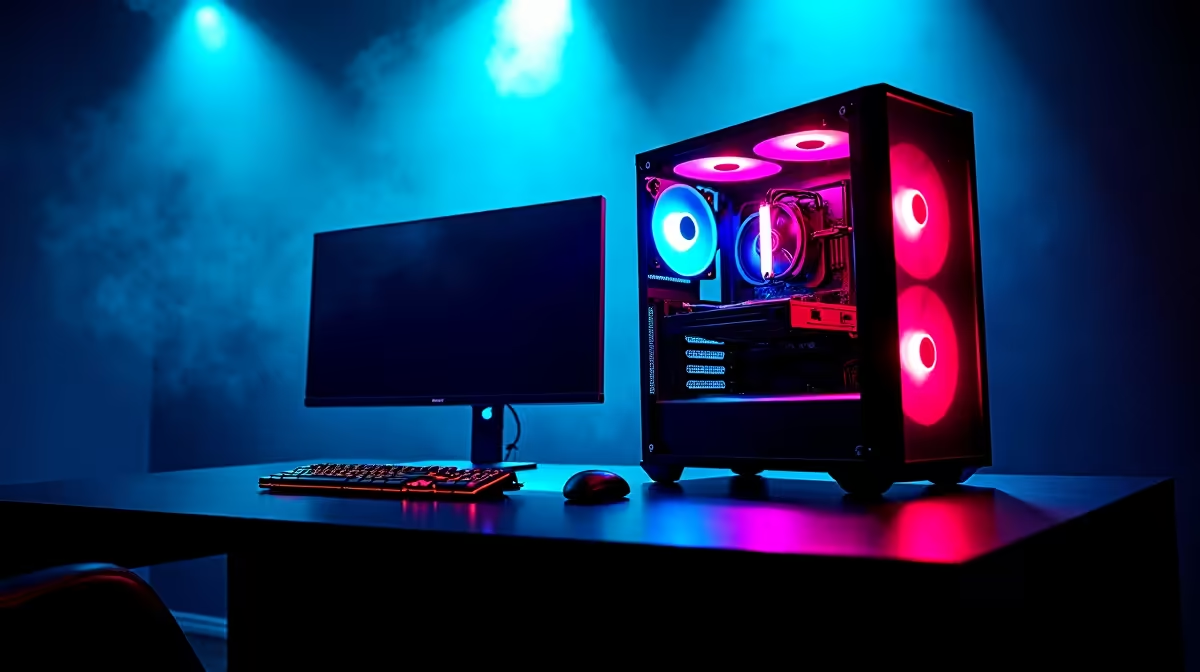
Your kid wants a gaming machine. Should you get a straightforward console or a powerful PC? It’s a huge question for any South African parent, especially when safety is your top priority. You’ve heard the stories... surprise credit card bills and chats with strangers. This guide cuts through the noise, comparing parental controls on a gaming PC vs console to help you make the best choice for your family’s peace of mind. Let's dive in.
The Console Advantage: Simplicity and Control
For many parents, consoles like the PlayStation, Xbox, and Nintendo Switch are the default choice for a reason: they offer a "walled garden" experience. Everything is curated, and the parental control systems are built-in, streamlined, and generally easy to manage from your phone.
With a console, you can typically control:
- Screen Time: Set daily or weekly time limits. The console can automatically log the user out when time is up.
- Spending: Prevent unauthorised purchases by requiring a password for every transaction. No more surprise V-Bucks bills!
- Content Ratings: Restrict access to games based on their age rating (FPB in South Africa).
- Communication: Limit who your child can talk to online, or disable voice and text chat entirely.
This plug-and-play approach to safety makes consoles an attractive option, especially for younger kids playing popular team-based games like Overwatch 2. The setup is quick, and the peace of mind is immediate. While you can get PCs powerful enough for Fortnite and other battle royales, the console environment is undeniably more contained out of the box.
The Gaming PC Approach: Unmatched Power & Flexibility
A gaming PC is a different beast altogether. It's an open platform, which can seem daunting at first. But with that openness comes incredible power and far more granular control... if you know where to look. The key difference in the parental controls gaming PC vs console debate is that a PC lets you manage the entire digital experience, not just gaming.
Windows has its own robust, free tool called Microsoft Family Safety. It allows you to:
- Set screen time limits across Windows devices.
- Filter inappropriate websites and searches on Microsoft Edge.
- Get weekly activity reports on what your child is doing online.
- Manage spending on the Microsoft Store.
Beyond the built-in tools, you can install third-party software that offers even deeper control. This flexibility means a PC can adapt as your child grows, from playing creative sandboxes like Minecraft to using the same machine for school projects and eventually even tackling demanding titles like Microsoft Flight Simulator.
PC Safety 101 🔧
Always create a 'Standard User' Windows account for your child, not an 'Administrator' one. This single step prevents them from installing unauthorised software, changing critical system settings, or bypassing the parental controls you’ve carefully put in place. It’s your first and most powerful line of defence on a gaming PC.
Parental Controls: Gaming PC vs Console Showdown
So, how do they stack up head-to-head on the most important features? Let's break it down.
Screen Time Management
Consoles make it incredibly simple to set daily time limits for gaming. A PC, using Microsoft Family Safety, can do the same but also allows you to set limits on specific apps. Want to allow two hours for gaming but unlimited time for Microsoft Word? A PC can do that. ✨
Content & Spending Controls
Both platforms handle content ratings and spending limits very well within their respective stores (PlayStation Store, Microsoft Store, Nintendo eShop). The PC's main vulnerability is the open internet and other game launchers like Steam or the Epic Games Store. However, with proper setup (like the Standard User account tip above) and web filtering, you can lock a PC down just as effectively. This is crucial for managing access to immersive single-player experiences like Cyberpunk 2077 which are intended for mature audiences.
Online Communication Safety
Consoles offer straightforward options to restrict communication to "friends only" or turn it off completely. On a PC, you have to manage these settings within each game or platform (like Discord or Steam chat). While it takes more effort, the advantage is that many third-party PC monitoring tools can provide reports on chat content, offering another layer of insight for parents concerned about online interactions in competitive games like PUBG.
The Verdict: Which is Right for Your Mzansi Family? 🇿🇦
Ultimately, the best choice depends on your family's needs and your own tech confidence.
- Choose a Console if: You want the simplest, quickest setup for immediate peace of mind, primarily for a younger child whose main digital activity will be gaming.
- Choose a Gaming PC if: You want a versatile, long-term investment that serves as a machine for homework, creativity, and gaming. It requires a bit more initial setup, but the parental controls on a gaming PC are ultimately more powerful and adaptable.
A PC provides a safe environment to play everything from fast-paced shooters like Call of Duty: Warzone 2.0 to sprawling open worlds like GTA V, all while being a powerful tool for their future. The discussion around PC vs console parental controls shows that with a little knowledge, a PC is an incredibly safe and smart choice.
Ready to Build a Safer Gaming Future?
The PC vs console debate for parental controls shows that both have strengths. But for a machine that grows with your child—from homework to high-end gaming—a PC offers unmatched versatility and power. With the right setup, it's a safe and smart investment. Explore our incredible Gaming PC deals and find the perfect rig for your family.