Feel that? It’s not just the summer heatwave making your room feel like a sauna. It’s your gaming PC, gasping for air during a tense firefight in Apex Legends. In our climate, overlooking proper PC cooling in South Africa isn’t just a small oversight; it’s a performance killer. A hot PC is a slow PC, and that means stuttering, crashes, and frustrating losses.
Let's dive into why keeping your rig frosty is non-negotiable for peak gaming.
Why Your Rig Hates the South African Heat
Ever noticed your frame rate taking a nosedive halfway through a long gaming session? You're likely experiencing "thermal throttling." It's your computer's self-defence mechanism. When a component like your CPU or GPU gets too hot, it automatically reduces its speed to prevent damage.
The result? Your R25,000 rig suddenly performs like a machine half its price. ✨
Proper cooling ensures your components can run at their full, advertised speeds, giving you the smooth, consistent performance you paid for. This is true for all systems, and even many budget gaming PCs can see massive benefits from a simple airflow optimisation.
Air vs. Liquid: Choosing Your Cooling Champion
When it comes to PC cooling, you generally have two main choices: traditional air coolers or All-In-One (AIO) liquid coolers. Neither is universally "better"—it's about finding the right fit for your build and budget.
Air Coolers: The Reliable Workhorse
An air cooler uses a metal heatsink with fins to draw heat away from the CPU, and a fan to blow that heat away.
- Pros: Highly reliable (fewer moving parts), often more affordable, and easier to install.
- Cons: Can be bulky, potentially interfering with RAM slots or case panels. High-end performance can be matched, but not always beaten, by AIOs.
AIO Liquid Coolers: The Sleek Performer
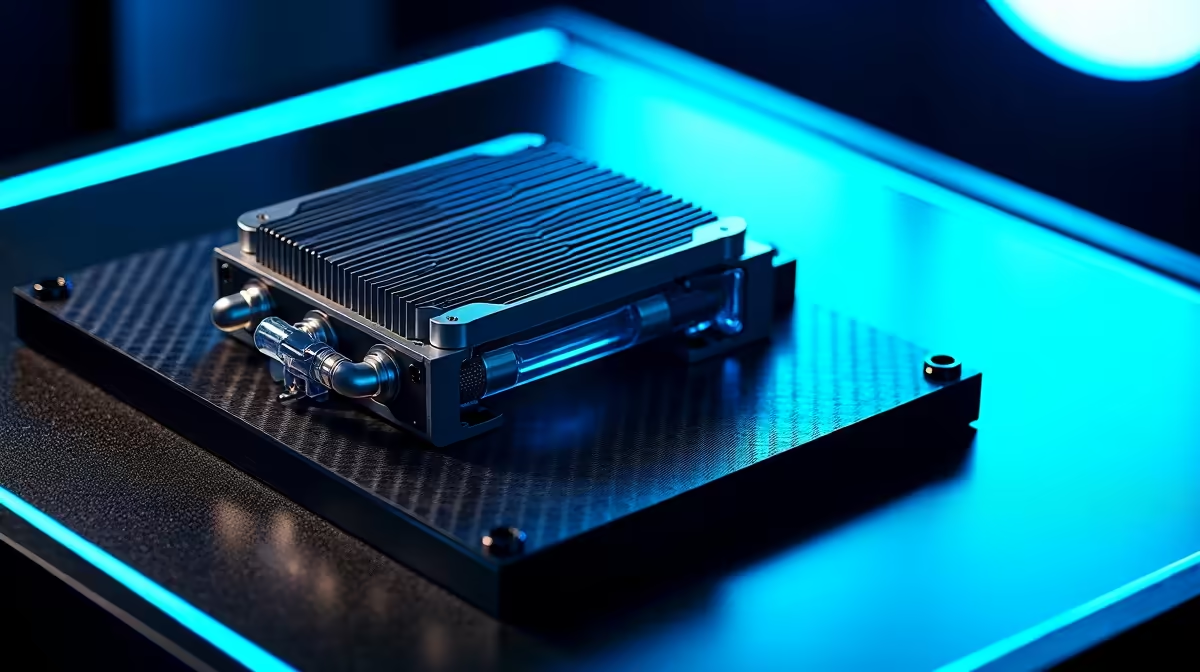
An AIO uses a pump to circulate liquid from a block on your CPU to a radiator, where fans dissipate the heat.
- Pros: Often provide superior cooling for high-end, overclocked CPUs. They also create a cleaner, more minimalist look inside your case.
- Cons: More expensive, more points of potential failure (pump, leaks), and can be trickier to install.
For many builds, especially when looking at PCs under R20,000, a quality air cooler is more than enough to deliver fantastic performance.
Pro Tip: Master Your Fan Curves 🔧
Your PC's default fan settings are often optimised for silence, not performance. Dive into your motherboard's BIOS UEFI on startup (usually by pressing DEL or F2). Look for 'Fan Control' or 'Q-Fan'. By setting a more aggressive fan curve, you can make your fans spin up sooner, keeping temperatures lower before they become a problem. It's a free performance boost!
It's Not Just the CPU Feeling the Burn
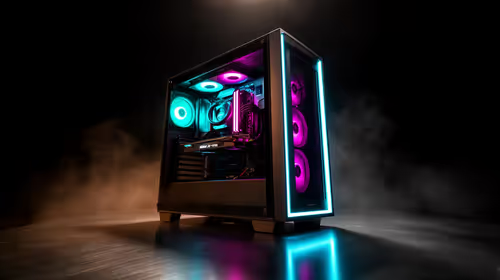
A powerful CPU cooler is a great start, but true cooling is a team sport. Your case's airflow is the MVP. A PC needs a clear path for cool air to enter (intake) and hot air to exit (exhaust). Poor cable management or dust-clogged filters can choke your entire system, trapping heat and throttling everything, including your powerful graphics card.
This is why high-performance rigs over R20k pay so much attention to case design and fan placement. When you invest in powerful hardware, you need to give it room to breathe. The good news is that many modern pre-built PC deals are designed with excellent thermal performance right out of the box.
Simple Steps to a Chiller PC Setup 🚀
You don't need a custom water loop to achieve great temperatures. Effective PC cooling in South Africa often comes down to basics:
- Clean Your Filters: Dust is the enemy. Check your case's intake filters (front, top, or bottom) every month or two and give them a good clean.
- Tidy Your Cables: Use cable ties or your case's routing channels to tuck cables away from the main airflow path.
- Check Your Room: A PC can only be as cool as the air it's pulling in. On a scorching day, even the best cooling system will struggle if the ambient room temperature is over 30°C.
Ultimately, a well-cooled PC is a happy PC. It performs better, lasts longer, and provides a much smoother gaming experience. Whether you're on a tight budget or building a monster rig, paying attention to thermals is one of the smartest investments you can make. It's the foundation of all the best gaming PC deals you'll find.
Ready to Beat the Heat?
Effective PC cooling is the secret to unlocking consistent, high-frame-rate gaming. Don't let thermal throttling be the final boss. Explore our massive range of gaming PCs, all optimised for peak performance, and find the cool, quiet rig you deserve.