Staring at a stuttering timeline or a render bar that barely moves? We've all been there. For South African creators, streamers, and filmmakers, poor PC performance for video editing isn't just frustrating… it costs time and money. Whether you're cutting a wedding video in Durban or a YouTube short in Jozi, your machine's power dictates your creative speed. This deep dive will help you understand what truly matters for a smooth editing experience.
The CPU: Your Editing Engine's Core Power
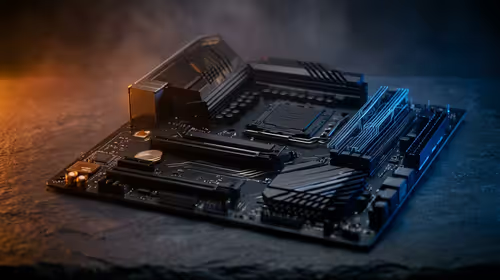
When it comes to video editing PC performance, the Central Processing Unit (CPU) does most of the heavy lifting. It handles tasks like encoding (exporting your final video), decoding complex codecs, and generating previews. More cores and higher clock speeds generally mean faster render times and smoother playback, especially with high-resolution 4K or 6K footage.
For years, the choice has been a battle between two giants. Today, both sides offer incredible value for creators. You can find fantastic multi-core processors in our range of AMD Ryzen PC deals, which are renowned for their excellent multi-threaded performance. On the other side, the latest Intel PC deals often feature Quick Sync technology, which can dramatically accelerate encoding and decoding in supported applications like Adobe Premiere Pro.
The GPU: Accelerating Your Creative Workflow ⚡
While the CPU is the engine, the Graphics Processing Unit (GPU) is the turbocharger. A powerful graphics card is essential for accelerating real-time effects, colour grading, transitions, and timeline playback. Software like DaVinci Resolve is famous for leveraging the GPU heavily, offloading massive computational tasks from the CPU.
For editors, look for GPUs with ample VRAM (Video RAM)—8GB is a good starting point for 4K editing. This ensures your GPU can handle high-resolution textures and complex effects without choking. A good GPU is a key component for improving your overall PC performance for video editing.
Productivity Pro Tip 🔧
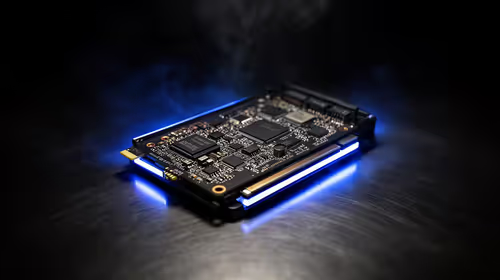
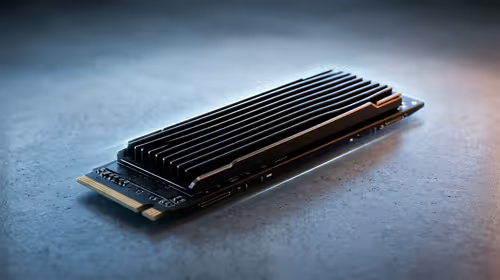
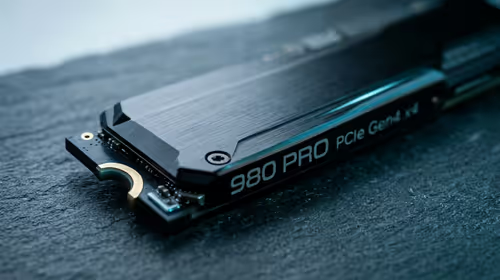
For a smoother workflow, separate your digital assets. Use a fast NVMe SSD for your operating system and software, a second NVMe for your active project files and cache, and a larger, more affordable SATA SSD or HDD for long-term storage and archives. This prevents bottlenecks and keeps your timeline responsive.
RAM and Storage: The Unsung Heroes of Performance
You can have the best CPU and GPU in the world, but if you're short on RAM or using a slow hard drive, your system will feel sluggish. RAM (Random Access Memory) is your computer's short-term memory. For video editing, 16GB is the absolute minimum, but 32GB is the sweet spot for a smooth 4K workflow, allowing you to run your editing software, a browser, and other apps simultaneously without issue.
Storage speed is just as critical. An NVMe SSD will load your operating system, applications, and footage dramatically faster than a traditional hard disk drive (HDD). This speed boost directly impacts your PC performance for video editing, reducing load times and eliminating stutter during playback. ✨
Optimising Your PC on a South African Budget
Building a powerful editing rig doesn't have to break the bank. The key is balance. Prioritise your spending on a strong multi-core CPU and at least 32GB of RAM. You can often find a mid-range GPU that offers excellent performance for the price. By making smart choices, it's entirely possible to assemble a capable editing machine right here in South Africa without a massive budget. In fact, you can find some fantastic pre-built PCs under R20,000 that provide a brilliant starting point for any aspiring creator.
Ready to Build Your Editing Powerhouse?
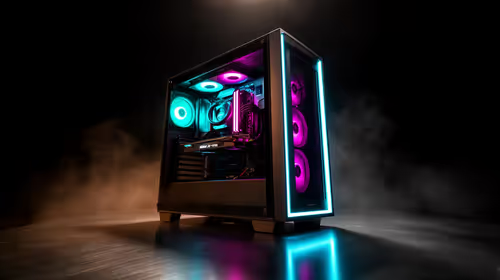
Choosing the right components is key, but for maximum performance, choice, and value in South Africa, a purpose-built PC is unbeatable. Explore our massive range of custom PC deals and find the perfect machine to conquer your timeline.