


RTX 4060 Ti Throttling Under Load: SA Temperature Guide
RTX 4060 Ti Throttling Under Load: Temperature. Everything you need to know with SA pricing, step-by-step instructions & expert recommendations.
Read moreA head-to-head look at PCIe 5.0: real-world performance, ZAR pricing and which option delivers better value for SA builders. The clear answer — no fluff.
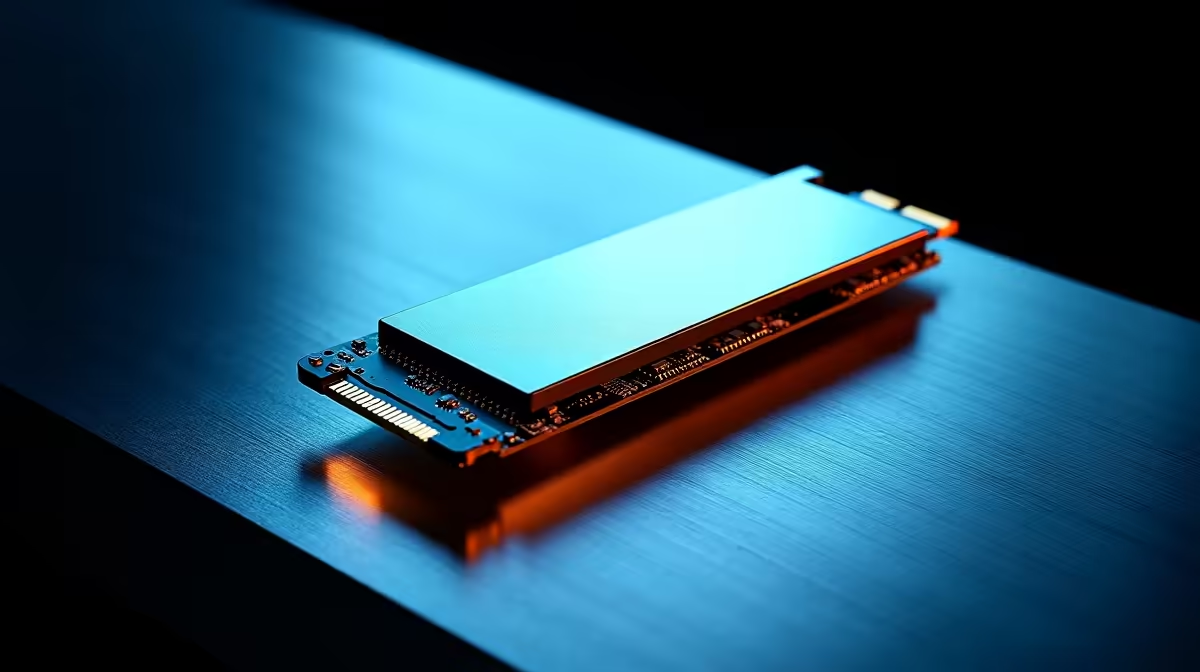
Load screens are the enemy of every South African gamer and content creator. When you are dropping thousands of ZAR on a new rig, waiting for textures to pop in is unacceptable. But do you actually need the bleeding-edge speeds of the newest drives? Let us settle the PCIe 5.0 vs PCIe 4.0 storage debate so you can spend your budget where it counts.
Let us look at the raw numbers. A top-tier PCIe 4.0 NVMe SSD peaks around 7,500 MB/s. That is incredibly fast. However, PCIe 5.0 storage doubles that theoretical bandwidth. We are talking staggering read speeds of up to 14,000 MB/s.
If you are building a system from our best gaming PC deals, you might wonder about real-world performance. Does that extra speed translate to better frame rates? The short answer is no. Raw transfer speed rarely dictates your in-game FPS.
For pure gaming, a solid Gen 4 drive is more than enough right now. Even with modern technologies like Microsoft DirectStorage entering the chat. Current titles simply cannot fully saturate Gen 4 bandwidth. Game engines still rely heavily on your graphics card and processor to decompress assets.
Your massive open-world games will load in seconds either way. You will not notice a difference between three seconds and two seconds. If you are shopping for high-performance laptops for sale in South Africa, you will notice a trend. Gen 4 remains the absolute sweet spot. It balances portable gaming power with manageable battery efficiency. Gen 5 drives draw more power and generate more heat. This makes them less than ideal for slim mobile setups.
This is where the narrative shifts dramatically. If you edit 8K RED RAW footage, your needs are different. The same applies to compiling massive 3D renders. In the professional world, time is literally money. Moving terabytes of data daily makes PCIe 5.0 storage incredibly appealing.
Cutting your file transfer times in half is a massive win. It means more time creating and less time staring at a progress bar. Professional video editors will notice a smoother timeline playback. Scrubbing through high-bitrate footage becomes completely seamless. When you need to export a massive project, the write speeds will blow you away. You can finally optimise your workflow without hardware bottlenecks holding you back.
PCIe 5.0 drives run extremely hot under heavy loads. If you are upgrading your motherboard to support Gen 5 storage, ensure you have a beefy M.2 heatsink installed. This prevents severe thermal throttling during massive file transfers.
Upgrading to Gen 5 requires a compatible modern motherboard. You need an Intel 13th Gen or AMD Ryzen 7000 series platform at minimum. This adds to the overall build cost. For most local buyers, Gen 4 offers the absolute best value per gigabyte.
You can easily grab incredible high-capacity drives on our daily tech specials without breaking the bank. Only invest in Gen 5 if your daily workflow demands absolute maximum throughput. For everyone else, a high-quality Gen 4 NVMe SSD will keep your system feeling lightning-fast for years to come.
Ready to Find Your Perfect Match? The storage speed debate is complex, but for maximum power, choice, and value in South Africa, Evetech is hard to beat. Explore our massive range of SSD specials and find the perfect drive to conquer your world.
PCIe 5.0 is available at Evetech.co.za with local SA warranty, Rand pricing and nationwide delivery. Stock and pricing is updated in real time on the product page.
It depends on your workload and budget. We break down the key performance differences, SA pricing gap and the scenarios where each one is the smarter buy.
Real-world gaming performance varies by title and settings. The article covers head-to-head FPS benchmarks and the resolutions where the gap actually shows up.
We compare current Rand pricing from trusted SA retailers and show which option delivers more performance per Rand for your build tier.
Each option has clear wins and compromises covered in the article — from power draw and thermals to platform cost, upgrade path and feature set.
RTX 4060 Ti Throttling Under Load: Temperature. Everything you need to know with SA pricing, step-by-step instructions & expert recommendations.
Read more
Apex Legends Max Settings on RTX 4080. Tested & verified settings for best FPS and visual quality on SA hardware budgets.
Read more
GPU Buying Guide. Everything you need to know with SA pricing, step-by-step instructions & expert recommendations.
Read more
GPU Terms Guide. Everything you need to know with SA pricing, step-by-step instructions & expert recommendations.
Read more
AMD Adrenalin Download & Setup Guide: GPU. Clear setup instructions with SA-specific considerations, troubleshooting tips & recommended components.
Read more
Back-to-School GPU Buying Guide. Everything you need to know with SA pricing, step-by-step instructions & expert recommendations.
Read more
Snapdragon X2 NPU Explained: How 80 TOPS Changes. Plain-English explanation of what it means, why it matters & how it affects your buying decisions in SA.

HBM? High Bandwidth Memory Used in GPUs and AI. Plain-English explanation of what it means, why it matters & how it affects your buying decisions in SA.

How much should you spend on sim racing accessories in South Africa for a realistic setup? We break down budgets by quality tiers, so you buy smart gear and avoid overspending 🎮💸

G-Sync and FreeSync? Variable Refresh Rate. Plain-English explanation of what it means, why it matters & how it affects your buying decisions in SA.

AMD Laptop: Value. SA-focused analysis with local pricing data, real-world insights & actionable buying advice.

How MacBook Neo Handles 30+ Chrome Tabs with Only. SA-focused analysis with local pricing data, real-world insights & actionable buying advice.

Why Apple Put 8GB RAM in MacBook Neo: The A18 Pro. SA-focused analysis with local pricing data, real-world insights & actionable buying advice.

Upgrade your work laptop with a New Motherboard. Step-by-step instructions with SA-specific tips, common pitfalls to avoid & expert recommendations.

Maintain wired headset — Checklist: • inspect cables • clean earpads • store properly 🔧🎧 Practical steps to preserve sound quality and avoid premature replacements.

Fix crackling headset fast: step-by-step checks for cables, connectors, drivers, and settings to remove static or distorted audio on wired headsets 🎧⚙️

Stereo vs mono headsets: learn which delivers clearer calls, better spatial music, or simpler mono voice performance — pick the right headset for meetings, music, or gaming 🎧💬

- Compare gaming headset vs studio headphones; - Assess comfort, mic and sound; - Recommend best daily picks. Gaming headset vs studio headphones: learn which suits work, music and casual gaming. 🎧⚖️