You’re staring at a critical report, scrolling through a 50-page PDF, and it happens… a jagged, horizontal line tears across the screen, making your eyes twitch. This frustrating PDF scroll tear is a productivity killer in offices across South Africa. It’s not just you, and thankfully, it’s often fixable. Before you blame your PC, let’s explore a few simple solutions to get your documents scrolling smoothly again and deliver the perfect PDF scroll tear fix for your office monitor.
What Causes That Annoying PDF Scroll Tearing?
At its core, screen tearing—whether in a game or a PDF—is a synchronisation problem. It happens when your computer's graphics card sends new frames to your monitor faster or slower than the monitor can display them. Your screen tries to show parts of two different frames at once, creating that ugly "tear." While famous for ruining a good gaming session, this issue can easily plague dense documents on standard PC monitors, especially older 60Hz models.
Your First Line of Defence: Software & Driver Fixes 🔧
Before thinking about a hardware upgrade, let's try some free and easy software-based solutions. A proper PDF scroll tear fix often lies in a simple settings tweak.
Check Your PDF Reader Settings
Most modern PDF readers, like Adobe Acrobat, use hardware acceleration to offload rendering to your GPU for smoother performance. Sometimes, this setting can cause conflicts.
- Open your PDF reader's settings (usually under 'Edit' > 'Preferences').
- Find the 'Page Display' or 'Rendering' section.
- Try toggling options like "Smooth line art" and "Smooth images."
- If the problem persists, look for a "Use hardware acceleration" option and try turning it off to see if it resolves the tearing.
Update Your Graphics Drivers
Outdated graphics drivers are a common cause of display glitches. Both NVIDIA and AMD frequently release updates that fix bugs and improve performance not just for games, but for desktop applications too. Head to your GPU manufacturer's website and grab the latest stable driver for your model. A quick update can often work wonders.
Isolate the Problem
Try opening the same PDF in a different application, like your web browser (Chrome, Edge, or Firefox). If the document scrolls perfectly in the browser but tears in your dedicated PDF reader, you know the issue lies with the reader's software settings, not your monitor.
When Software Isn't the Problem: Is Your Monitor the Culprit?
If you’ve tried the software fixes and the tearing continues, it might be time to look at your screen itself. An old or basic office monitor might simply not have the technical chops for today's graphically rich environment. A low refresh rate (the number of times your screen updates per second) is often the main suspect. While 60Hz is standard, it can feel sluggish and be prone to tearing with fast-moving content… and yes, that includes rapidly scrolling through a detailed PDF.
Even the best software can’t fix a hardware bottleneck. Upgrading from a standard HD screen to one of the incredibly crisp 4K and 5K monitors available today can also expose weaknesses in an older display's ability to keep up. Sometimes, ensuring you're using a high-quality cable from our range of monitor accessories can help, but more often than not, the display is the final frontier.
The Ultimate PDF Scroll Tear Fix: Upgrading Your View ✨
If you spend your days staring at documents, investing in a better monitor isn't a luxury; it's a productivity and quality-of-life upgrade. Modern displays offer features that eliminate tearing and make work genuinely more pleasant.
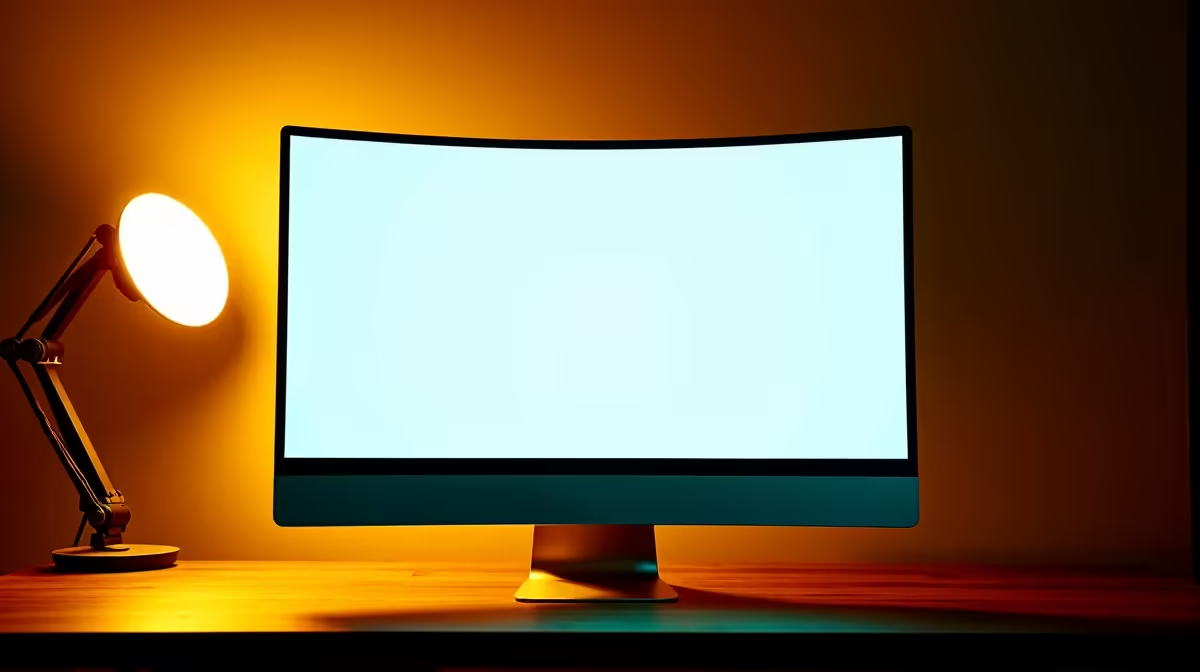
For those long hours crunching numbers or drafting reports, the immersive, wrap-around view of curved monitors can reduce eye strain and keep you focused. And for the ultimate smooth-scrolling experience, consider a secret weapon from the gaming world. High-refresh-rate gaming monitors aren't just for play; their 120Hz+ refresh rates make every scroll, drag, and window movement feel incredibly fluid and completely tear-free. 🖥️
With the rise of hybrid work in SA, a second screen is essential. Lightweight and easy to connect, portable monitors give you dual-screen productivity whether you're at the office or working from home during load-shedding.
Ready for a Flawless Workspace?
Stop letting screen tear interrupt your workflow and give your eyes the smooth, crisp display they deserve. Check out the best PC monitor deals in South Africa for performance that leaves frustration in the dust.