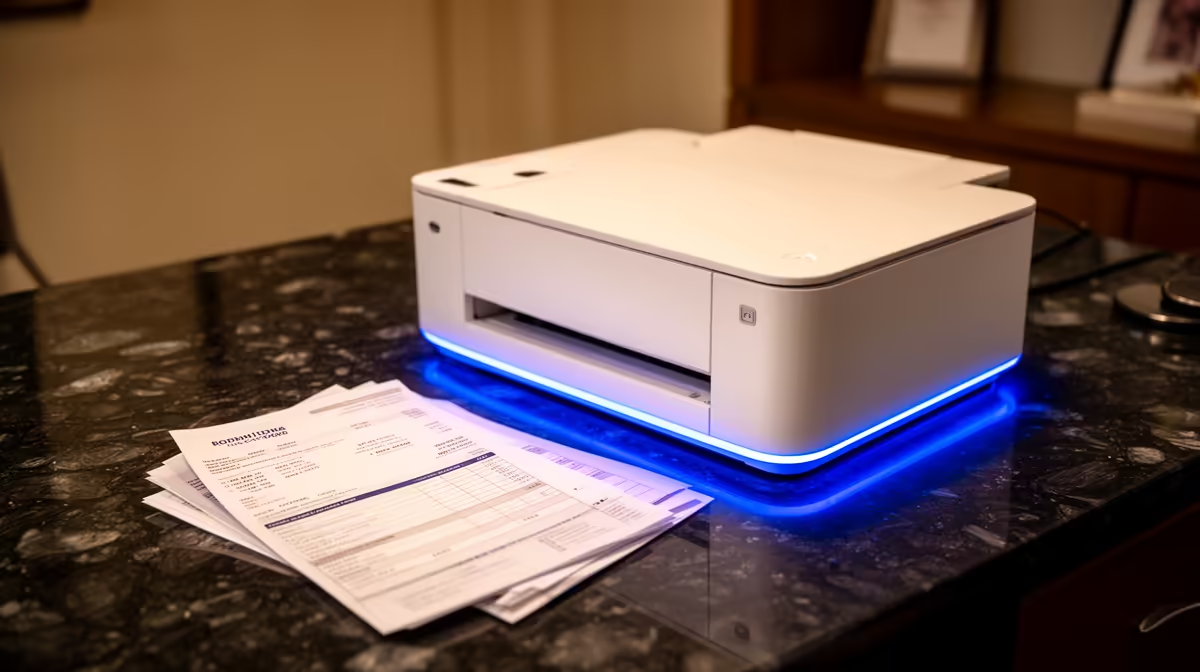
A photo printer is unnecessary for running Microsoft 365. It is worthwhile only when the same household or business regularly produces photographs that justify specialised media, ink and colour handling. Documents, spreadsheets and email do not gain from photo-oriented printing features.
Keep document and image needs separate
Count monthly office pages, scans and duplex jobs, then count photographs by size and quality expectation. Price consumables, paper, cleaning cycles and failed prints against a local photo service. Test whether Microsoft 365 documents require any personal printer at all.
No photo printer, ink or paper carries verified pricing in the product facts. The ASUS ExpertBook P1503 with Windows 11 Pro at R9,858 is a confirmed laptop reference, not printing equipment. The Dell S2725QC 4K USB-C monitor at R6,128 is a separate display option without proving colour accuracy. Verify current driver support, media sizes, page yield, ink availability, colour workflow, service and warranty.
Protect business documents and photo originals in independent versioned backups. Print confidential pages only through authorised queues and collect them immediately. Use known test images before buying bulk media, and expect screen-to-print differences without managed colour.
Buy the photo machine only when repeat image volume and creative control justify running costs. For office documents plus occasional photos, separate general printing and specialist service routes may be more economical.
Equipping an office and photo workflow? > Compare Evetech laptops and displays while validating printing costs independently.