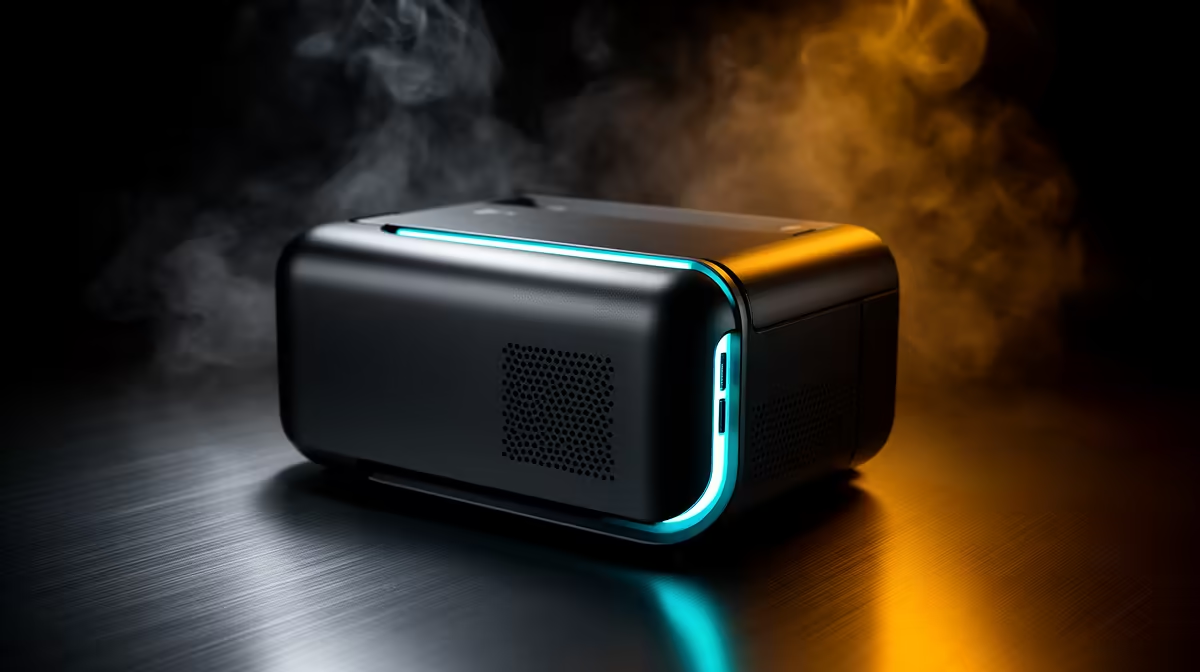
A photo printer suits a casual gamer who also prints screenshots, event photos, artwork or family images often enough to use the ink and paper. Gaming alone gives no reason to own one. Occasional prints may cost less and require less maintenance through a print service.
Define the physical output first
The verified facts do not contain a confirmed photo-printer model or price. Check current Evetech availability for paper sizes, borderless support, ink system, cartridge or tank yield, connection options, operating-system drivers and warranty. Confirm replacement ink and suitable paper before buying the hardware.
Choose three images and decide their dimensions, quantity and finish. Price those jobs through a local service, then estimate home output with consumables included. Home printing gains value when privacy, quick iteration or frequent small batches matter. A device that sits idle still occupies desk space and may need maintenance.
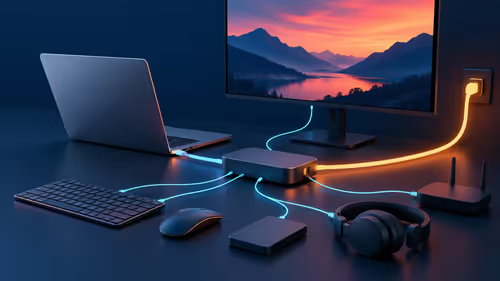
Print a known test image with skin tones, dark detail and neutral grey. Use the correct paper setting and inspect it under normal room light. Keep the printer away from the gaming PC exhaust and protect cables from chair movement. Buy it for a repeated photography or art habit, with the game desk providing the computer connection rather than the purchase reason during regular household use.
Adding photo printing to a home desk? > Check Evetech for current printers and connectivity options.