Quick Answer
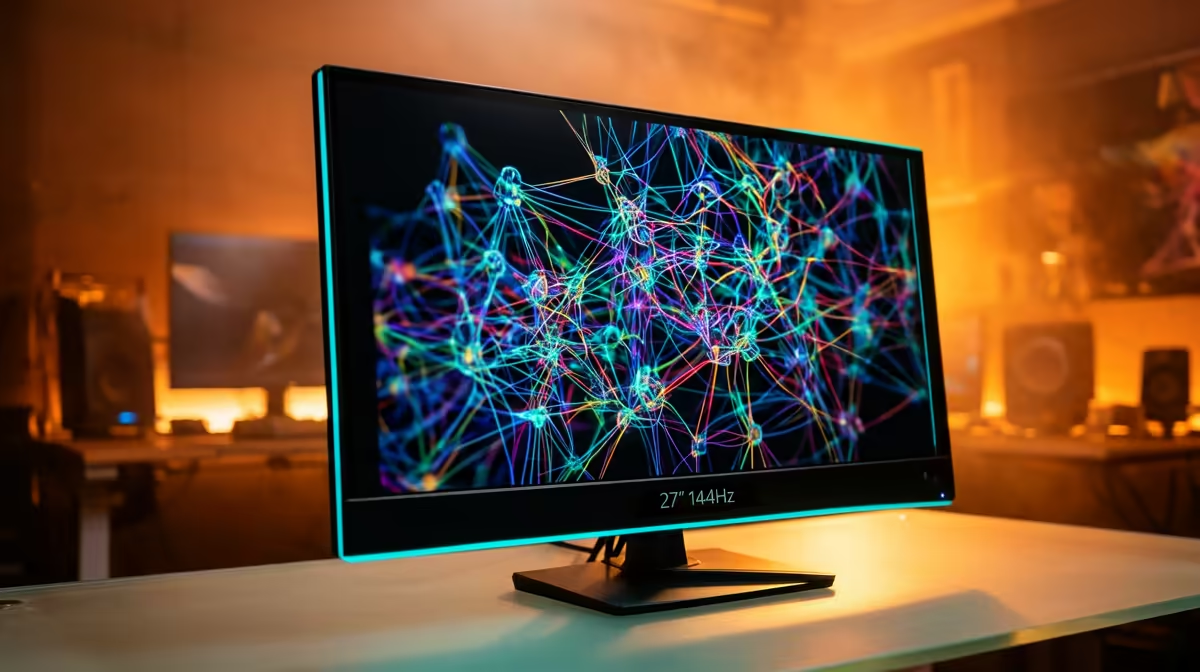
Running local LLMs is a GPU-and-VRAM task, not a monitor one; on R20,000 spend on a 16GB+ GPU and pair it with a basic 27-inch 1440p IPS, not a 240Hz screen. A 27-inch 1440p IPS with 1440p at 100Hz, stocked locally from around R5,500, is the practical pick.
What matters for running local LLMs
For running local LLMs, panel type and resolution beat raw refresh rate. An IPS panel gives accurate colour and wide viewing angles, while 1440p at 100Hz covers the actual workload. A 240Hz spec only earns its premium in fast competitive gaming, so spending there for running local LLMs wastes money better put into size, resolution or colour coverage.
Recommended specs and sizing
Target a 27-inch 1440p IPS with at least 1440p at 100Hz. For desk distances under 80cm, 27 inches at 1440p hits the ideal pixel density without scaling headaches. Check the stand offers height and tilt adjustment, since ergonomics affect long sessions more than the panel's headline number.
SA buying notes
Quality 1440p IPS monitors are stocked locally from around R5,500, with 4K options from roughly R9,000. Look for a 3-year warranty and a zero-bright-dot policy where available. Check the input mix: a USB-C port that delivers power simplifies a single-cable laptop setup, which is common for SA students and hybrid workers.
FAQ
Do I need a 240Hz monitor for running local LLMs?
No, 240Hz is overkill for running local LLMs; a 60-144Hz IPS panel handles it well while spending the saved budget on resolution or colour. Save 240Hz for fast competitive gaming where every frame counts. The right panel here prioritises 1440p at 100Hz.
What size monitor is best for running local LLMs?
A 27-inch 1440p panel is the versatile sweet spot for running local LLMs at a normal desk distance, balancing sharpness and screen space. Step up to 32 inches and 4K if you need more canvas for detailed work. Below 24 inches, 1440p text gets cramped.
How much should I spend on a monitor in SA for running local LLMs?
Around R5,500-R7,500 buys a strong 27-inch 1440p IPS suitable for running local LLMs, with 4K options from about R9,000. Spending beyond that only pays off if you need wider colour gamut or a larger panel. Match the spend to the task, not the marketing.
monitor's sRGB or low-blue-light preset out of the box, since factory 'vivid' modes oversaturate colour and tire your eyes. For running local LLMs, a calibrated 27-inch 1440p IPS at 1440p at 100Hz is the dependable choice.