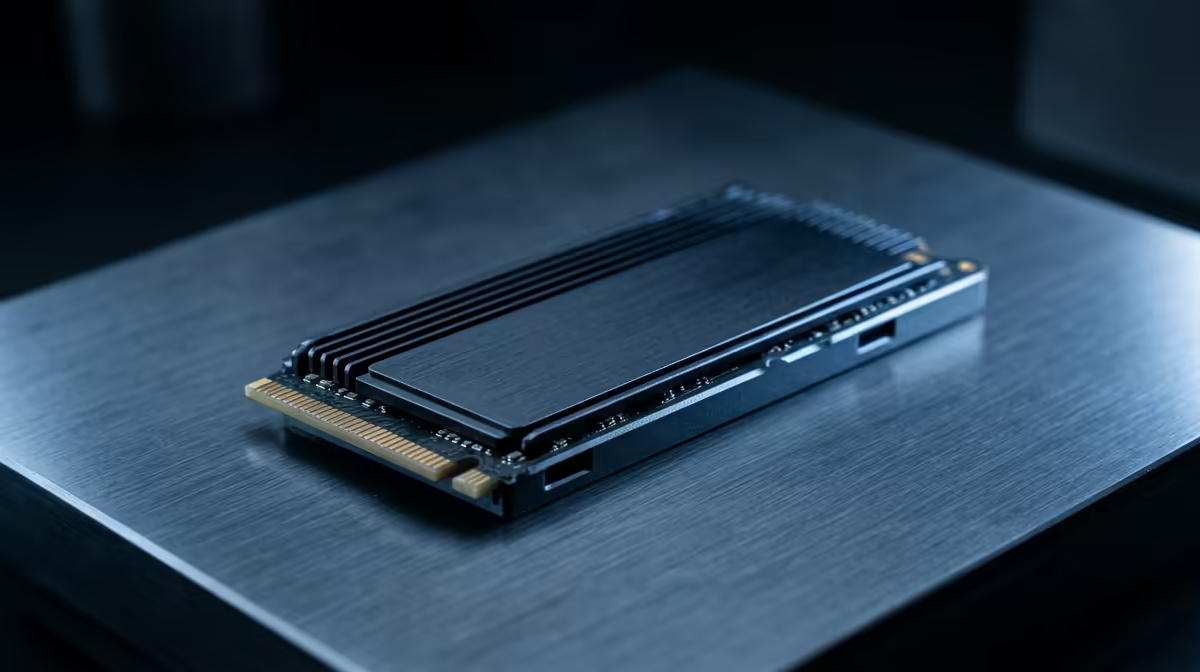
Picking the right SSD is less about chasing the biggest sequential number and more about matching interface, capacity, and endurance to how you actually use the drive.
Quick Answer
Match your SSD to its job. A PCIe 4.0 NVMe drive is the sweet spot for a gaming boot and library disk; a SATA SSD suffices for cheap bulk storage. In SA, expect roughly R900 for a 1TB SATA drive and R1,500 to R2,800 for fast 1TB to 2TB Gen4 NVMe.
Steps To The Right Drive
First confirm the interface your board supports. A Gen4 NVMe slot unlocks higher speeds, while older boards cap at Gen3 or SATA. Second, size for your use; a 1TB drive fills quickly with modern games, so 2TB is the practical default for a main gaming disk.
Third, weigh real-world performance over marketing peaks. Random read and sustained write speeds, plus DRAM presence on heavier workloads, affect daily feel more than headline sequential numbers.
Capacity And Endurance Planning
Games now routinely run 80GB to 150GB each, so a 2TB drive holds a sensible library without constant juggling. For a system that writes heavily, check the drive's TBW endurance rating. For a typical gaming PC, mainstream Gen4 endurance is more than sufficient. In SA, a 1TB Gen4 NVMe sits around R1,500 and a 2TB model near R2,800, so stepping up a tier rarely doubles the cost.
FAQ
Do I need a Gen5 SSD for gaming?
Not yet. Gen4 NVMe already exceeds what current games load. Gen5 costs more and runs hotter for benefits most gamers will not notice.
Is a DRAM-less SSD a bad choice?
For light gaming use, modern DRAM-less drives are fine. For heavy sustained writes or as a work drive, a DRAM-equipped model holds speed better.
What capacity should a main gaming drive be?
2TB is the practical sweet spot, comfortably holding several large modern titles without frequent uninstalling.
Check your slot type and target 2TB Gen4 NVMe for a main disk, then add a cheap SATA drive for bulk storage if needed.